1U cable management tray installation (underneath)
This section describes how to install the 1U cable management tray.
Racks and rails
You can secure the 1U cable tray to DellEMC and non-DellEMC racks that use a sliding rail system.
The rail kits are included in the cable tray packaging and are compatible with racks with the following types of holes:
● 3/8 inch square holes
● 9/32 inch round holes
● 10-32, 12-24, M5X.8, or M6X1 pre-threaded holes
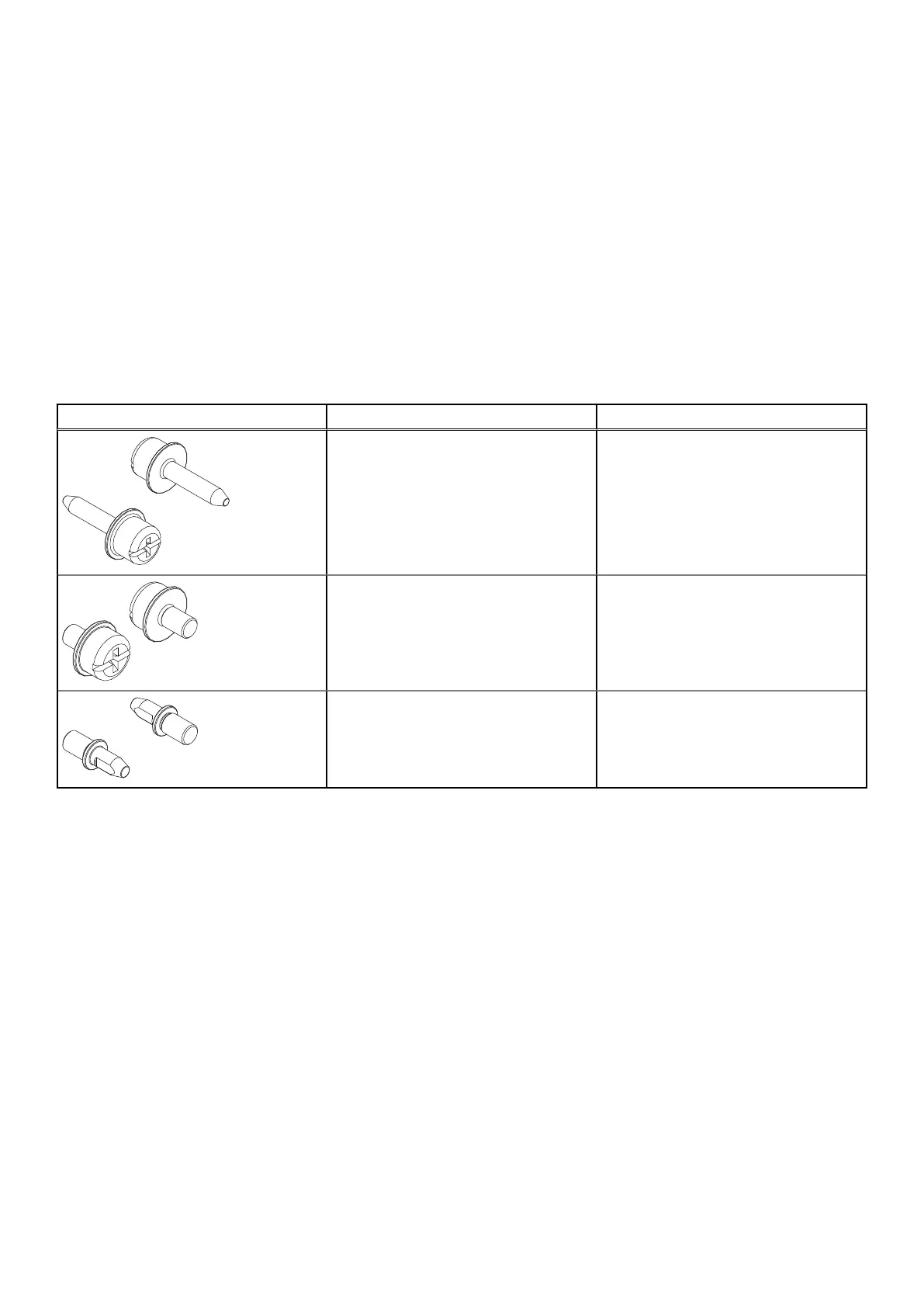
The following table shows the hardware and the recommended rack types:
Table 7. Hardware and the recommended rack types
Hardware from kit Part Number and Description Recommended Rack Type
036-034-012 - Custom Male-Female
8-32 x .75 screw
Always used to secure rails, regardless of
Rack Type
036-034-003 - Custom square hole pin These replace the adaptors that come
pre-installed in the rails. Used in racks
that have .375" square hole mounting
rails.
036-034-004 - Custom threaded hole
pin
These replace the adaptors that come
pre-installed in the rails. Used in racks
that have threaded holes. These go into
the threaded hole for support.
Rail kit mounting brackets adjust in length from 24 inches to 32 inches to accommodate different rack depths.
Installing the 1U cable management tray
The underneath configuration uses the 1U space beneath the shelf. Install the cable management tray before you install the main
chassis.
Prerequisites
● Ensure that you have determined the correct cable lengths, cable loops, and pigtail lengths. Consult the application guide for
the product you are installing to help determine cable lengths.
● Ensure that the blue tab on the shelf rail (directly above where the 1U Cable Management Tray rails will be installed) is
pressed in.
Install the Disk Shelves in the Rack
33















 To Next Page