Install the Disk Shelves in the Rack
Topics:
• Remove filler panels
•
Install a DS600 shelf into the rack
• Install an FS240 shelf into the rack
Remove filler panels
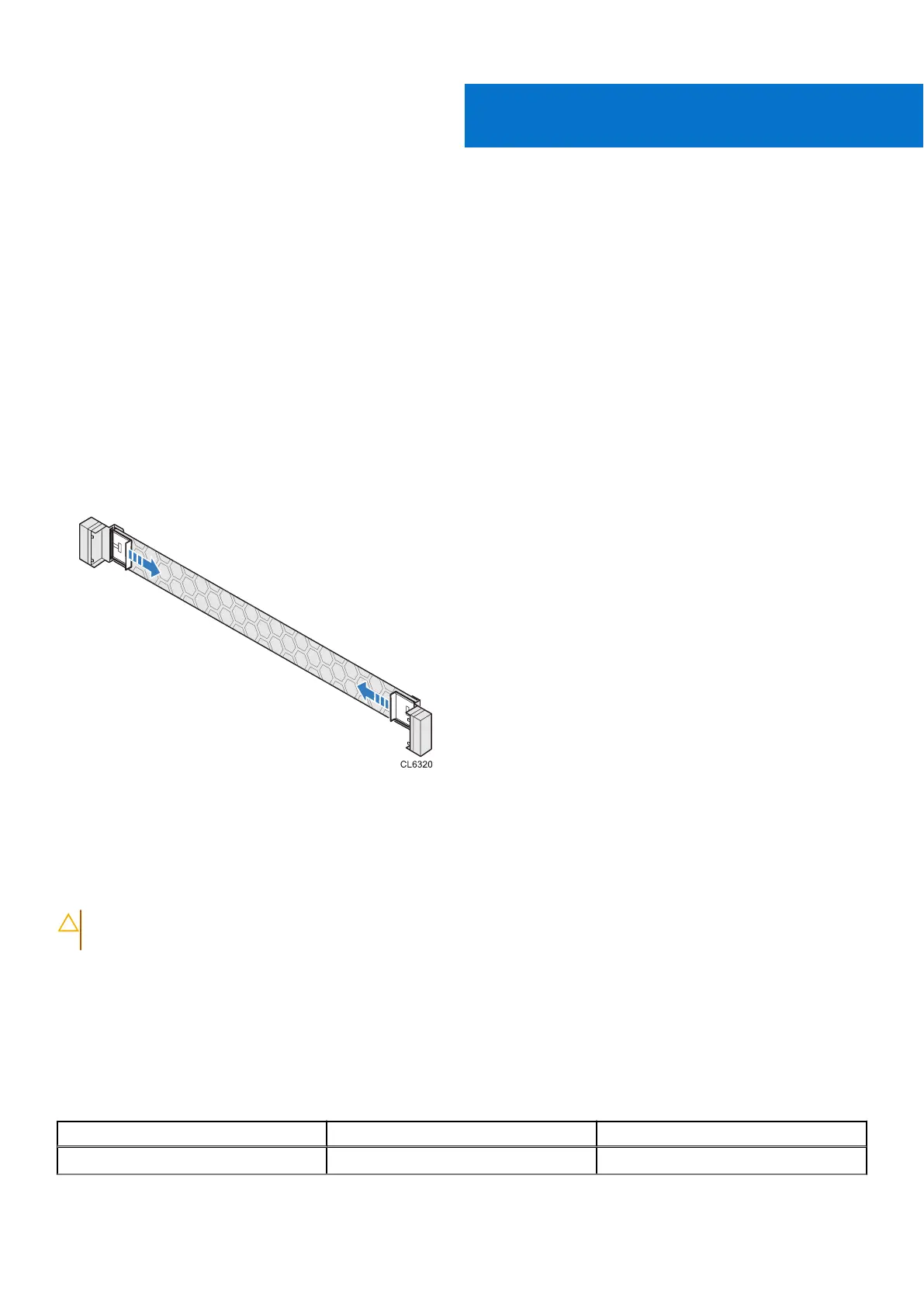
The front space of the rack into which you will install the shelf is usually covered by a filler panel. If one or more filler panels
cover the space where you want to install the shelf, use this procedure to remove each panel.
Steps
1. On the filler panel, slide the left and right securing tabs to the open position (towards the center of the panel).
2. Remove the filler panel from the cabinet.
Install a DS600 shelf into the rack
Complete the following steps to install a DS600 expansion shelf.
CAUTION:
If the top of the shelf is installed above 32U high, a ladder is required to replace disk drives in DS600
shelves.
DS600 rail mounting hardware
Factory-racked systems use only round hole racks, but field-racked systems support installation in round, square, or threaded
hole racks.
The following mounting hardware comes in the rail kit:
Table 5.
Rail kit mounting hardware
Identifier Part Quantity
A M5x15(P0.8) 2
3
24 Install the Disk Shelves in the Rack















 To Next Page