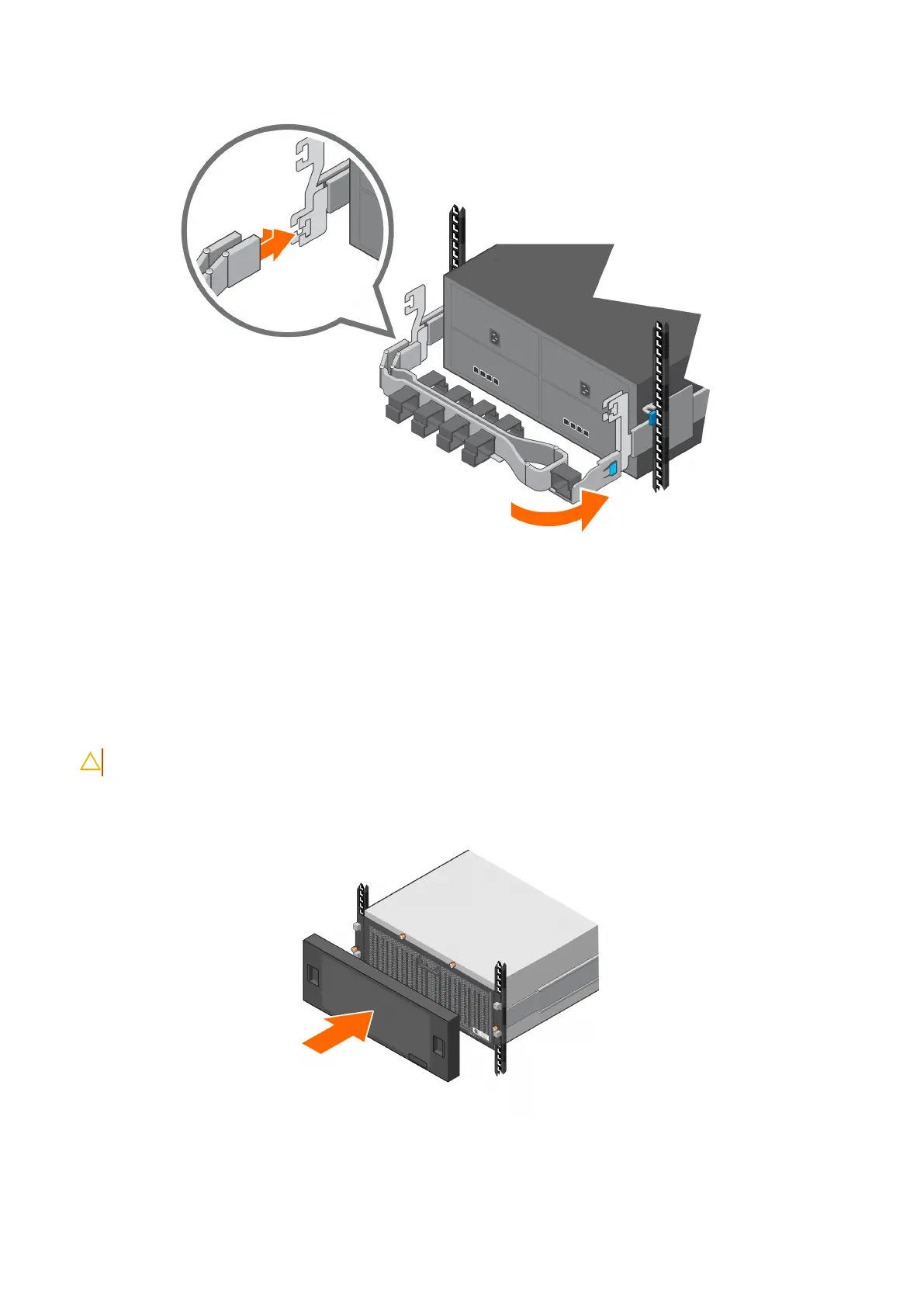
Figure 24. Install the lower CMA (upper CMA not shown)
Install the front bezel (optional)
The enclosure includes an optional bezel that you can attach to the front of the enclosure.
Steps
1. Align the bezel with the enclosure front panel.
CAUTION: Ensure that the bezel clips on each corner align with their respective ball studs on the chassis.
2. Gently push the bezel into place until it latches.
Figure 25. Install the bezel
32
Install the Disk Shelves in the Rack















 To Next Page