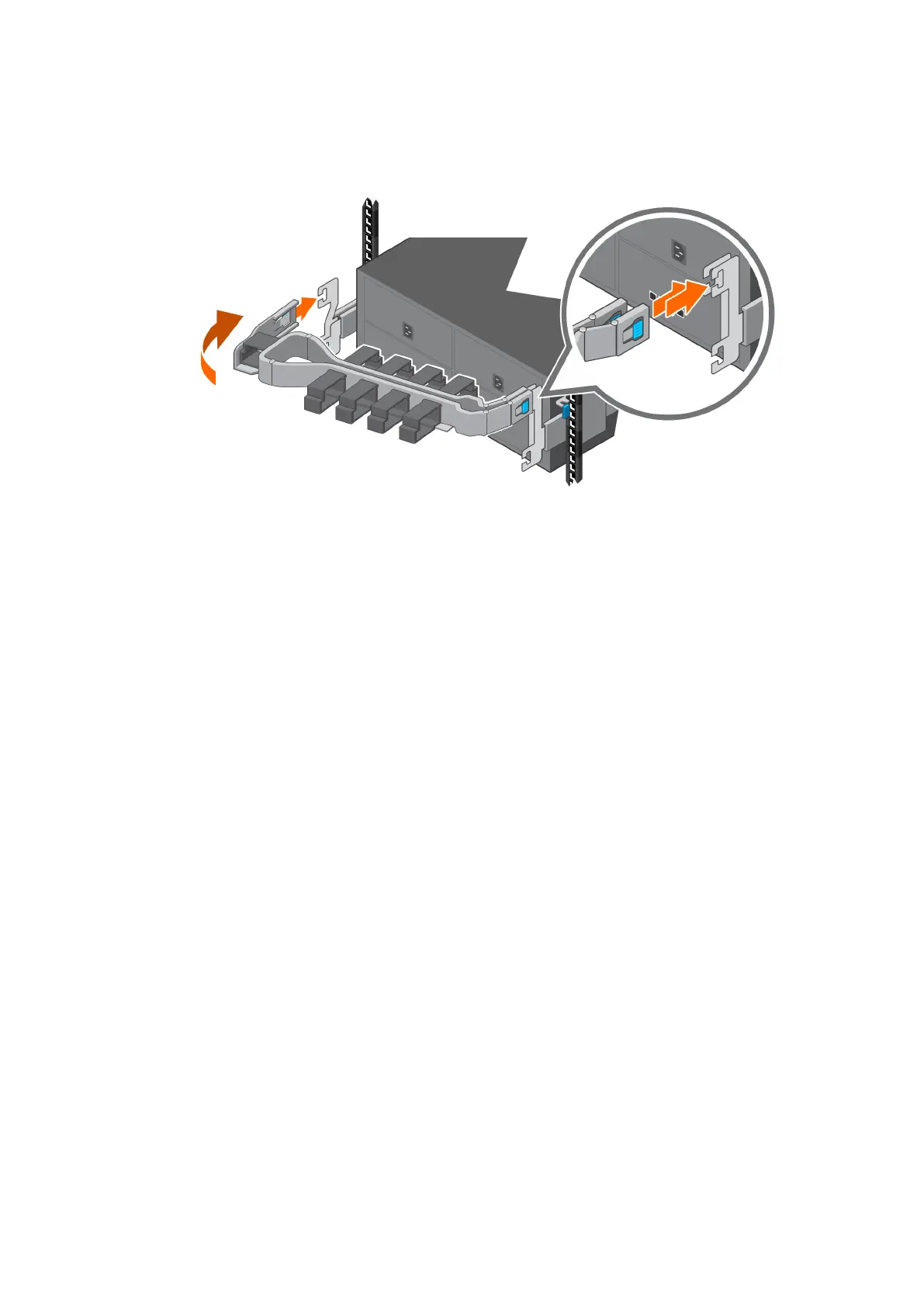
Figure 23. Install the upper CMA
4. Install the lower CMA:
a. On the left side of the rear of the enclosure, align the two connectors on the CMA with the attachment brackets on the
rail.
b. Insert the CMA connectors into the brackets until you hear an audible click.
c. Swing the extension arm and align it with the right rail bracket. Insert the connector on the CMA to the attachment
bracket on the right rail.
Install the Disk Shelves in the Rack
31















 To Next Page