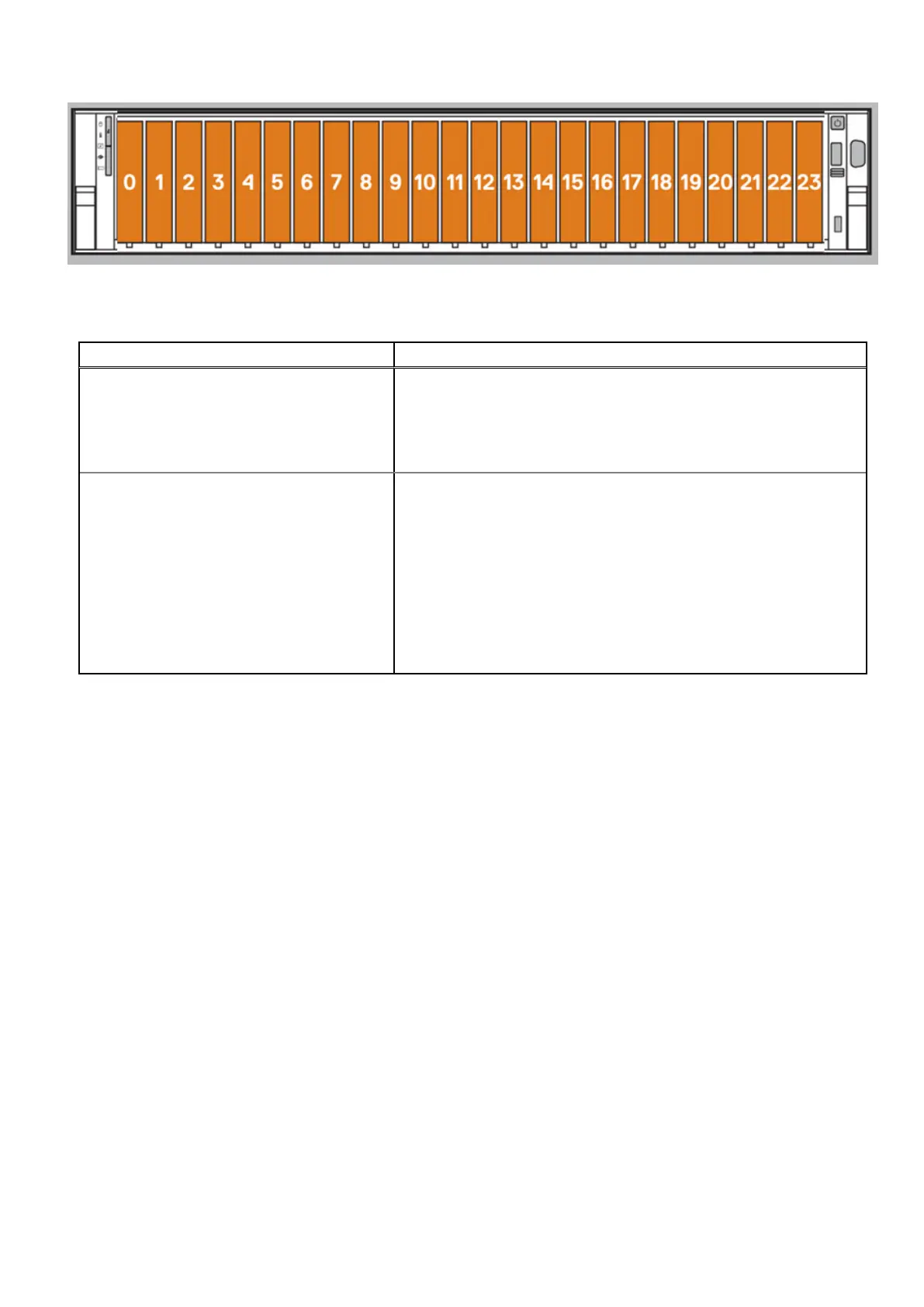
Figure 63. Disk slots
Table 42. Cache disks
System Cache disks
a
DD9410
● 1.20
● 1.21
● 1.22
● 1.23
● 1.24
DD9910
● 1.15
● 1.16
● 1.17
● 1.18
● 1.19
● 1.20
● 1.21
● 1.22
● 1.23
● 1.24
a.
The physical labeling of the disks on the system chassis, and the disk numbering in do not match. The physical labeling
starts with Disk 0, and starts with Disk 1.
2. Press the release button to open the drive carrier release handle.
3. Holding the handle, slide the drive carrier out of the drive slot.
86
Single Node to HA Upgrade















 To Next Page