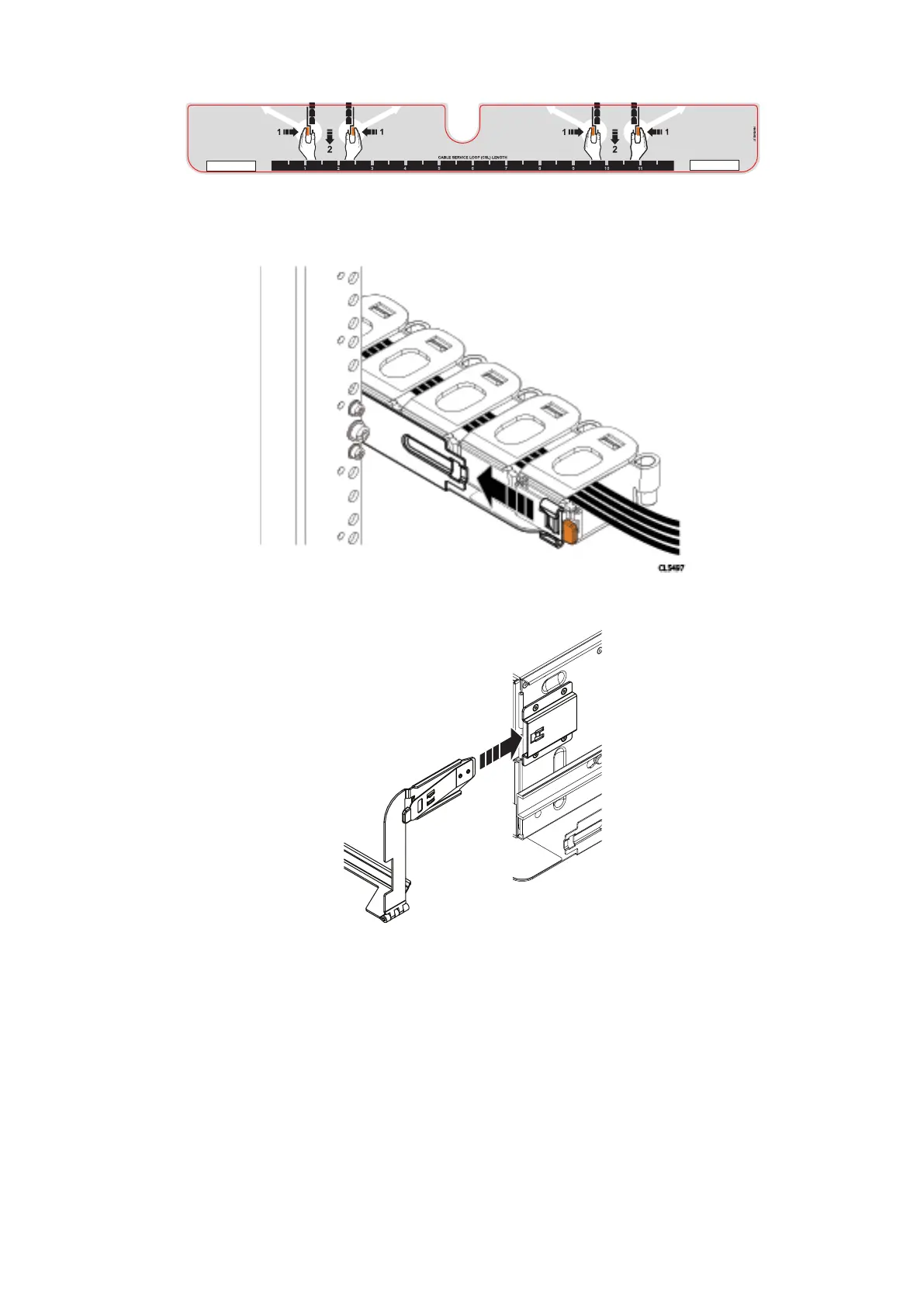
Figure 33. 1-Inch graduation label
6. Align the lids of the cable chains so the lids are facing up and the hinges are all facing each other. Arrange the two cable
chains so that they form a "U" shape.
Figure 34. Attaching cable chains to tray
7. Attach the Cable Chains to the tray, by attaching the clips onto the tabs on the rear of the tray.
Figure 35. Installing the chassis bracket into the shelf
8. Snap the chassis bracket clips into the brackets on the side of the chassis.
Install the Disk Shelves in the Rack
37















 To Next Page