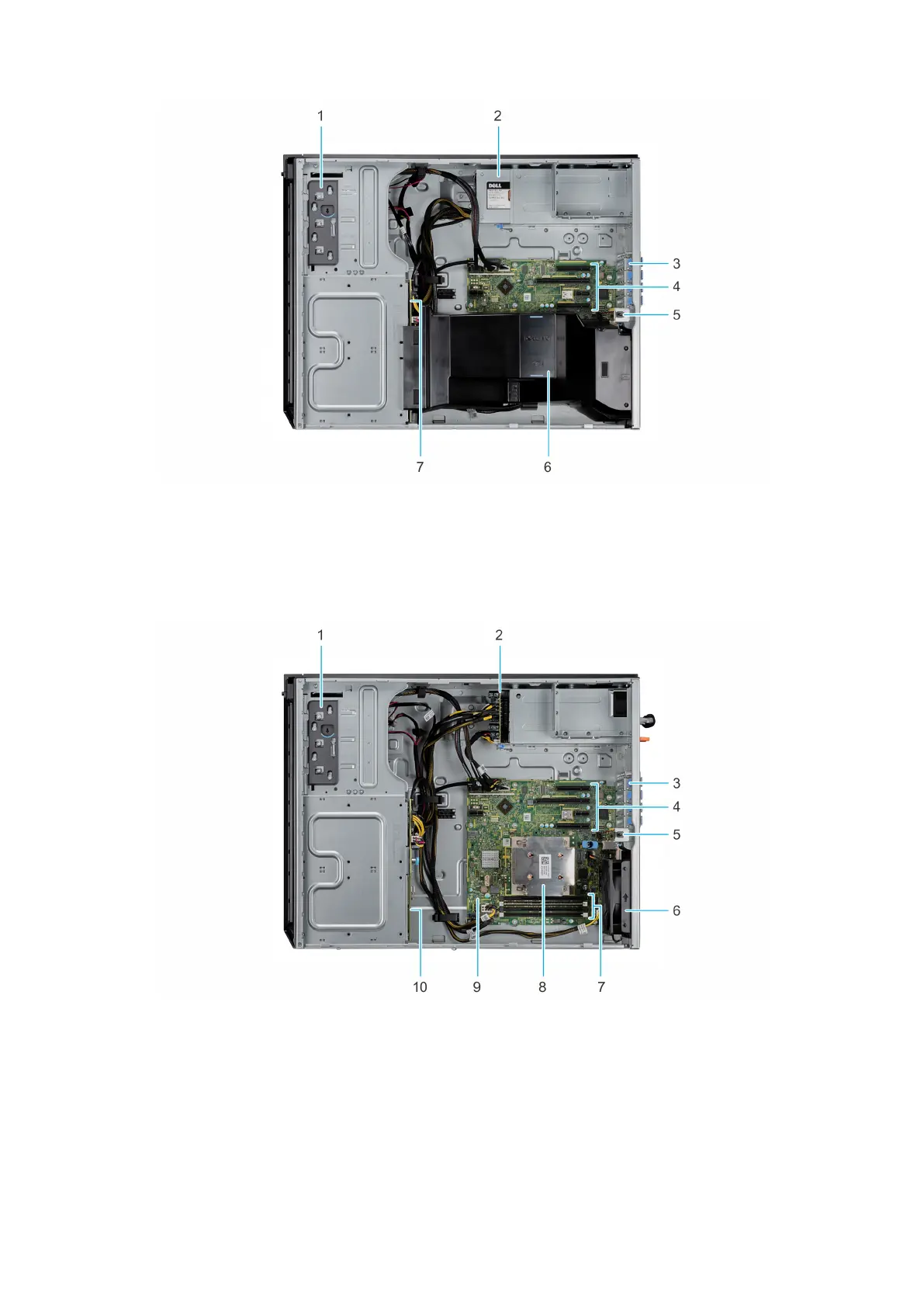
Figure 5. Inside the system with cabled power supply unit (PSU)
1. Optical drive or tape drive 2. Power supply unit (cabled)
3. PCIe Expansion card latch (4) 4. PCIe Expansion card slots (4)
5. Intrusion switch 6. Air shroud
7. Drive backplane
Figure 6. Inside the system with redundant power supply unit (PSU)
1.
Optical drive or tape drive 2. Power interposer board
3. PCIe Expansion card latch (4) 4. PCIe Expansion card slots (4)
5. Intrusion switch 6. Fan
7. Memory module socket (4) 8. Processor and heat sink
9. System board 10. Drive backplane
12 Dell EMC PowerEdge T340 system overview



 To Next Page