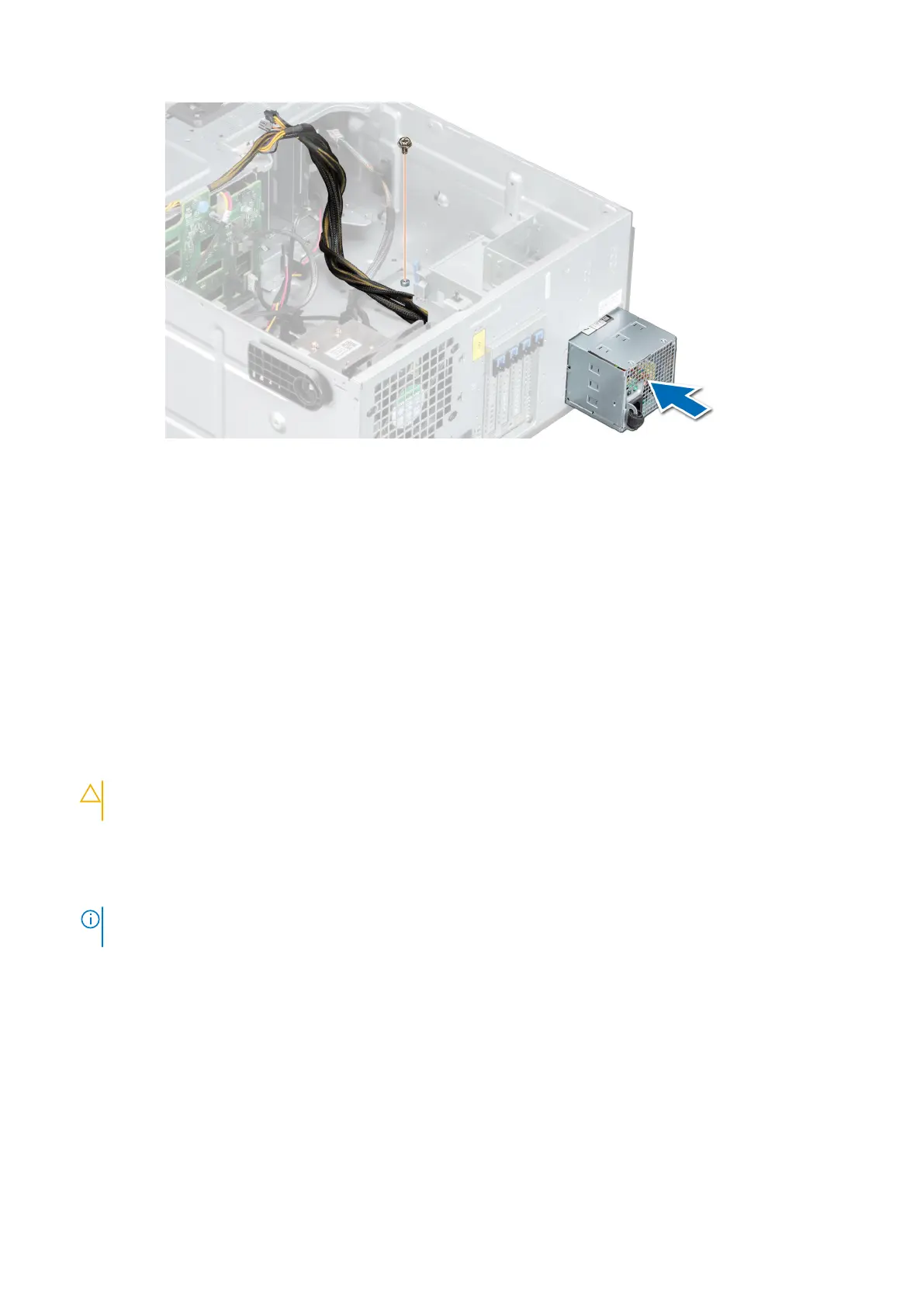
Figure 75. Installing a cabled power supply unit
Next steps
1. Follow the procedure listed in After working inside your system.
Power interposer board
Removing the power interposer board
Prerequisites
1. Follow the safety guidelines listed in Safety instructions.
2. Follow the procedure listed in Before working inside your system.
3. Remove the power supply units (PSUs).
CAUTION:
To prevent damage to the power interposer board, you must remove the power supply units or
PSU blank from the system before removing the power interposer board (PIB).
Steps
1. Disconnect all cables connected from the power interposer board (PIB) to the system board, and remove the cables from
the cable retention brackets.
NOTE:
Observe the routing of the cable as you remove it from the system. Route the cable properly when you replace it
to prevent the cable from being pinched or crimped.
2. Pressing the release latch on the PIB, lift the PIB to release it from the hooks on the PSU cage.
3. Lift the board and slide it out at an angle to disengage the guide pins on the board.
76
Installing and removing system components



 To Next Page