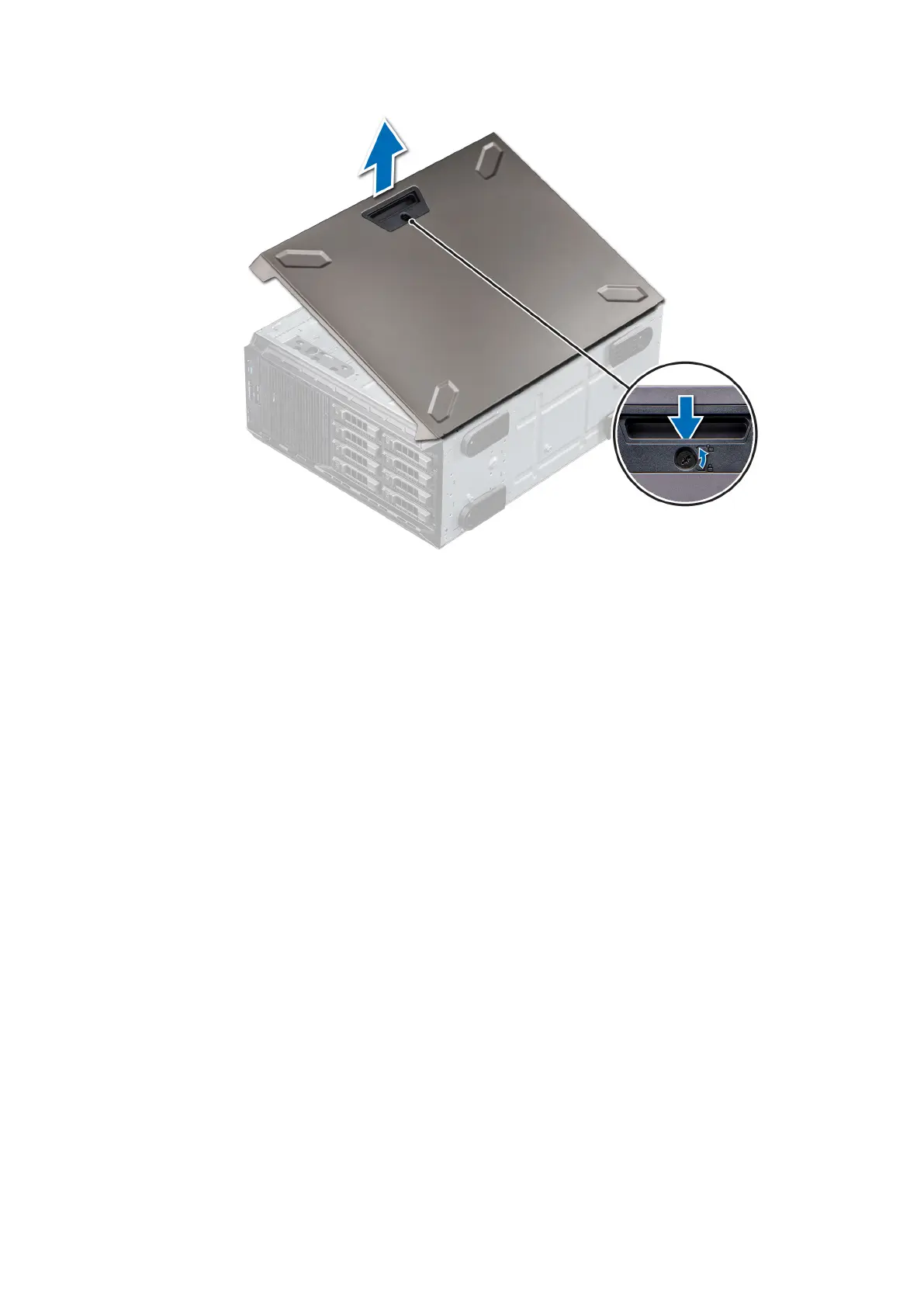
Figure 22. Removing the system cover
Installing the system cover
Prerequisites
1. Follow the safety guidelines listed in Safety instructions.
2. Remove the front bezel.
3. Power off the system and all attached peripherals.
4. Disconnect the system from the electrical outlet and disconnect the peripherals.
5. Ensure that all internal cables are connected and placed out of the way and no tools or extra parts are left inside the system.
Steps
1. Align the tabs on the system cover with the slots on the system.
2. Press the cover release latch, and push the cover toward the system until the latch locks into place.
3. Using a 1/4-inch flat head or a Phillips #2 screwdriver, rotate the cover release latch lock clockwise to the locked position.
Installing and removing system components
27



 To Next Page