System diagnostics and indicator codes
The diagnostic indicators on the system front panel display system status during system startup.
Topics:
• System health and system ID indicator codes
• iDRAC Direct LED indicator codes
• NIC indicator codes
• Non-redundant cabled power supply unit indicator codes
• Power supply unit indicator codes
• Drive indicator codes
• System diagnostics
System health and system ID indicator codes
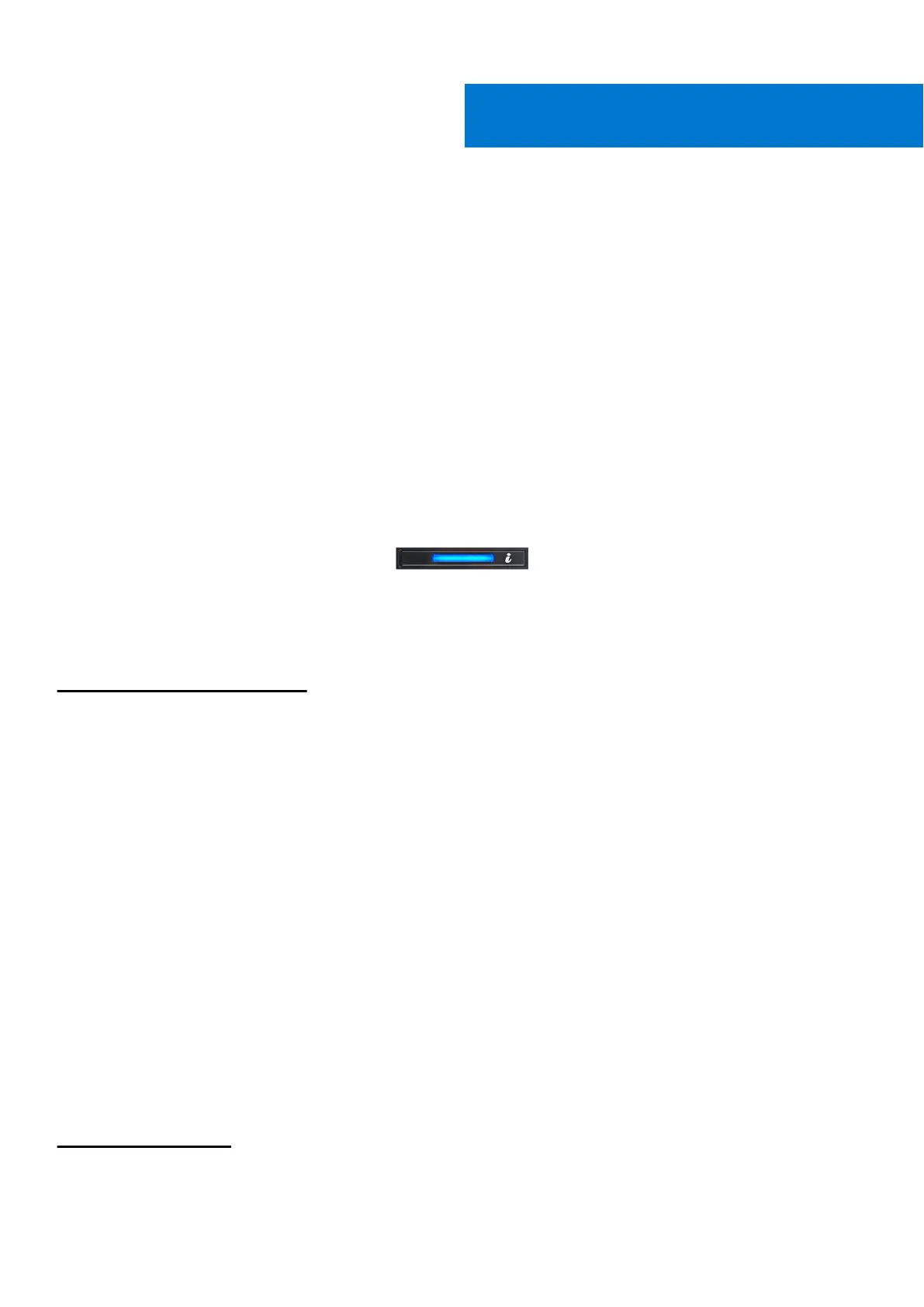
The system health and system ID indicator is located on the front panel of your system.
Figure 87. System health and system ID indicator
Table 9. System health and system ID indicator codes
System health and system ID
indicator code
Condition
Solid blue
Indicates that the system is turned on, system is healthy, and system ID mode is not
active. Press the system health and system ID button to switch to system ID mode.
Blinking blue Indicates that the system ID mode is active. Press the system health and system ID
button to switch to system health mode.
Solid amber Indicates that the system is in fail-safe mode. If the problem persists, see the Getting
help section.
Blinking amber Indicates that the system is experiencing a fault. Check the System Event Log
for specific error messages. For information about the event and error messages
generated by the system firmware and agents that monitor system components, go
to qrl.dell.com > Look Up > Error Code, type the error code, and then click Look it
up.
iDRAC Direct LED indicator codes
The iDRAC Direct LED indicator lights up to indicate that the port is connected and is being used as a part of the iDRAC
subsystem.
You can configure iDRAC Direct by using a USB to micro USB (type AB) cable, which you can connect to your laptop or tablet.
The following table describes iDRAC Direct activity when the iDRAC Direct port is active:
Table 10. iDRAC Direct LED indicator codes
iDRAC Direct LED
indicator code
Condition
Solid green for two
seconds
Indicates that the laptop or tablet is connected.
6
90 System diagnostics and indicator codes



 To Next Page