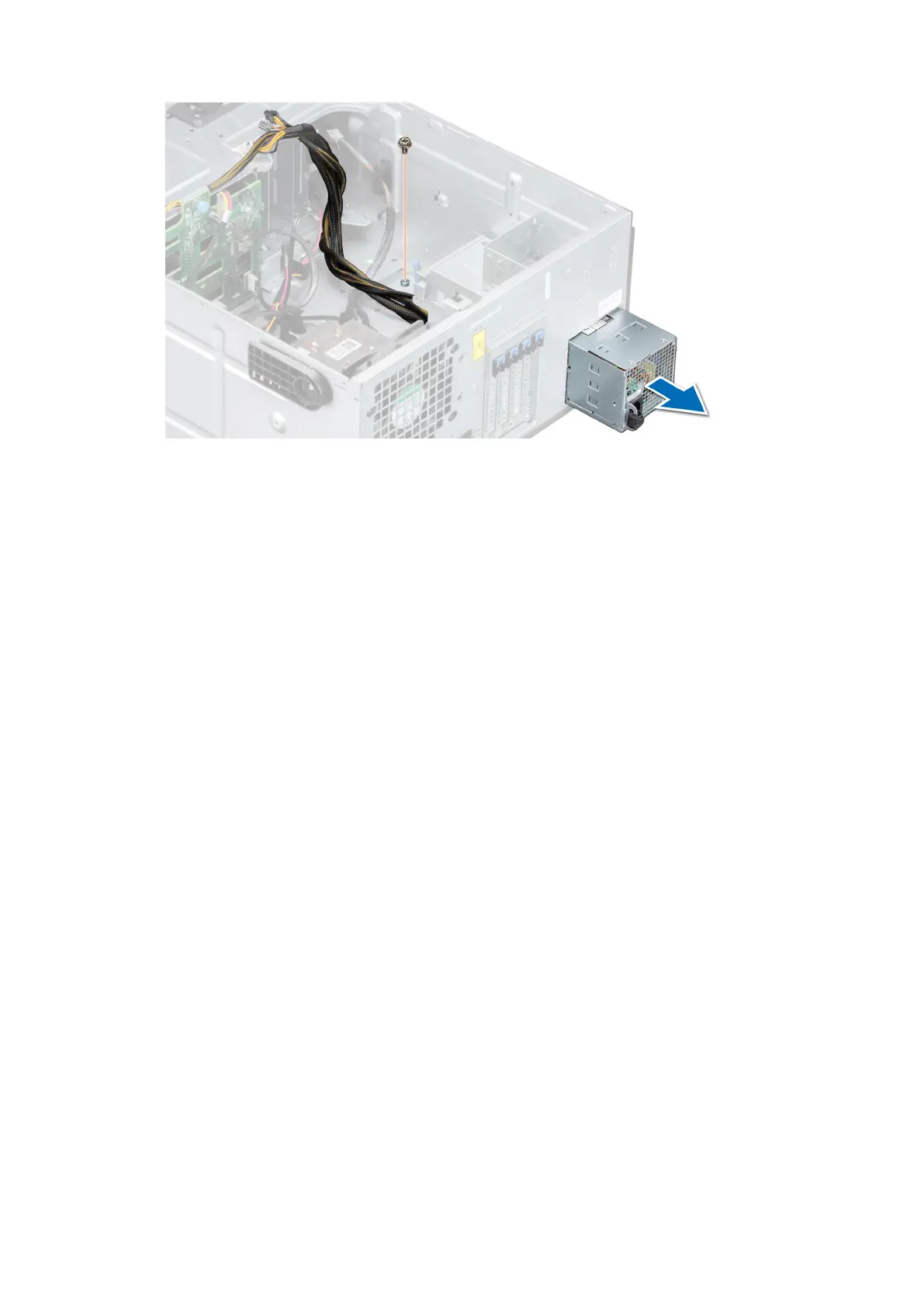
Figure 74. Removing a cabled power supply unit
Next steps
1. Replace a cabled PSU.
Installing a cabled power supply unit
Prerequisites
1. Follow the safety guidelines listed in Safety instructions.
2. Unpack the replacement power supply unit (PSU).
Steps
1. Slide the PSU into the PSU bay in the chassis until the PSU is fully seated.
2. Tighten the screw to secure the PSU to the system.
3. Connect all the power cables from the PSU to the system board and the drive backplane.
Installing and removing system components
75



 To Next Page