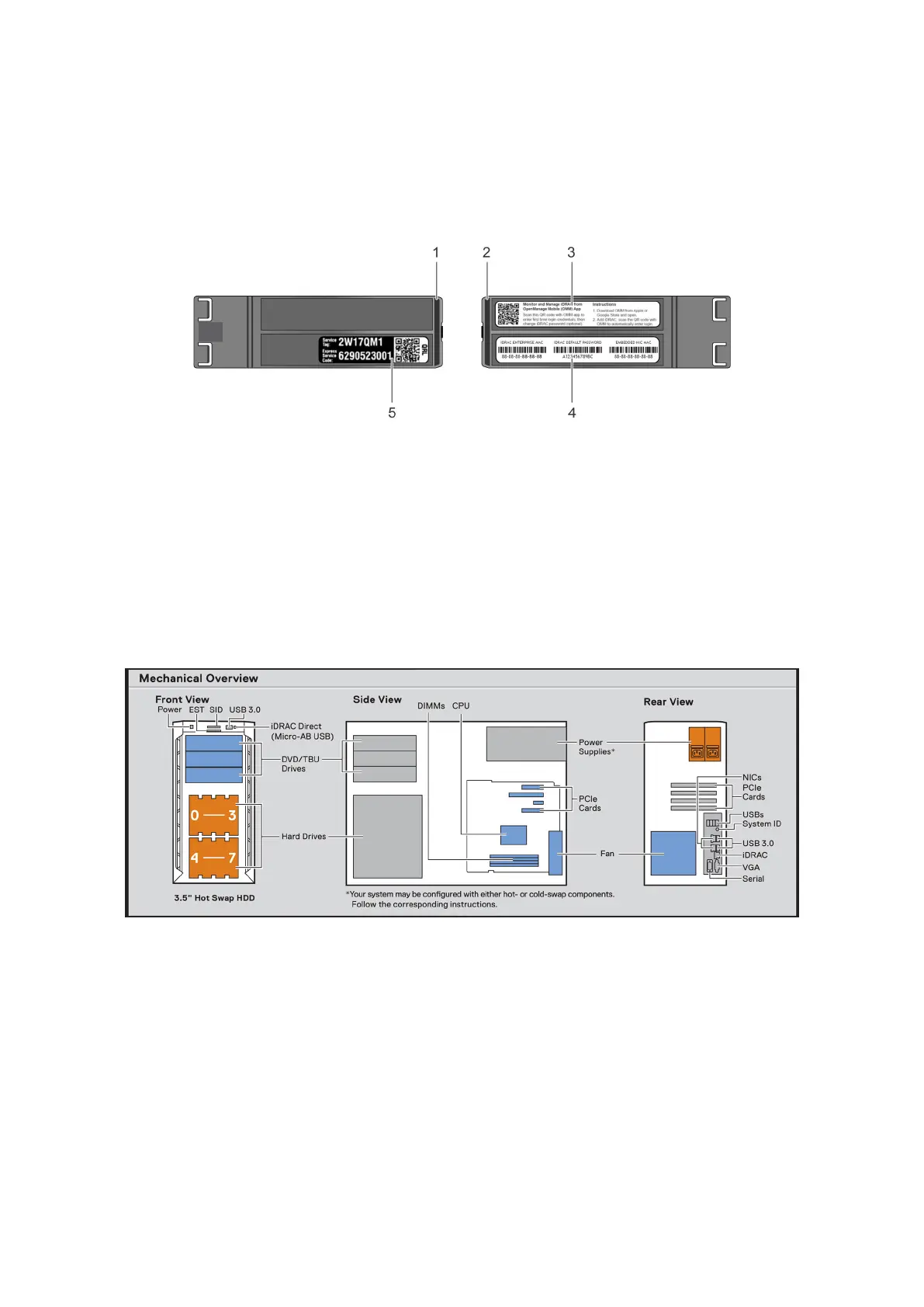
Locating the information tag of your system
Your system is identified by a unique Express Service Code and Service Tag number. You can view the Express Service Code
and Service Tag by pulling out the information tag located on the front of the system. Alternatively, the information may be on
the Mini Enterprise Service Tag (MEST) label on the chassis, on the rear of the system. This information is used by Dell to route
support calls to the appropriate personnel.
Figure 7. Locating Service Tag of your system
1. Information tag (top view) 2. Information tag (back view)
3. OpenManage Mobile (OMM) label 4. iDRAC MAC address and iDRAC secure password label
5. Service Tag, Express Service Code, QRL label
System information label
PowerEdge T340 – System information label
Figure 8. Mechanical overview
Dell EMC PowerEdge T340 system overview
13



 To Next Page