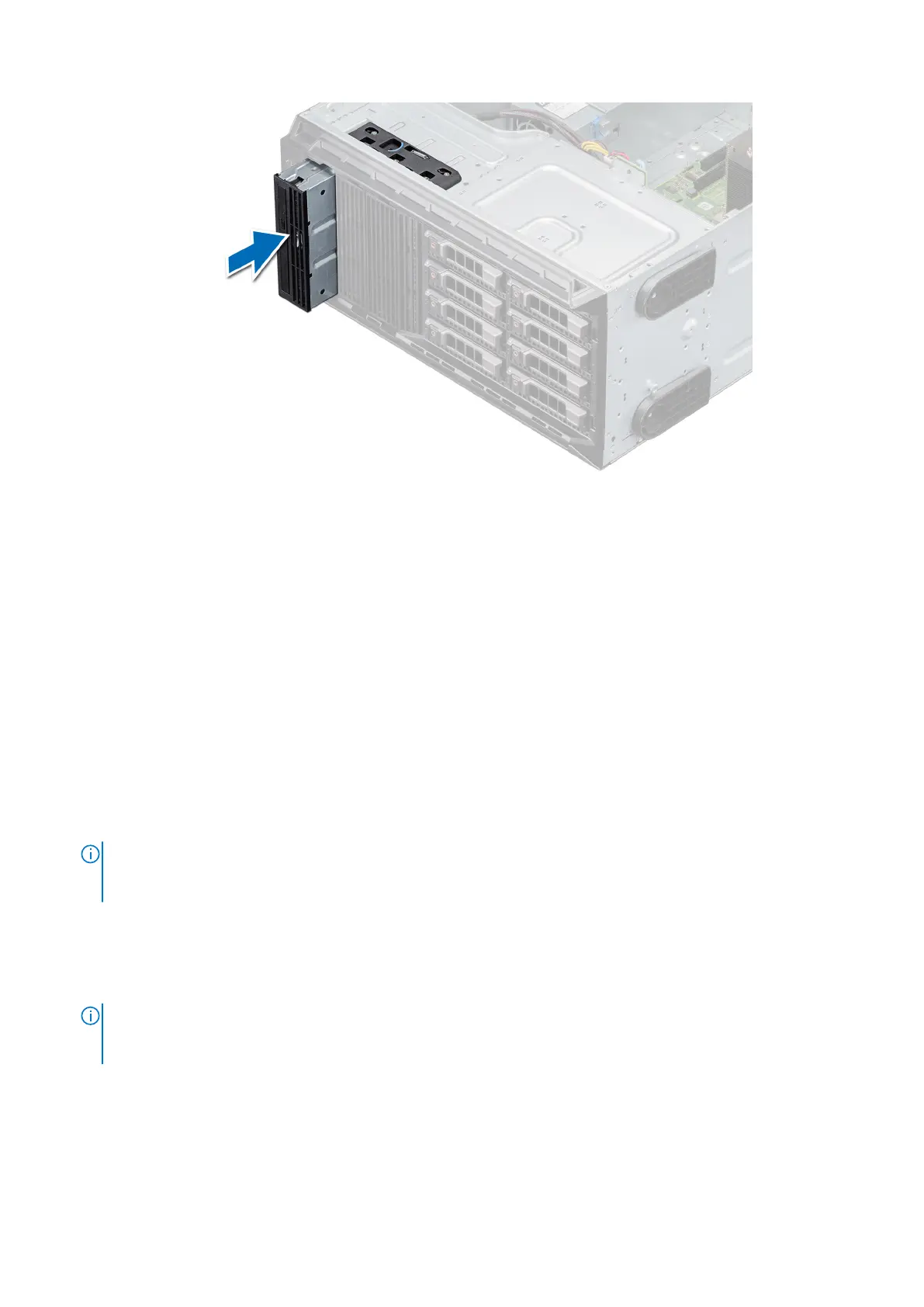
Figure 41. Installing the optical drive
Next steps
1. Install the front bezel.
2. Follow the procedure listed in After working inside your system.
Removing the tape drive
Prerequisites
1. Follow the safety guidelines listed in Safety instructions.
2. Follow the procedure listed in Before working inside your system.
3. Remove the front bezel.
Steps
1. Disconnect the power and data cable connectors from the connectors on the tape drive.
NOTE:
Observe the routing of the power and data cable connectors inside the chassis as you remove them from the
system board and the drive. You must route these cables properly when you replace them to prevent them from being
pinched or crimped.
2. Using the Phillips #2 screwdriver, remove the screw that secures the tape drive.
3. Push the release latch to release the drive.
4. Slide the drive out of the drive bay.
5. If you are not immediately replacing the tape drive, install the blank.
NOTE:
Blanks must be installed on empty tape drive slots to maintain FCC certification of the system. The brackets also
keep dust and dirt out of the system and aid in proper cooling and airflow inside the system. Perform the same steps to
install blanks.
Installing and removing system components 45



 To Next Page