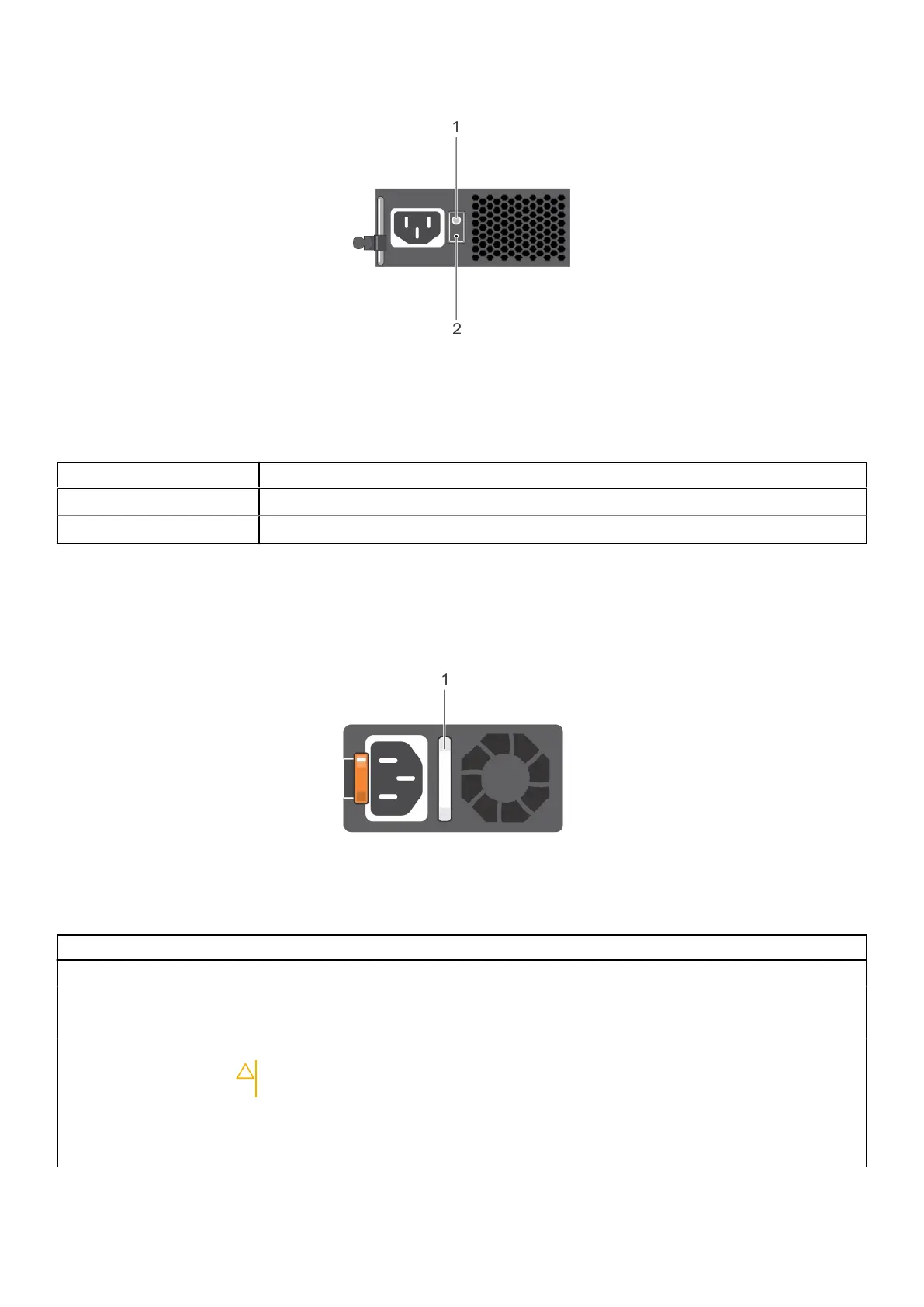
Figure 89. Non-redundant cabled AC PSU status indicator and self-diagnostic button
1. Self-diagnostic button
2. AC PSU status indicator
Table 12. Non-redundant AC PSU status indicator
Power Indicator Pattern Condition
Not lit Power is not connected or PSU is faulty.
Green A valid power source is connected to the PSU and the PSU is operational.
Power supply unit indicator codes
AC power supply units (PSUs) have an illuminated translucent handle that serves as an indicator. The indicator shows whether
power is present or if a power fault has occurred.
Figure 90. AC PSU status indicator
1. AC PSU status indicator/handle
Table 13. AC PSU status indicator codes (continued)
Power indicator codes Condition
Green A valid power source is connected to the PSU and the PSU is operational.
Blinking amber Indicates a problem with the PSU.
Not illuminated Power is not connected to the PSU.
Blinking green When the firmware of the PSU is being updated, the PSU handle blinks green.
CAUTION: Do not disconnect the power cord or unplug the PSU when updating
firmware. If firmware update is interrupted, the PSUs do not function.
Blinking green and turns
off
When hot-plugging a PSU, the PSU handle blinks green five times at a rate of 4 Hz and turns off.
This indicates a PSU mismatch with respect to efficiency, feature set, health status, or supported
voltage.
92 System diagnostics and indicator codes



 To Next Page