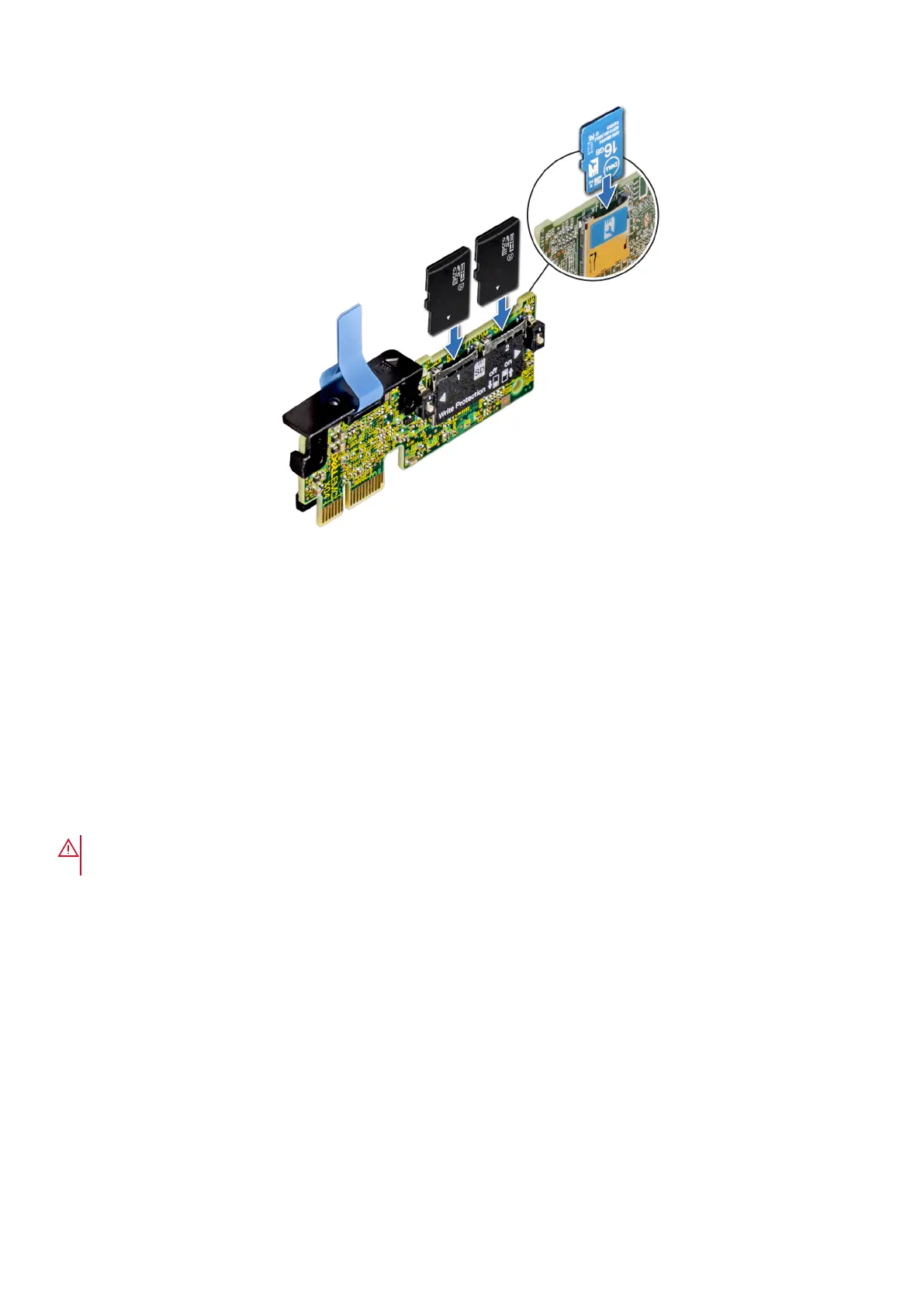
Figure 64. Installing the MicroSD card
Next steps
1. Install the IDSDM or vFlash module.
2. Follow the procedure listed in the After working inside your system.
Processor and heat sink
Removing the heat sink
Prerequisites
WARNING:
The heat sink may be hot to touch for some time after the system is powered down. Allow the heat
sink to cool before removing it.
1. Follow the safety guidelines listed in Safety instructions.
2. Follow the procedure listed in Before working inside your system.
3. Remove the air shroud
Steps
1. Using a Phillips #2 screwdriver, loosen the screws on the heat sink in the order below:
a. Loosen the first screw three turns.
b. Loosen the second screw completely.
c. Return to the first screw and loosen it completely.
2. Repeat the procedure for the remaining screws.
3. Lift the heat sink from the system.
Installing and removing system components
67



 To Next Page