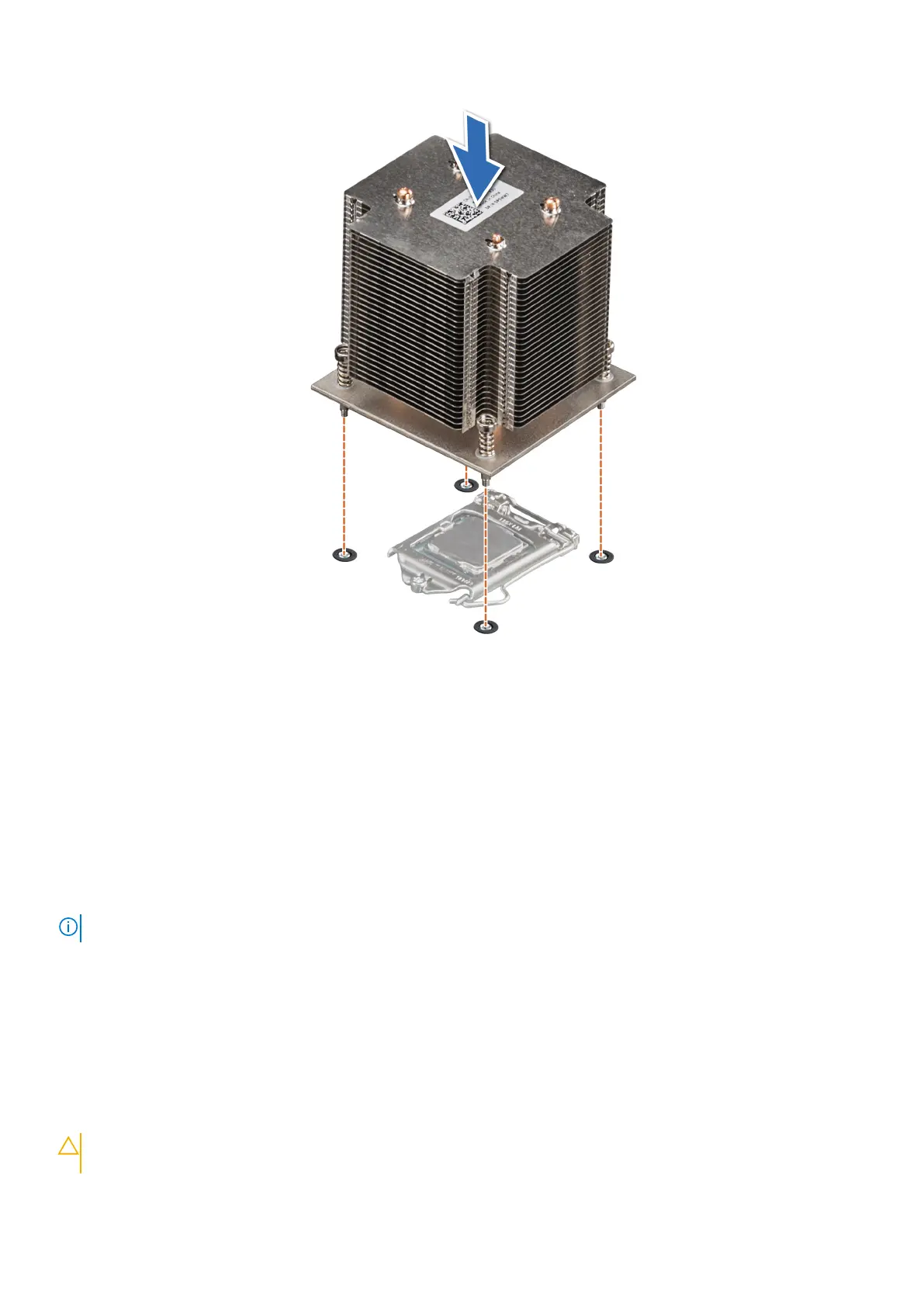
Figure 69. Installing the heat sink
Next steps
1. Replace the air shroud.
2. Follow the procedure listed in After working inside your system.
3. While booting, press F2 to enter System Setup and verify that the processor information matches the new system
configuration.
4. Run the system diagnostics to verify that the new processor operates correctly.
Power supply unit
NOTE: For more information, see the Dell EMC PowerEdge R240 Technical Specifications.
Removing the power supply unit blank
Prerequisites
1. Follow the safety guidelines listed in Safety instructions.
Steps
Remove the PSU blank in the bay by pulling the blank outward.
CAUTION:
To ensure proper system cooling, the PSU blank must be installed in the second PSU bay in a
non-redundant configuration. Remove the PSU blank only if you are installing a second PSU.
Installing and removing system components 71



 To Next Page