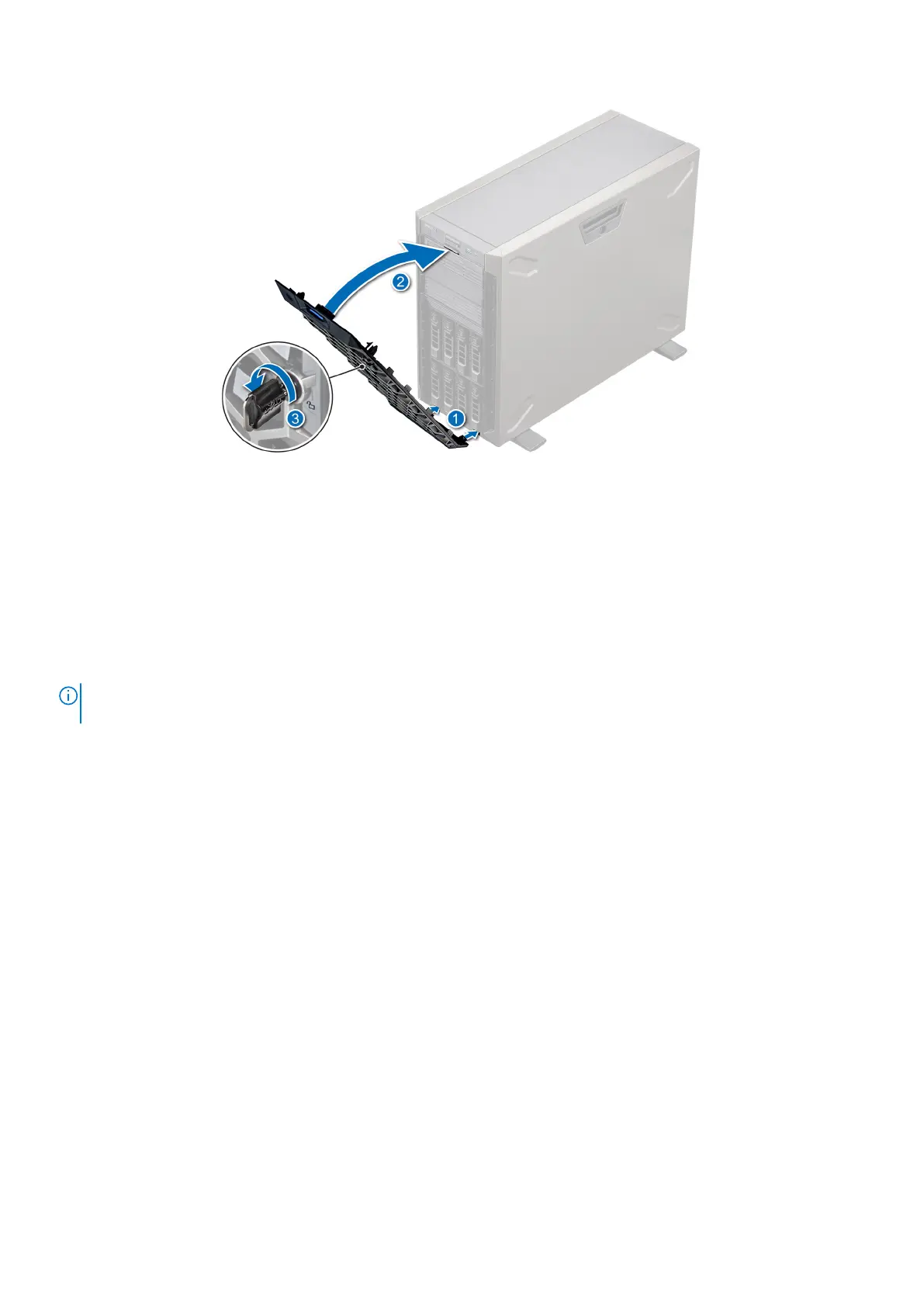
Figure 18. Installing the front bezel
System feet
Removing the system feet
Prerequisites
NOTE:
It is recommended that you remove the system feet only when you are replacing the system feet with the wheel
assembly.
1. Follow the safety guidelines listed in Safety instructions..
2. Place the system on its side on a flat, stable surface.
3. Rotate the system feet inward.
Steps
1. Using the Phillips #2 screwdriver, remove the screw that secures the foot to the base of the system.
2. Repeat the preceding step to remove the remaining system feet.
22
Installing and removing system components



 To Next Page