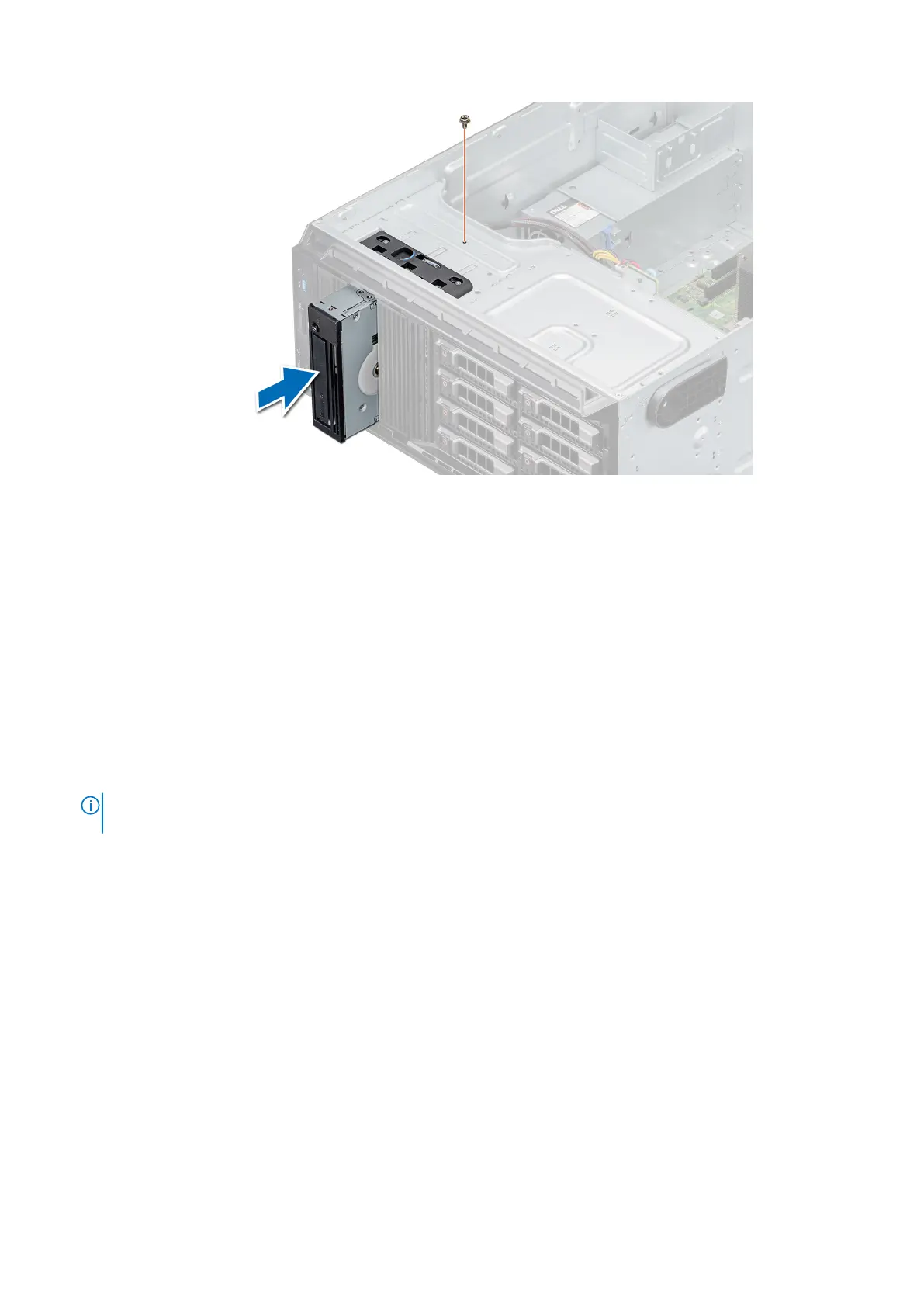
Figure 43. Installing the tape drive
Next steps
1. Install the front bezel.
2. Follow the procedure listed in After working inside your system.
Drive backplane
Drive backplane details
Your system supports the following backplane configuration:
● x8 SAS/SATA backplane for 3.5-inch drives
NOTE:
The x8 backplane also supports up to eight 2.5-inch (SAS, SATA, or SSD) hot swappable drives that can be
installed in 3.5-inch drive adapters, which can be installed in the 3.5-inch drive carriers.
Installing and removing system components 47



 To Next Page