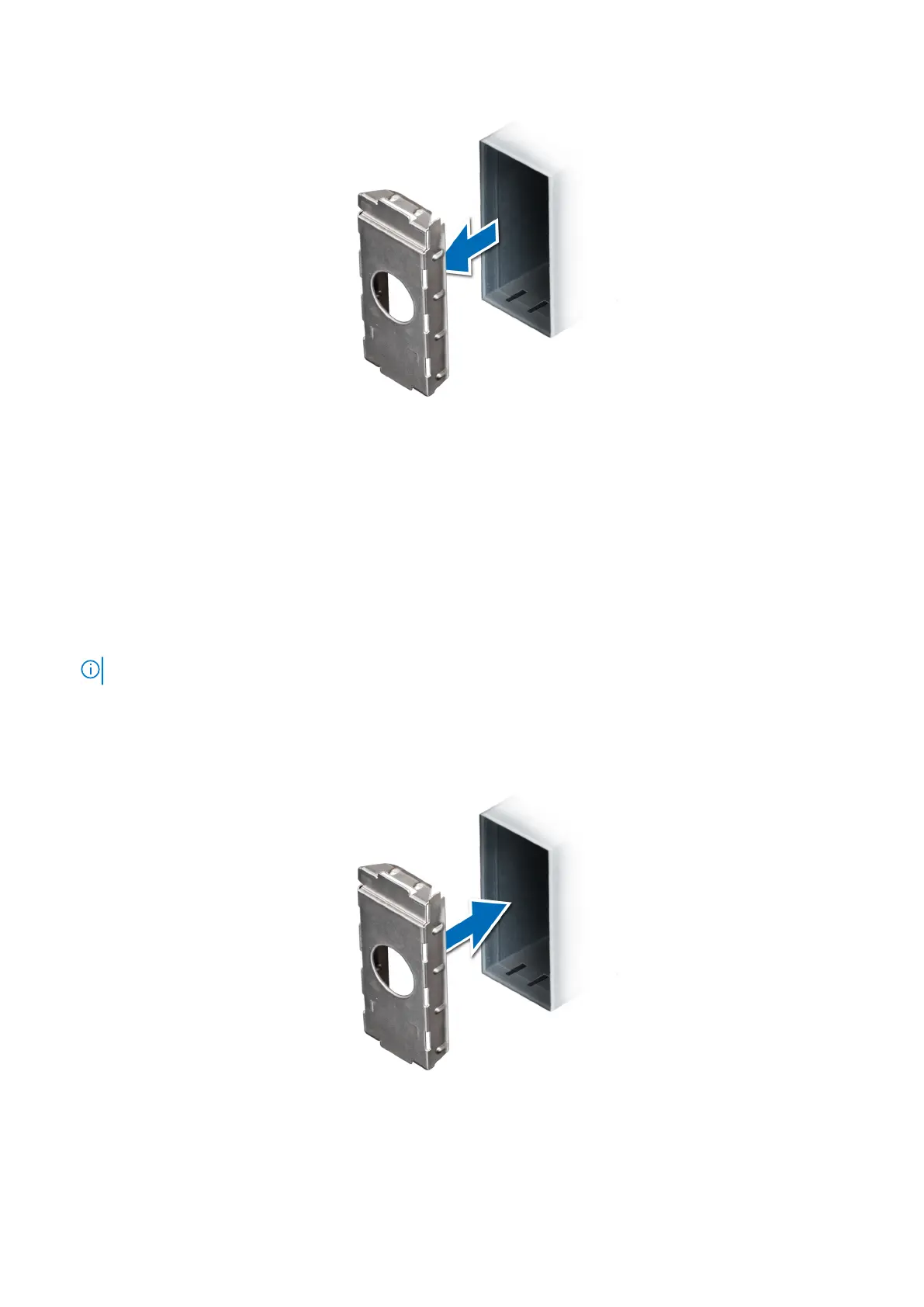
Figure 70. Removing the power supply unit blank
Next steps
Install the PSU or PSU blank.
Installing the power supply unit blank
Prerequisites
1. Follow the safety guidelines listed in Safety instructions.
NOTE: Install the power supply unit (PSU) blank only in the second PSU bay.
2. Remove the PSU.
Steps
Align the PSU blank with the PSU slot and push it into the PSU slot until it clicks into place.
Figure 71. Installing the power supply unit blank
72
Installing and removing system components



 To Next Page