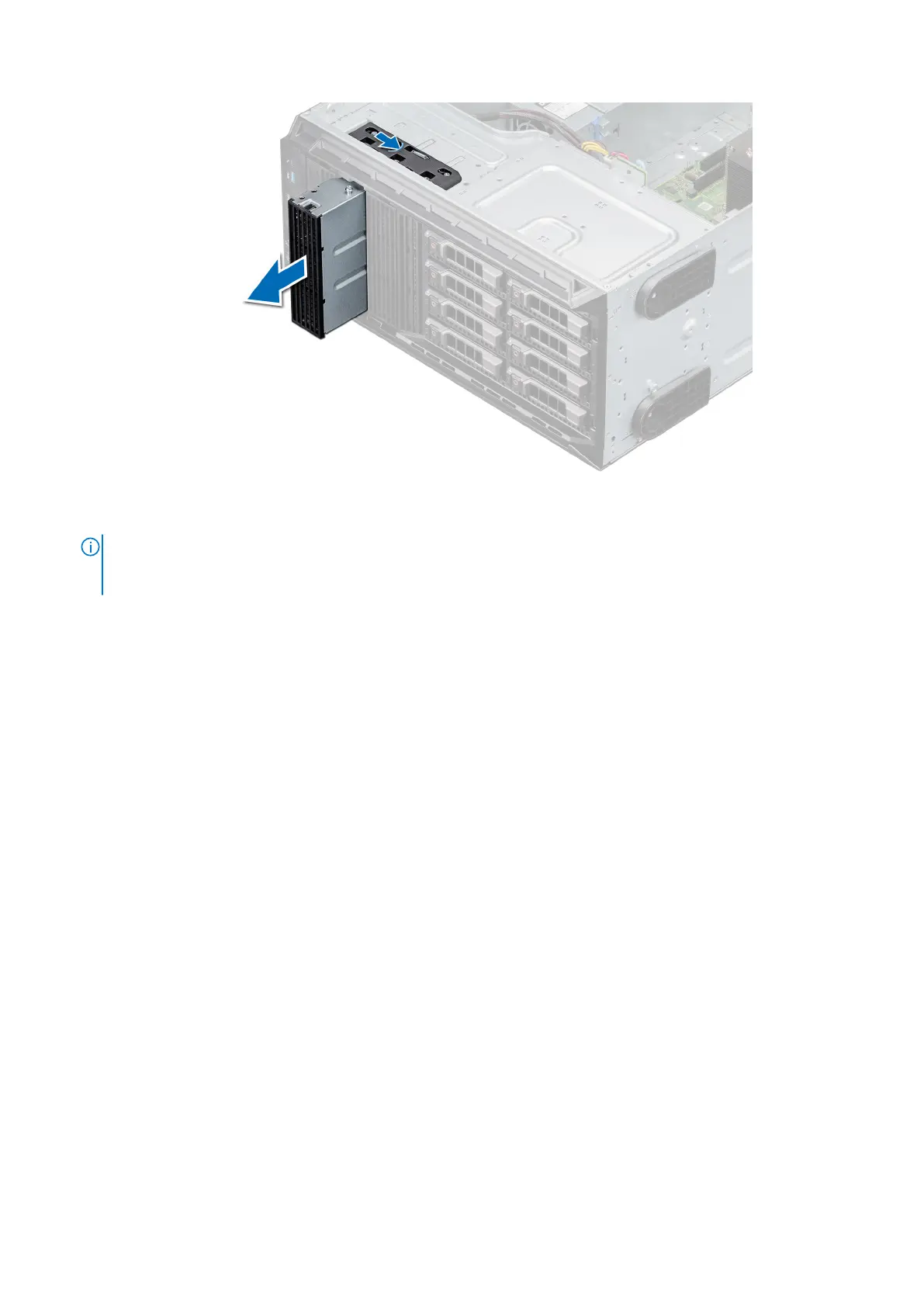
Figure 38. Removing the optical drive or tape drive blank
NOTE: Blanks must be installed on empty optical drive or tape drive slots to maintain FCC certification of the system.
The brackets also keep dust and dirt out of the system and aid in proper cooling and airflow inside the system. Perform
the same steps to install blanks.
Next steps
Replace the optical drive blank, or an optical drive, or a tape drive.
Installing the optical or tape drive blank
Prerequisites
1. Follow the safety guidelines listed in Safety instructions.
2. Remove the front bezel.
Steps
1. Align the guide on the drive blank with the slot on drive bay.
2. Slide the drive into the slot until the latch snaps into place.
42
Installing and removing system components



 To Next Page