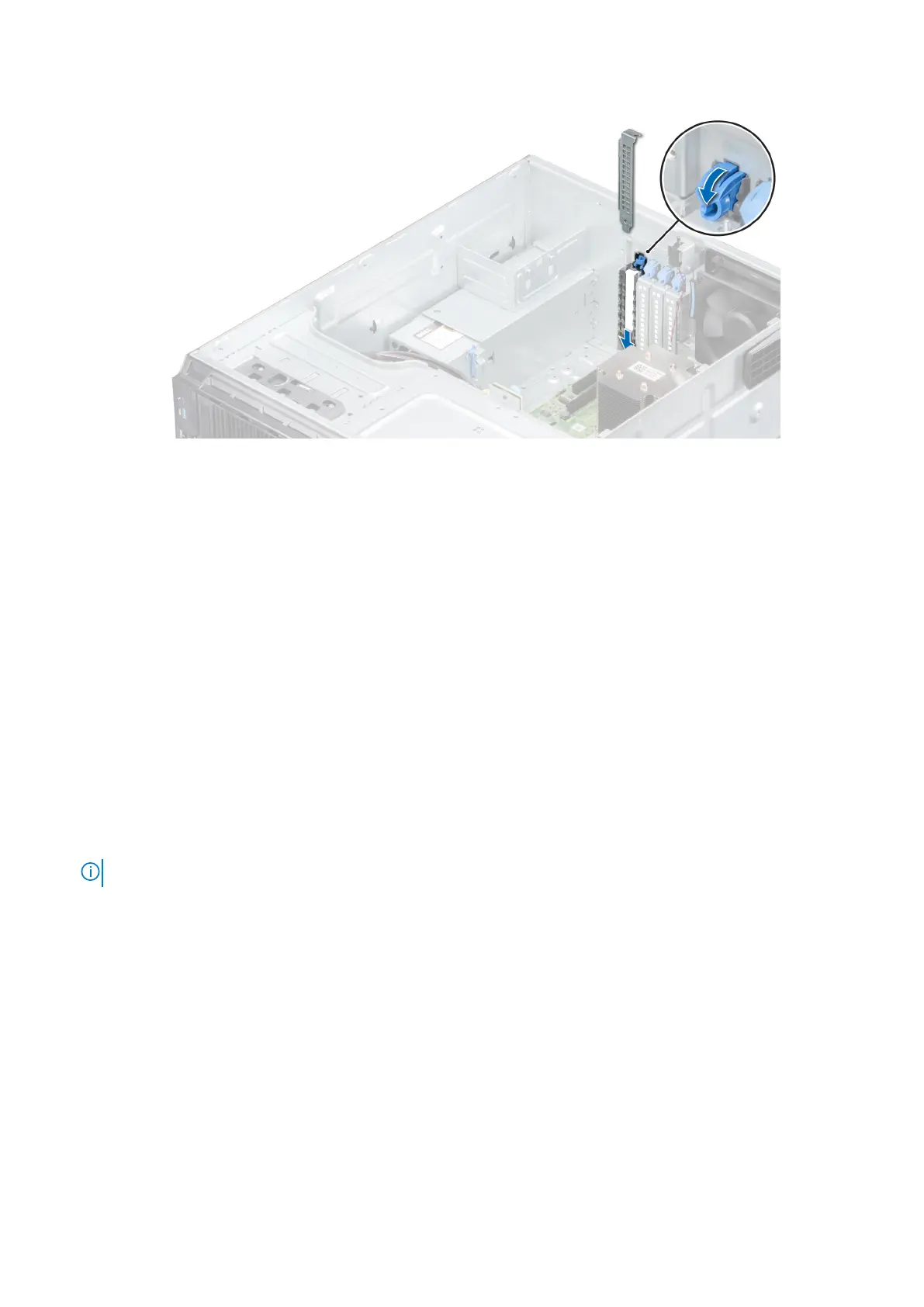
Figure 59. Installing the filler bracket
6. Connect the data cables to the expansion card.
Next steps
1. Install the air shroud.
2. Connect the cables to the expansion card.
3. Follow the procedure listed in After working inside your system.
M.2 SSD module
Removing the M.2 SSD module
Prerequisites
1. Follow the safety guidelines listed in Safety instructions.
2. Follow the procedure listed in Before working inside your system.
3. Remove the air shroud.
4. Remove the BOSS card.
NOTE: The procedure to remove the BOSS card is similar to removing an expansion card.
Steps
1. Using the Phillips #1 screwdriver, remove the screws securing the M.2 SSD module to the BOSS card.
2. Pull the M.2 SSD module to disconnect from the BOSS card connector.
62
Installing and removing system components



 To Next Page