Assembly and Installation MATRIX Control Panel OP71
14 PR-2009-0021-GB • Subject to modifications • R5-04/2016
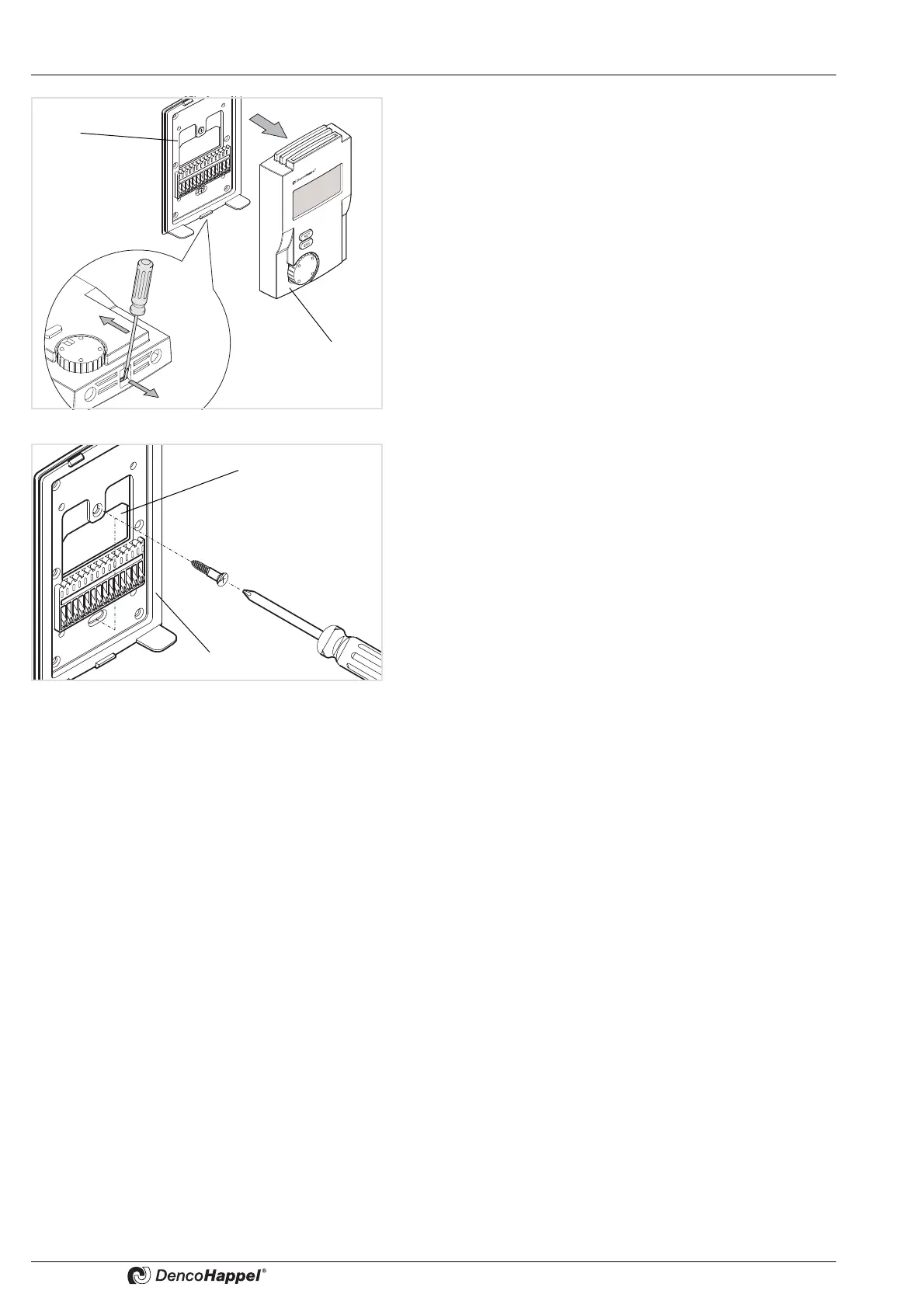
• Apply a screwdriver on the bottom side of the MATRIX
control panel OP71 to lock the front panel (1) out and lift the
front panel (1) upwards away from the rear mounting plate
(2).
• Route the wires through the connection opening (1) in the
mounting plate (2) of the MATRIX control panel OP71.
• Secure the mounting plate of the MATRIX control panel
OP71 on the wall or in the flush-mounted socket.



 To Next Page