EasyManua.ls Logo

DencoHappel MATRIX OP71 - User Manual

Default Icon
104 pages
Print Icon
To Next Page IconTo Next Page
Loading...
OPERATION MANUAL
System Controls
DencoHappel MATRIX
®
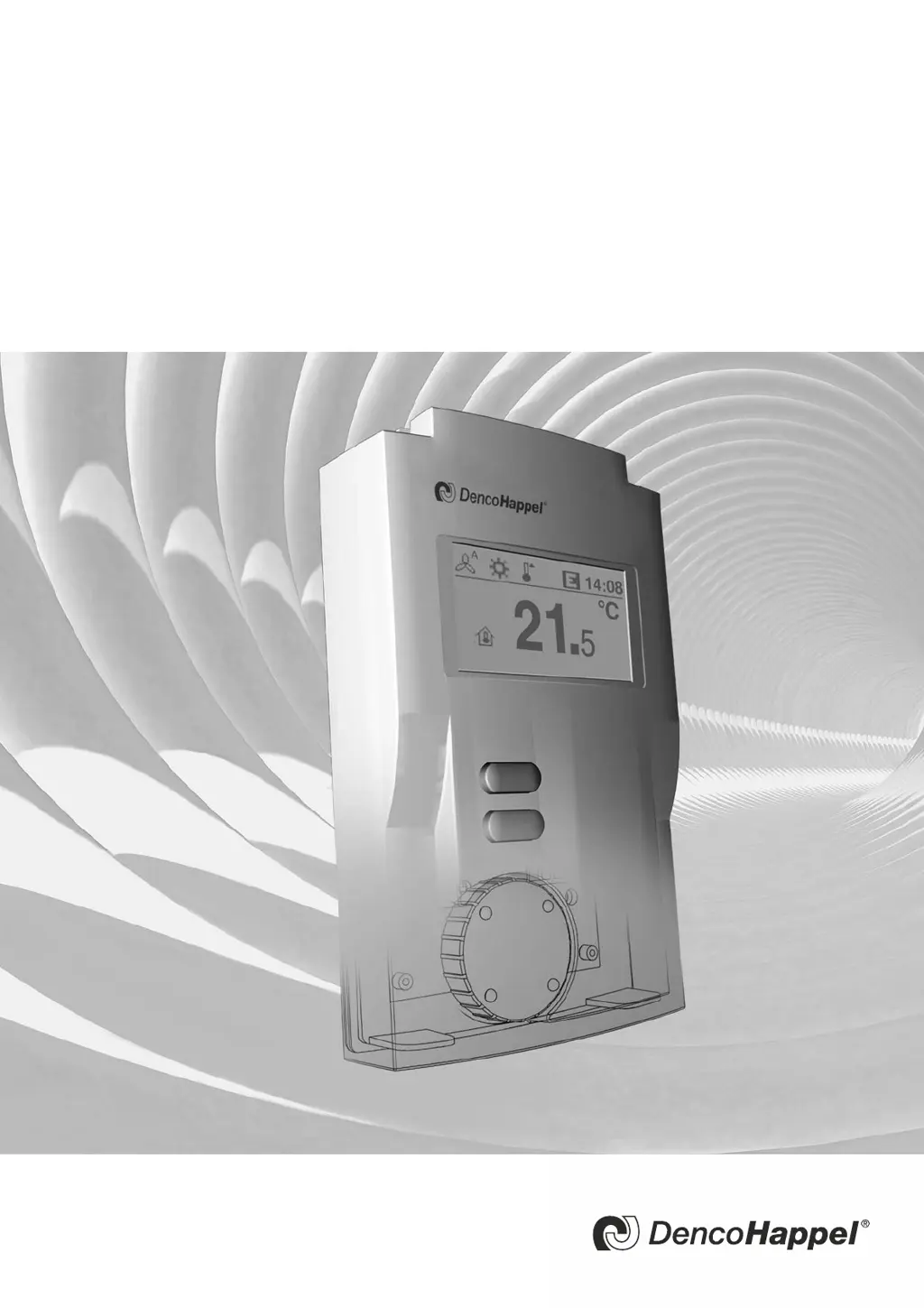
Control Panel OP71
Regulate efficiently, conserve resources

Table of Contents

Questions and Answers

  • G
    Gary ChangAug 19, 2025
    What to do if the Safety temperature limiter triggered in my DencoHappel MATRIX OP71 Control Panel?
    • H
      heathercalderonSep 12, 2025
      The safety temperature limiter has triggered. Examine the air supply and filter. Consult the Operation Manual for the air treatment unit for more details.
  • A
    Andrea RayAug 21, 2025
    What to do if CO2 sensor is missing in DencoHappel MATRIX OP71 Control Panel?
    • A
      Andrea JacksonAug 21, 2025
      If the CO₂ sensor is missing, it means that the CO₂ sensor is defective. Check the connection of the sensor for a possible cable break or if it's simply missing, especially if the control software requires a CO₂ sensor.
  • T
    Terri FranklinAug 23, 2025
    What to do if humidity sensor is missing in DencoHappel MATRIX OP71?
    • K
      Kathryn SilvaAug 23, 2025
      If the humidity sensor is missing, it indicates that the humidity sensor is defective. Examine the connection of the sensor for a possible cable break or if it's not available, especially if the control software requires a humidity sensor.
  • K
    Kayla WalshAug 26, 2025
    What to do if pressure sensor is missing in DencoHappel Control Panel?
    • K
      kenneth38Aug 26, 2025
      If the pressure sensor is missing, it means that the pressure sensor is defective. Examine the connection of the sensor for a possible cable break or if it's not available, especially if the control software requires a pressure sensor.
  • S
    Stephanie MartinAug 27, 2025
    What to do if Frost protection thermostat is missing in DencoHappel Control Panel?
    • W
      William MaddoxAug 27, 2025
      If the frost protection thermostat is missing, it means that the frost protection thermostat/sensor is defective. Check the connection of the sensor for a possible cable break or if it's missing, particularly if the control software requires a frost protection thermostat/sensor.
  • T
    Thomas WatersAug 30, 2025
    What to do if ext. RT sensor is missing in DencoHappel MATRIX OP71?
    • B
      bryan75Aug 30, 2025
      If the external RT sensor is missing, it means that the sensor of the room/return-air temperature is defective. Check the connection of the sensor for a possible cable break or if it's missing, even if the control software requires a sensor.
  • G
    greenebrendaSep 1, 2025
    What to do if Inlet sensor is missing in DencoHappel MATRIX OP71 Control Panel?
    • J
      Jessica HarrisSep 1, 2025
      If the inlet sensor is missing, it means that the inlet temperature sensor is defective. Check the connection to the sensor for a possible cable break or if it's missing, even if the control software requires a sensor.
  • L
    Lisa GregorySep 3, 2025
    What to do if OT sensor is missing in DencoHappel MATRIX OP71 Control Panel?
    • K
      Kathryn GarciaSep 3, 2025
      If the OT sensor is missing, it indicates that the sensor of the outside-air temperature is defective. Check the connection of the sensor for a possible cable break or if it is missing, even if control (software) requires a sensor.
  • M
    melissaclaytonSep 5, 2025
    What to do if ST sensor is missing in DencoHappel Control Panel?
    • D
      donna23Sep 5, 2025
      If the ST sensor is missing, it indicates that the supply-air temperature sensor is defective. Check the connection to the sensor for a possible cable break or if it's missing, even if the control software requires a sensor.
  • K
    kathleencowanSep 7, 2025
    What to do if Internal sensor is defective in DencoHappel MATRIX OP71?
    • C
      Charles CruzSep 7, 2025
      If there is an internal sensor defective, it is due to an internal error in the control panel. Replace the control panel.

DencoHappel MATRIX OP71 Specifications

General IconGeneral
Resolution800 x 480 pixels
Power Supply24 V DC
ProcessorARM Cortex A8
Memory256 MB RAM
InterfacesEthernet, USB, RS-485
Protection RatingIP65
Display7" TFT LCD