Operating MATRIX control panel OP71 MATRIX Control Panel OP71
82 PR-2009-0021-GB • Subject to modifications • R5-04/2016
8.9.2 Special days submenu
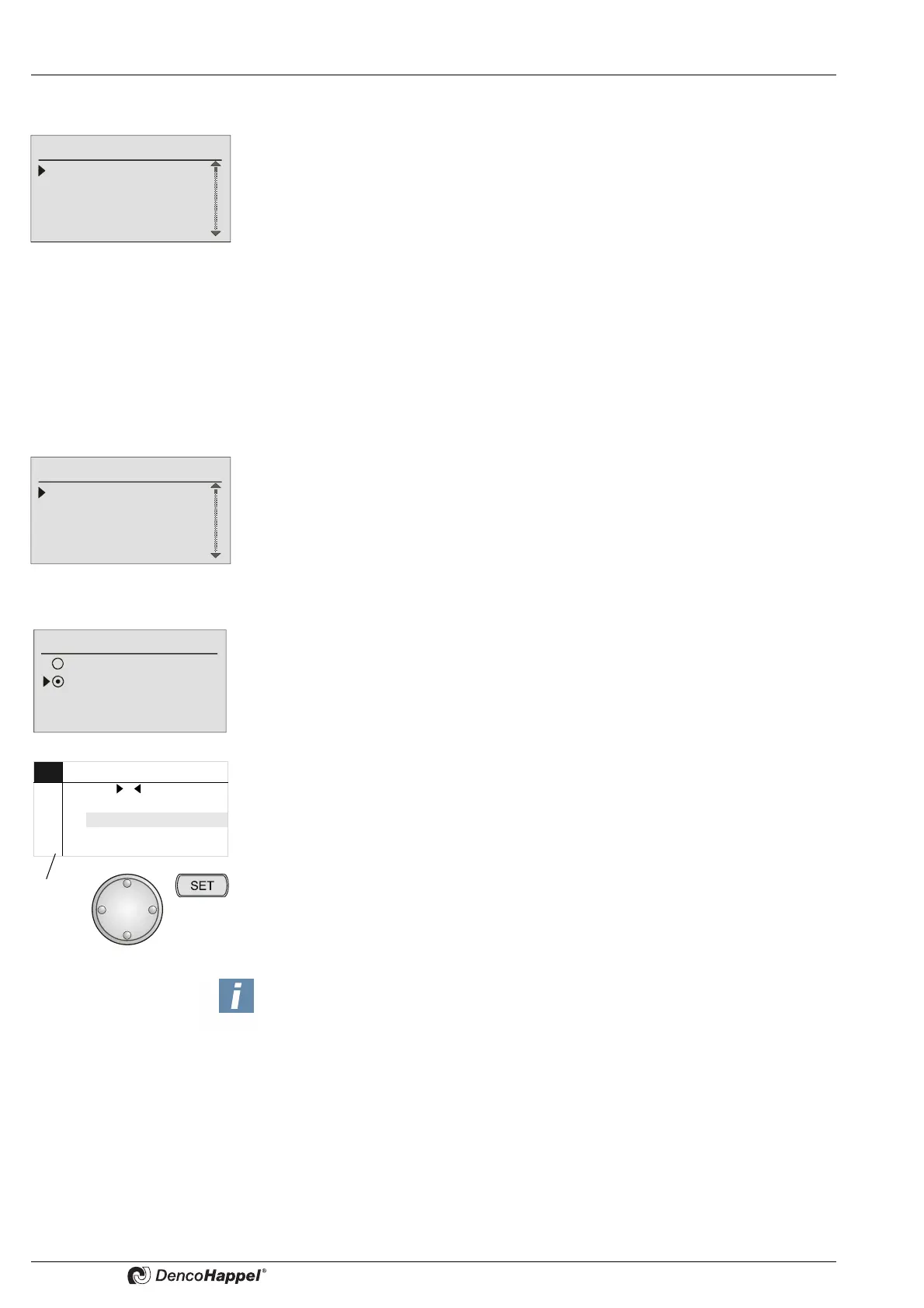
A special switching pattern can be entered in the “special activation days” submenu for
a maximum of eight specified days in the year.
Entries are made in the “special days” submenu:
– to enable or disable the special days – See „Enabling menu options“ on page 43
for more details
–to delete all settings for special days – for further details see „Deleting settings“ on
page 44
–to carry out cluster assignment – see „Assigning clusters to programmes“ on
page 45 for more details
– to enter year, month and day for a special switching day
– to enter switching times - 4 switching times can be set per special day– for
further details see – „Changing switching times“ on page 42.
8.9.3 Holiday program submenu
A special switching pattern for every month of the current year can be entered in the
“holiday programme” submenu.
Entries are made in the “Holiday program” submenu:
– to enable the holiday programme – See „Enabling menu options“ on page 43
– to delete all setting for the holiday programme – See „Deleting settings“ on
page 44
– to specify the cluster assignment - See „Assigning clusters to programmes“ on
page 45
– to specify the operating mode;
enter the days in the “holiday programme”, comprising months of January to
December, on which the DencoHappel units should be switched off for the whole
day or switched over to the “economy mode” (night operation) (factory setting is the
economy mode) – for further details see „Switch ON functions“ on page 43
– for determining the holiday time periods for the months of January to December in
which the “Holiday program” is to be switched on.
On the specified days, the DencoHappel HVAC equipment is totally switched off or
can only be switched into economy mode, depending on the operating mode.
Special Switch Days
Activate
Delete programme
Cluster assignment
1. <--.--.---->
Holiday program
Activate
Delete programme
Cluster assignment
Operating mode
Operating mode
Switch off unit,
unit economy mode
JAN MO DI MI DO FR SA SO
01 12345
02 6 7 8 9 10 11 12
03 13 14 15 16 17 18 19
04 20 21 22 23 24 25 26
05 27 28 29 30 31
KW
NOTICE!
YOU HAVE TO DETERMINE THE HOLIDAY DAYS SEPARATELY BY TURNING
THE NAVIGATOR TO REACH THE REQUIRED HOLIDAY DAY AND CONFIR-
MING WITH “SET”. AFTER ENTERING THE HOLIDAYS, YOU CAN EXIT BY
USING THE “ESC” BUTTON AND THEN SELECT THE NEXT MONTH.



 To Next Page