MATRIX Control Panel OP71 Operating MATRIX control panel OP71
PR-2009-0021-GB • Subject to modifications • R5-04/2016 81
– Saturday - Sunday:
Switching times that are entered in the “Saturday - Sunday” menu option are valid
between Saturday and Sunday without further entries. They are automatically copi-
ed in the following "Saturday" and "Sunday" menu items of the timer. Previous ent-
ries are then overwritten.
– Monday [2/4] . . . Sunday [0/4]
These switching times apply individually for each day of the week.
The identification [2/4] after the day of the week has the following meaning:
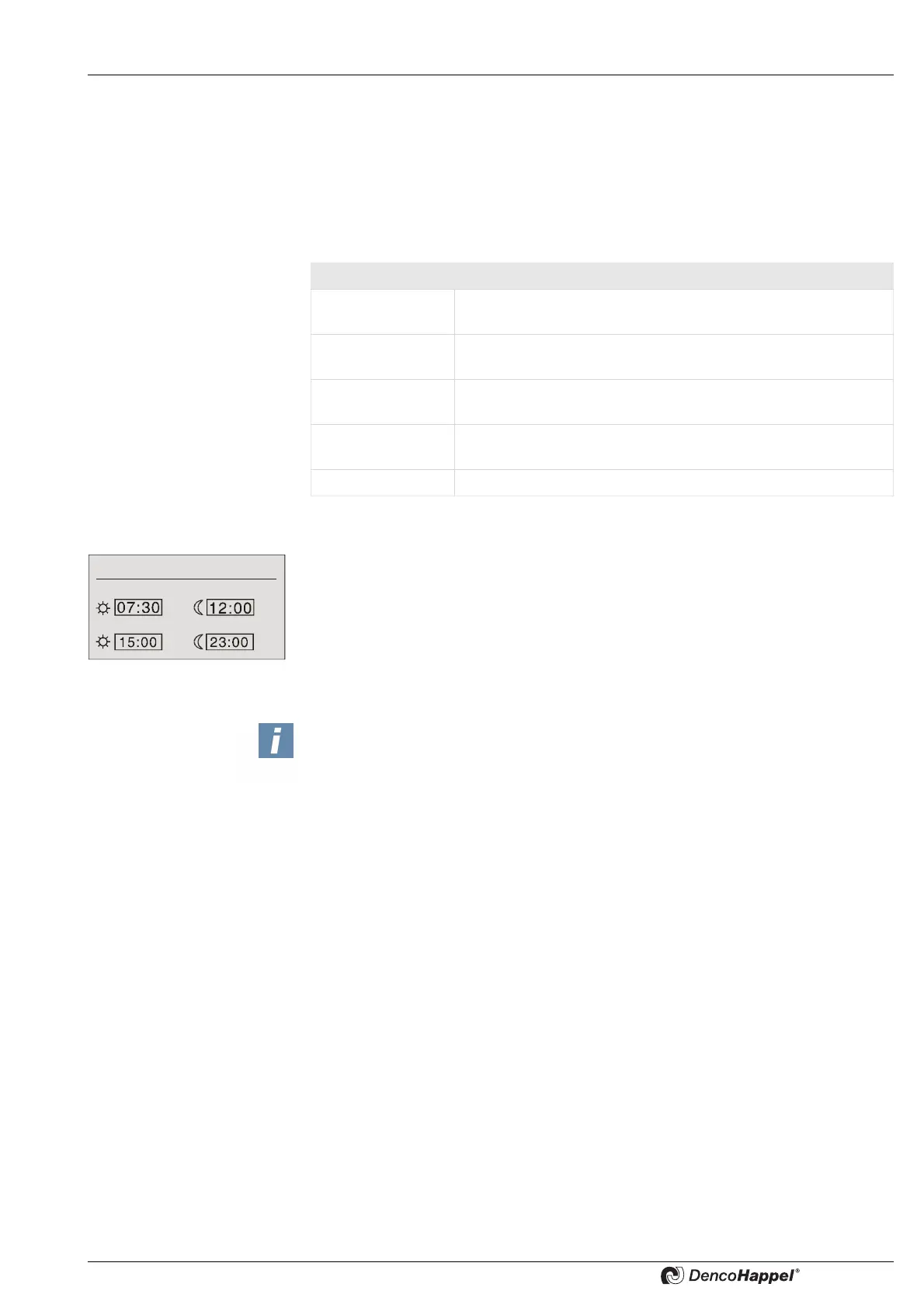
Example:
• The control system should be switched to “normal mode”
(day operation) at 7:30.
• At mid-day from 12:00 noon until 15:00, the control should be switched to the
"economy mode" (night operation).
• The “normal mode” should start at 15:00 and end at 23:00 in the evening.
For switching periods which are valid for the entire day it is not necessary to enter two
switching times.
DESIGNATION Meaning
[0/4] Out of maximum four possible switching times no time is as-
signed.
[1/4] Out of maximum four possible switching times one time is as-
signed.
[2/4] Out of maximum four possible switching times two times are
assigned.
[3/4] Our of maximum four switching times three times are as-
signed.
[4/4] The maximum of four switching times are assigned.
Monday - Friday
1st switching period
2st switching period
NOTICE!
IF THE WARMUP TIME IS ACTIVATED (SEE PAGE 80), THE SWITCHING FROM
ECONOMY MODE INTO NORMAL MODE TAKES PLACE EARLIER BY THE
SPECIFIED VALUE.


 To Next Page
 Loading...