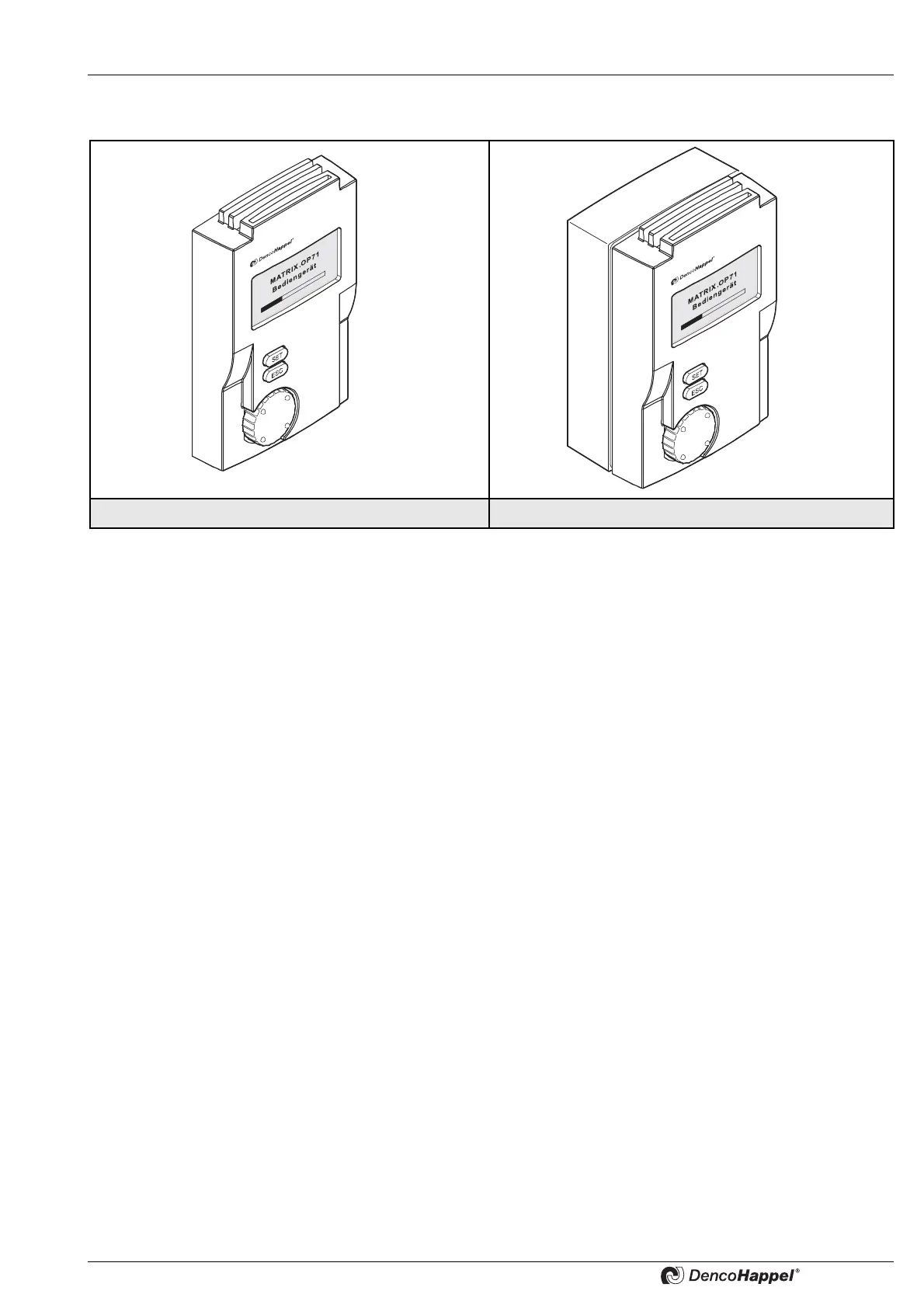
MATRIX Control Panel OP71 Overview of units and packaged content
PR-2009-0021-GB • Subject to modifications • R5-04/2016 5
1 Overview of units and packaged content
1.1 Use of the MATRIX control panel OP71
The MATRIX control panel OP71 in combination with the controllers enables the input
of setpoint values for room air conditioning as well as display of status and error
messages of all interconnected MATRIX controllers.
The features are summarized as follows:
the assignment of... – setpoints such as room or supply air temperature
– fan operating modes such as automatic operation
– operating modes of the unit, such as day-night operation
– switching times
– system parameters
the display of... – Current time, date, day
– actual values
– unit status
– Error messages
1.2 Packaged content
Control panel MATRIX OP71C:
– Control panel for flush-mounted socket installation (protection type IP20)
consisting of a front panel and a mounting plate
– Operation manual – document comprising all relevant instructions
Control panel MATRIX OP71I
– Control panel for surface mounting (protection type IP54)
consisting of a front panel and a mounting plate, including surface-mounted socket
with cable entry through membrane grommets
– Operation manual – document comprising all relevant instructions
MATRIX OP71C MATRIX OP71I



 To Next Page