MATRIX Control Panel OP71 Operating MATRIX control panel OP71
PR-2009-0021-GB • Subject to modifications • R5-04/2016 87
8.10.8 Full blocking submenu
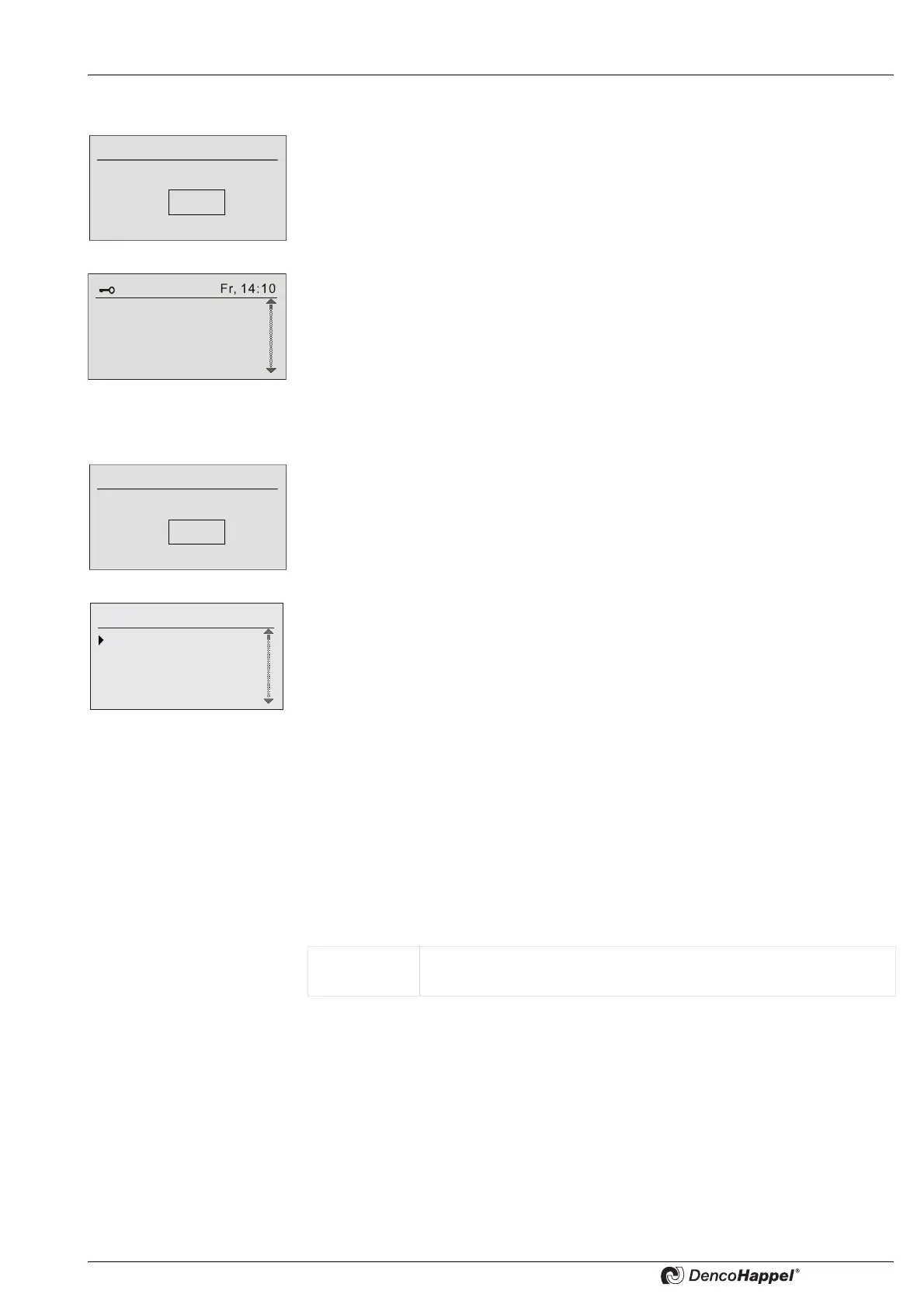
If you select "full blocking" menu option in "system" menu, you have to enter your pass-
word first.
Factory setting: 0000
Now the basic menu with a key is displayed. Operation is no longer possible.
Cancel full blocking
If you activate one of the buttons or the navigator, the password menu opens again.
Enter your password to cancel the full blocking.
8.10.9 Partial blocking submenu
If you select "partial blocking" menu option in "system" menu, you have to enter your
password first.
Factory setting: 0000
A partial blocking prevents a change of system parameter. But all nominal and setpoint
values of each cluster are still changeable. A partial blocking only has an effect on follo-
wing menus:
– Basic menu "clock timer" (completely invisible)
– Basic menu "system" (partially visible)
– Basic menu "operation messages" (partially visible)
– Cluster menu "settings" (completely invisible)
– Cluster menu "air handling unit" (completely invisible)
Cancel partial blocking
If you select “partial blocking” menu option in the “system” menu, the password menu
opens again. Enter your password to cancel the partial blocking.
8.10.10 Change password submenu
You can change your password in the “Change password” submenu.
****
Full blocking
Enter password
0: Cluster 0
1: Cluster 1
2: Cluster 2
All Cluster
****
Partial blocking
Enter password
System
Cluster configuration
Full blocking
Partial blocking
Change password
Value range: 4-digit password, each consisting of characters
from 0 to 9 or A to Z



 To Next Page