MATRIX Control Panel OP71 Operating MATRIX control panel OP71
PR-2009-0021-GB • Subject to modifications • R5-04/2016 45
8.4.6 Assigning clusters to programmes
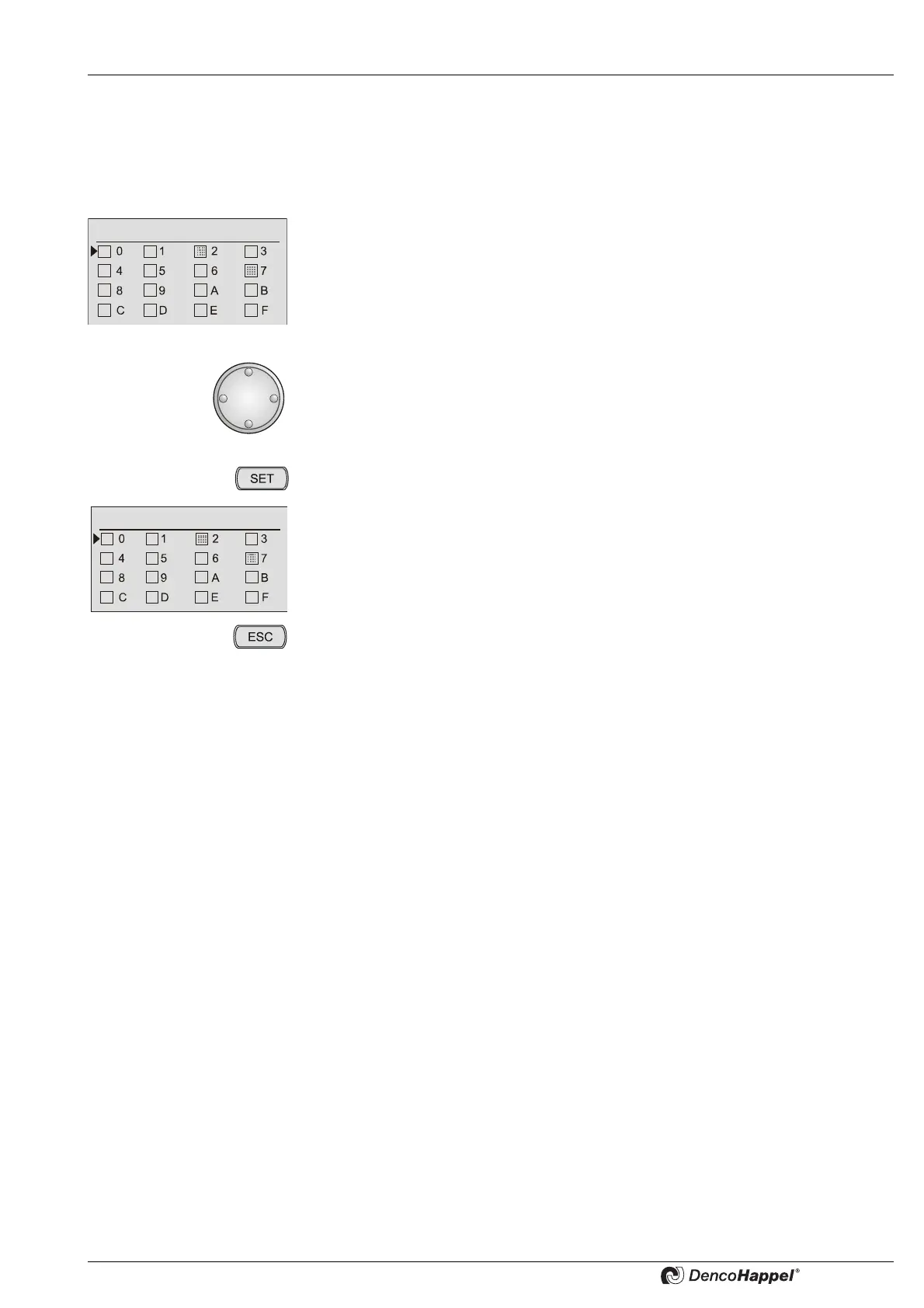
Here the desired clusters are assigned to the week programme.
Example: assign cluster 5 to "1. week programme"
• Select the menu item "cluster assignment".
The menu "cluster assignment" appears and the cursor is placed next to
cluster 0.
Note!
Cluster that are already assigned to a week programme are displayed as gray
boxes with dots and can not be assigned again.In this example the cluster 2 and
7 are already assigned to a week programme.
• Turn the navigator, until the cursor is placed next to the desired "cluster 5".
The cursor is next to "5"
• Press the "SET" button and the field with "cluster 5" is inverted.
Now the "cluster 5" has been assigned to "1. week programme".
• By pressing the "ESC" button you can always cancel the menu selection.



 To Next Page