Operating MATRIX control panel OP71 MATRIX Control Panel OP71
78 PR-2009-0021-GB • Subject to modifications • R5-04/2016
Sensor inputs ➜ K-factor
If the volume flow measuring by pressure sensor was selected in the "Use" submenu,
the K-factor for the relevant fan must be entered in the "K-factor" submenu to deter-
mine the volume flow. This setting is necessary, otherwise the function of volume flow
control is disabled.The K-factors of supply-air and/or extract-air fans are available in
the technical data and documentation for fans or air handling units, or printed directly
on the fans.
8.7 "All clusters" menu
Using the "all clusters" menu you can access basic menus in the cluster level.However,
the basic menus in the cluster level do not contain updated setpoints. Setpoints that
can be changed as digits are shown as 0 and no selection buttons is selected - see
overview „Basic menu "all clusters"“ on page 36.
All setpoints, that are entered in the menu "all clusters" apply to all configured clusters
without further entries (See page 85). These setpoints will be automatically copied in
the basic menus of the cluster level in the subordinated cluster. Previous entries are
then overwritten.
8.8 Operation messages menu
The menu "operation messages" is only displayed if one or several status messages
have been registered.
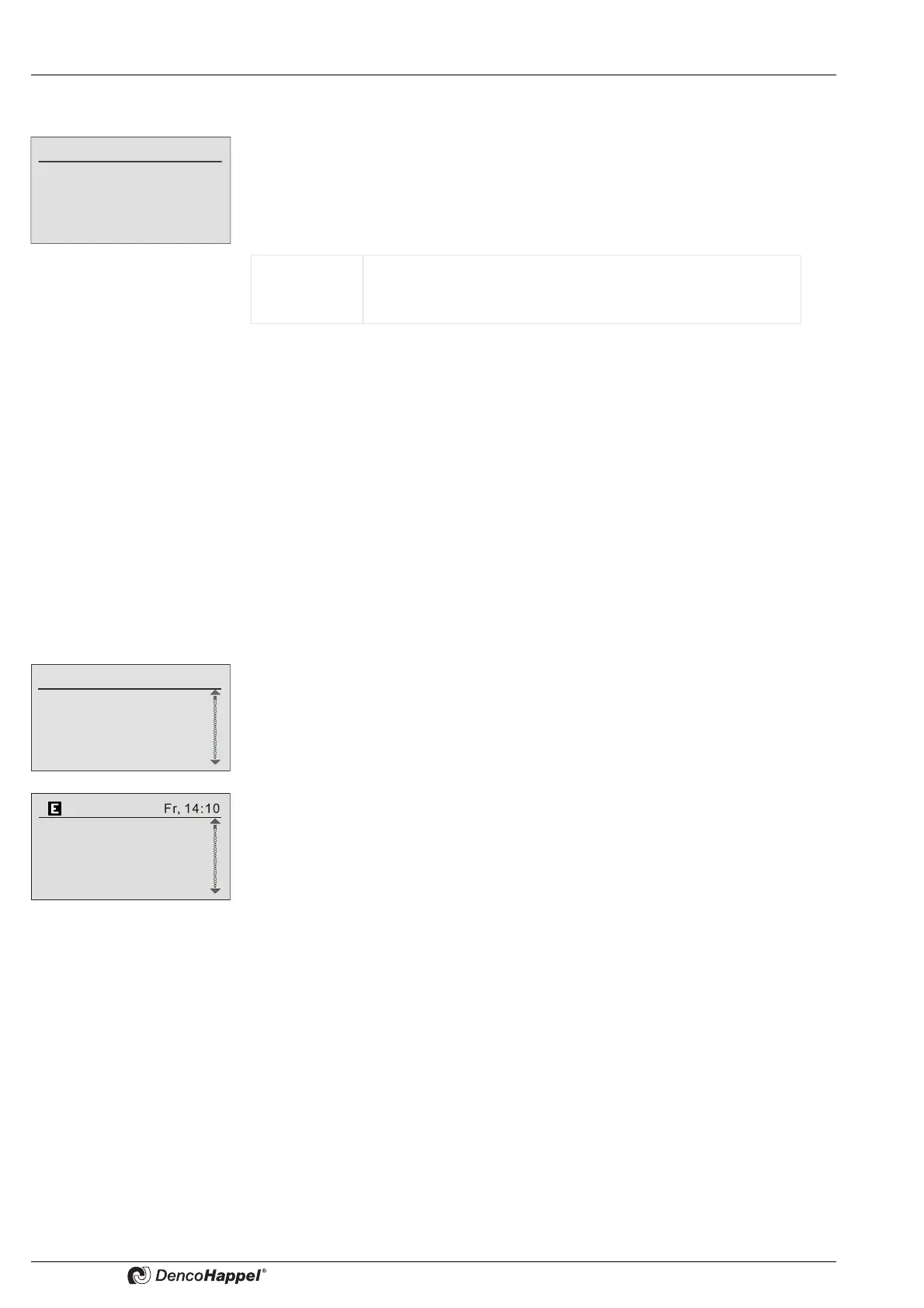
In case of an active operation error or warning the "E" symbol is displayed in the infor-
mation line of the basic display.
Value range: 0 to 10,000 (m³/h)/sqrt(Pa)
adjustable steps: 1 (m³/h)/sqrt(Pa)
Factory setting: 0 (m³/h)/sqrt(Pa)
Operation messages
1. Operating error
2. Operating error
3. Operation info
4. Operation warning
0: Factory A+B
1. Cluster 1
2. Cluster 2
All Cluster



 To Next Page