MATRIX Control Panel OP71 Operating MATRIX control panel OP71
PR-2009-0021-GB • Subject to modifications • R5-04/2016 79
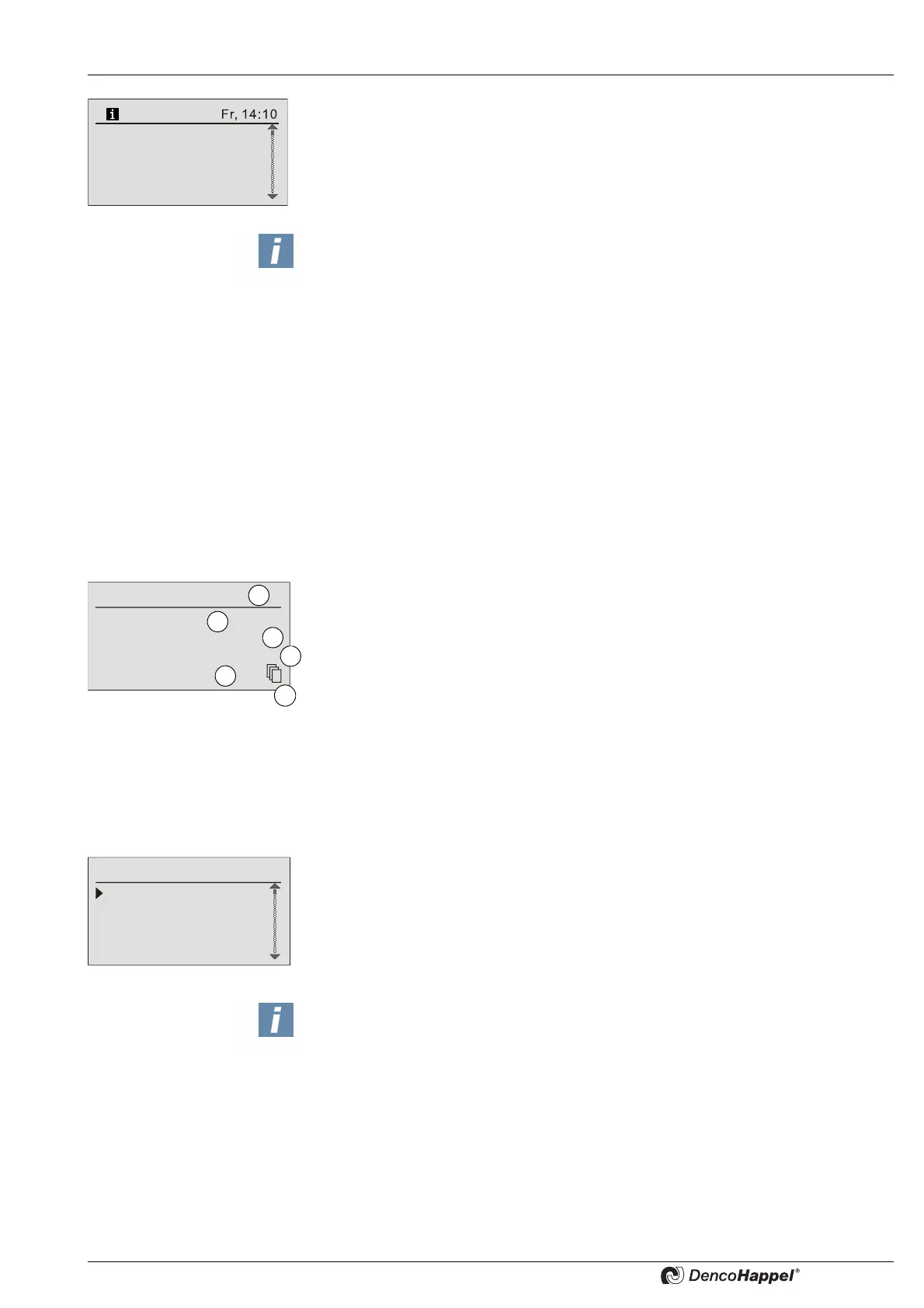
In case of operation message the "i" symbol is displayed in the information line of the
basic display.
A maximum of 10 operation messages can be put on the list, all other incoming opera-
tion messages are discarded. The list displays all operation messages like errors,
warnings or information messages in their order of registration.
If a message has been registered,
– the error is displayed in plain language stating the error group
(e.g. internal error).
– detailed information is listed in the next menu option (e.g. which controller stating
the error code).
After the registered error has been corrected the error message can be deleted in the
next dialogue window.
Error display
If an error is selected from a list (1) the following is displayed:
– the date and time of message occurrence (2)
– the type in plain text (3)
– the origin in plain text (4) and
– the network address (S = group; N = unit) with error code (FC) (5)
The symbol "other menus" (6) indicates that using the button "SET" you get to another
submenu in which you can delete the error messages (see „Deleting settings“ on
page 44)
8.9 Clock timer menu
Entries are made in the “clock timer” submenu:
– to select eight week programmes with data about the switching pattern on the
specified week days
– to specify special days such as fixed public holidays
– to specify the holiday programme such as company holidays
– to execute the block up protection.
0: Factory A+B
1. Cluster 1
2. Cluster 2
All Cluster
NOTICE!
If the reasons or sources of operation messages could be corrected during opera-
tion, such messages are independently removed from the list of error messages.
If an error is still present after "delete error message" was confirmed (See „Error
message of the MATRIX-control panel OP71“ on page 90), the error message will
be put on the error list again.
1. Sensor error
30.08.03 08:55
RT sensor short circuit
Loc: <Type/Serial number>
S/N: 0/5 FC: 2.2
4
1
2
3
5
6
Week program
Special days
Holiday program
Block-up protection
Clock Timer
NOTICE!
The programs are arranged according to priority. The holiday program has upper-
most priority. Then special days and the week program follow. This means, if e.g.
settings are programmed for a time period in the holiday program and in the week
program, only the settings in the holiday program are carried out, since it has higher
priority.



 To Next Page