Operating MATRIX control panel OP71 MATRIX Control Panel OP71
52 PR-2009-0021-GB • Subject to modifications • R5-04/2016
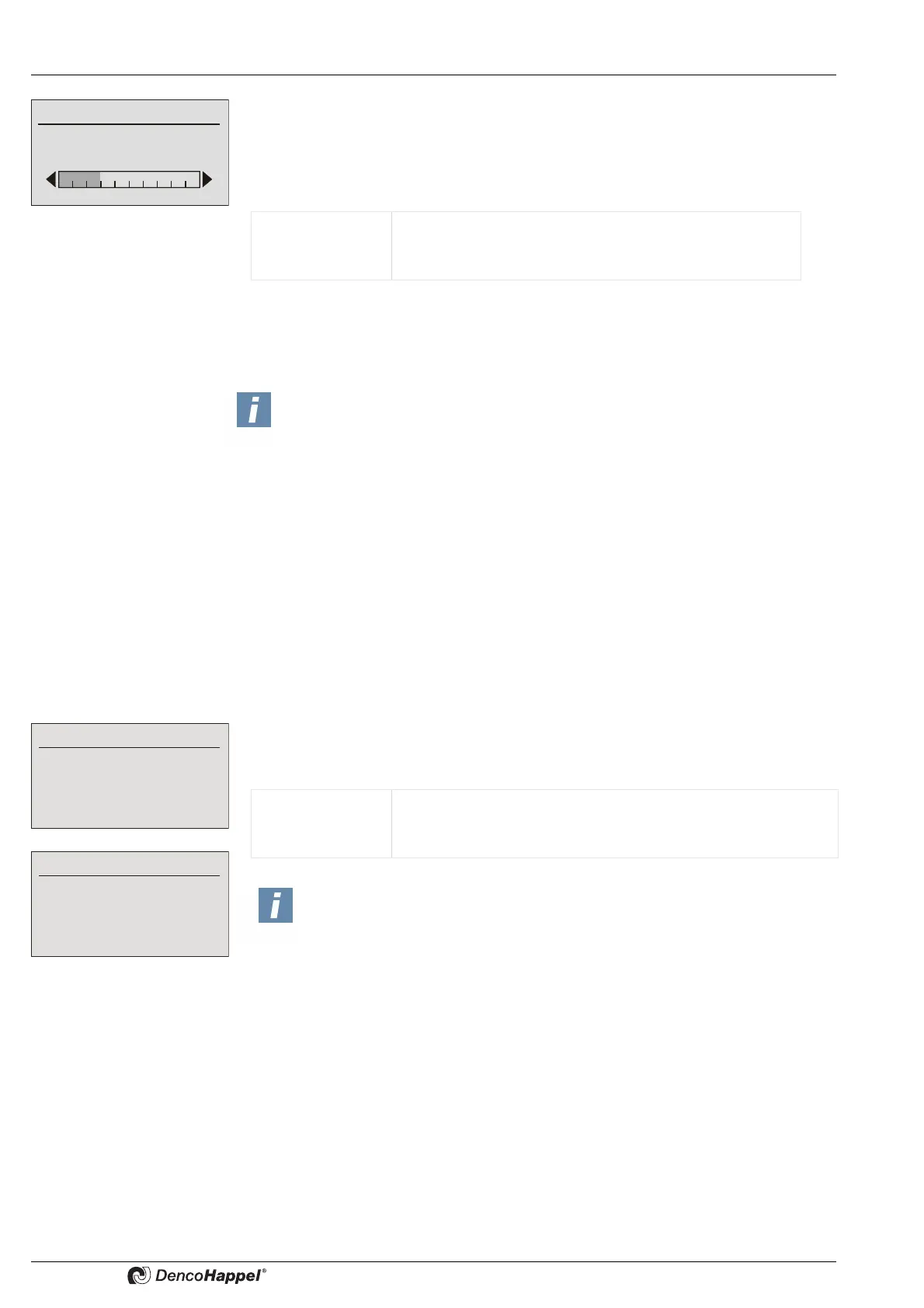
The speed for the supply-air and/or the extract-air fan is set in percent of the maximum
speed. The maximum speed is determined by the configuration of the frequency con-
verter and the motor used.
In the delivery state ex works, this is the nominal speed of the motor (see vehicle iden-
tification plate of the motor).
Should the supply and exhaust air fan be operated at various speed, this can take
place by setting a factor or an offset. See also the in chapter <Name>Air handling unit
submenu the chapter "Central plant air handling unit Ü fans" on page 69.
8.6.7 Submenu setting "Supply-air duct pressure" and/or "Extract-air duct pressure"
The menus "Supply-air duct pressure" or "Extract-air duct pressure" appear in
combination with the menu "Plant/fan" and are only shown whenever they are
activated in the menu <Name>Menu enabling for ... (see page 86) and a fan speed set-
ting was selected with duct pressure (see in chapter <Name>Air handling unit subme-
nuthe chapter "central plant air handling unit Ü fans" on page 69). If no extract-air or
supply-air fan is available or if a slave control from the setting of a factor or offset was
selected, only one of the two menus appears.
The setting of the supply-air and/or extract-air duct pressure is shown absolutely in
Pascal. In order to avoid faulty entries, the minimum and maximum adjustable setpoint
can be changed with the MATRIX.PC service tool.
Value range: 0 to 100%
Adjustable steps: 1%
Factory setting: 10%
NOTICE!
The speed setting can be influenced by the minimum and maximum permis-
sible speed saved in the controller or the frequency converter. The values in the
controller can be changed with the help of the MATRIX.PC service soft-
ware.The values of the frequency converter can be changed using the control
panel of the power inverter.
Supply-air duct pressure
65
Extract-air duct pressure
72
Value range: 0 to 5,000 Pa (factory setting)
Adjustable steps: 1 Pa
Factory setting: 0 Pa
NOTICE!
The measuring range of the pressure sensor(s) is configured (e.g. 0-500
Pa) during commissioning using the MATRIX.PC service tool or the
MATRIX control panel OP71 (see chapter "Sensor inputs range start/range
end" on page 76). If this range is smaller than the adjustment range configu-
red for the control panel, then the measuring range of the pressure sensor
is automatically taken over as the adjustment range.



 To Next Page