Operating MATRIX control panel OP71 MATRIX Control Panel OP71
76 PR-2009-0021-GB • Subject to modifications • R5-04/2016
Sensor inputs ➜ Use
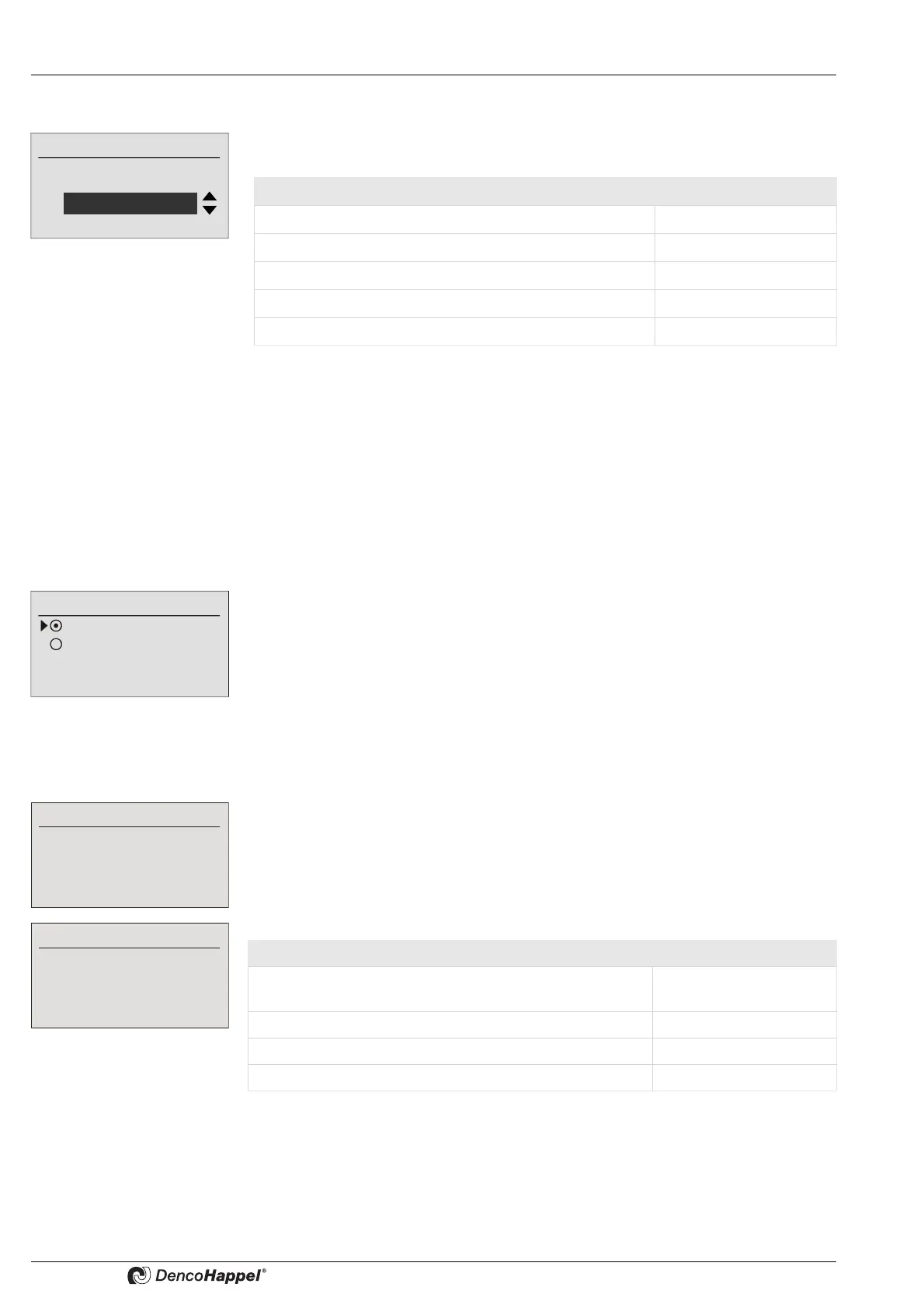
The following intended uses for the sensor input can be selected in the "Use" submenu:
If one of the following fan-speed control systems is selected in the "Type of control"
menu (see page 70), the use of the input for supply air or extract air must be deac-
tivated:
– Fan speed setting with control panel
– Temperature controlled
– Without supply-air fan/without extract-air fan
– Supply-air fan follows extract-air fan/extract-air fan follows supply-air fan
Sensor inputs ➜ Input type
If the following points are selected in the "Use" submenu:
– Measuring duct pressure
– Measuring volume flow
– Volume flow measurement with pressure sensor
the suitable voltage range for the used sensor can be selected in the submenu "input
type". Factory setting is 0-10V. The submenu "Input type" is not shown for the other
uses.
Sensor inputs ➜ Range start/range end
If a sensor input is activated in the "Use" submenu, a range start and a range end (e.g.
0-500 Pa or 30-100%) must be specified. In this case the external setting or the mea-
surable range of the sensor is displayed linearly on the selected input signal (e.g. 0-
10V).
Depending on the selected use, different physical variables can be entered, as the
following table demonstrates
of the input for
Use
Duct pressure
Use for Display:
Disabled Disabled
Speed setpoint range 0-10V Speed setpoint
Measuring duct pressure Duct pressure
Measuring volume flow Volume flow
Volume flow measurement with pressure sensor volume flow<-pressure
Input type
0..10 Volt
2..10 Volt
Range start
1000
Range end
20000
Application: Value in:
Speed setpoint range 0-10V Percent [%] of the
maximum speed
Measuring duct pressure Pascal [Pa]
Measuring volume flow m
3
/h
Volume flow measurement with pressure sensor Pa



 To Next Page