MATRIX Control Panel OP71 Operating MATRIX control panel OP71
PR-2009-0021-GB • Subject to modifications • R5-04/2016 43
8.4.3 Switch ON functions
8.4.4 Enabling menu options
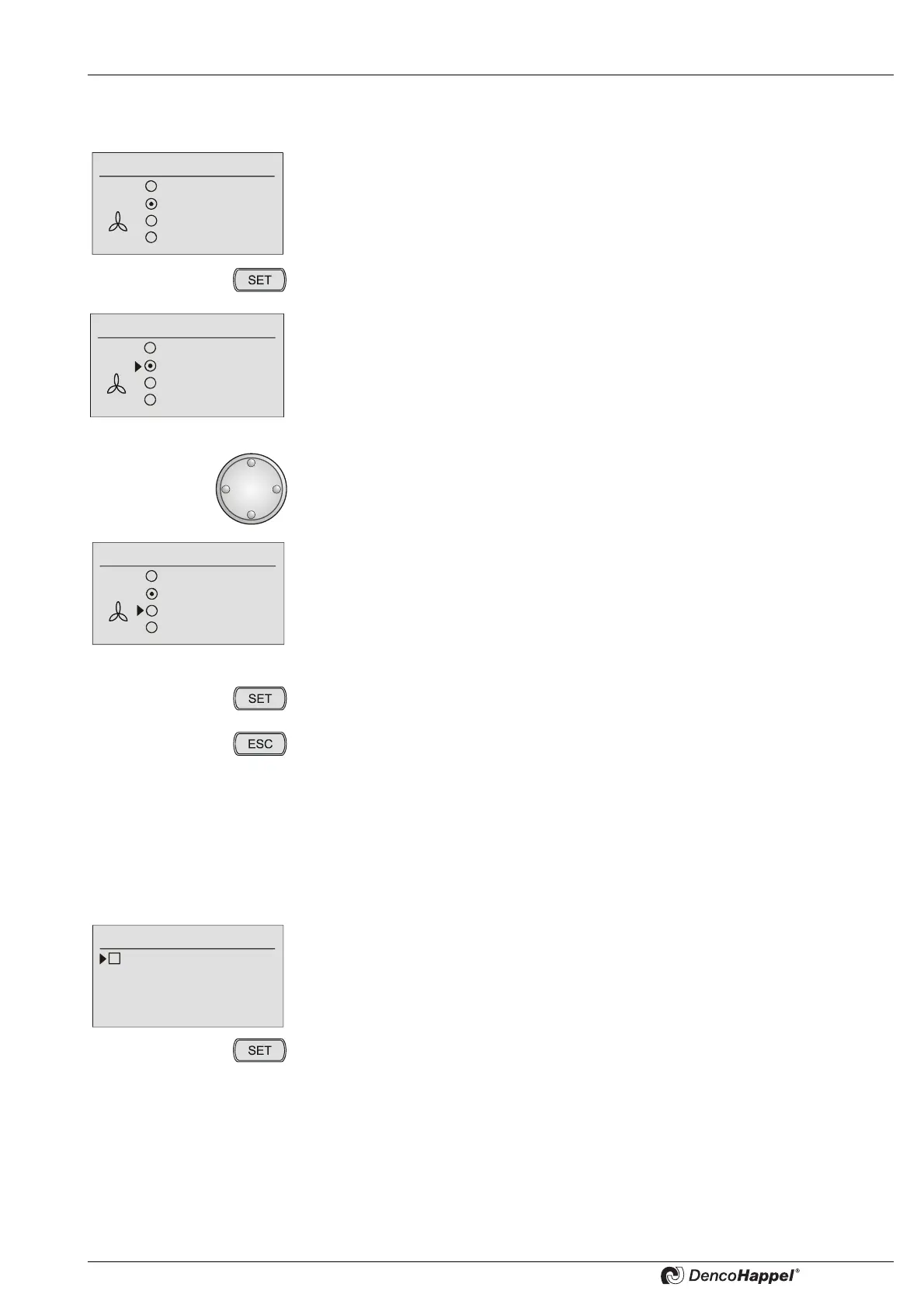
• Select a menu, e.g. “fan mode”.
• Press the key "SET".
A cursor appears on the left, next to the preset function.
• Turn the navigator to the left or right until the cursor stands next to the required
menu option.
The cursor stands next to the required menu option.
• Press the “SET” button to save the new fan mode.
• By pressing the "ESC" button you can always cancel the menu selection.
Fan mode
Off
Automatic
Automatic (mute)
Speed 70 %
Fan mode
Off
Automatic
Auto (mute)
Speed 70%
Off
Automatic
Auto (mute)
Speed 70%
Fan mode
Example: Activating “Week program”
• Select the "Week program" menu.
• Select the “enable / disable” menu option.
The “enabled” menu option appears, and the cursor stands in front of an option
field.
• Press the key "SET".



 To Next Page