Operating MATRIX control panel OP71 MATRIX Control Panel OP71
44 PR-2009-0021-GB • Subject to modifications • R5-04/2016
8.4.5 Deleting settings
The option field changes from “empty” to “black”.
– Option field “empty” = disabled, week program switched off
– Option field “black” = enabled, week program switched on
The display changes each time the “SET” button is pressed.
• When the required condition is displayed, you have to press the “ESC” button
to save this setting and leave the menu option.
Notice!
In this case the “SET” button is NOT used for saving!
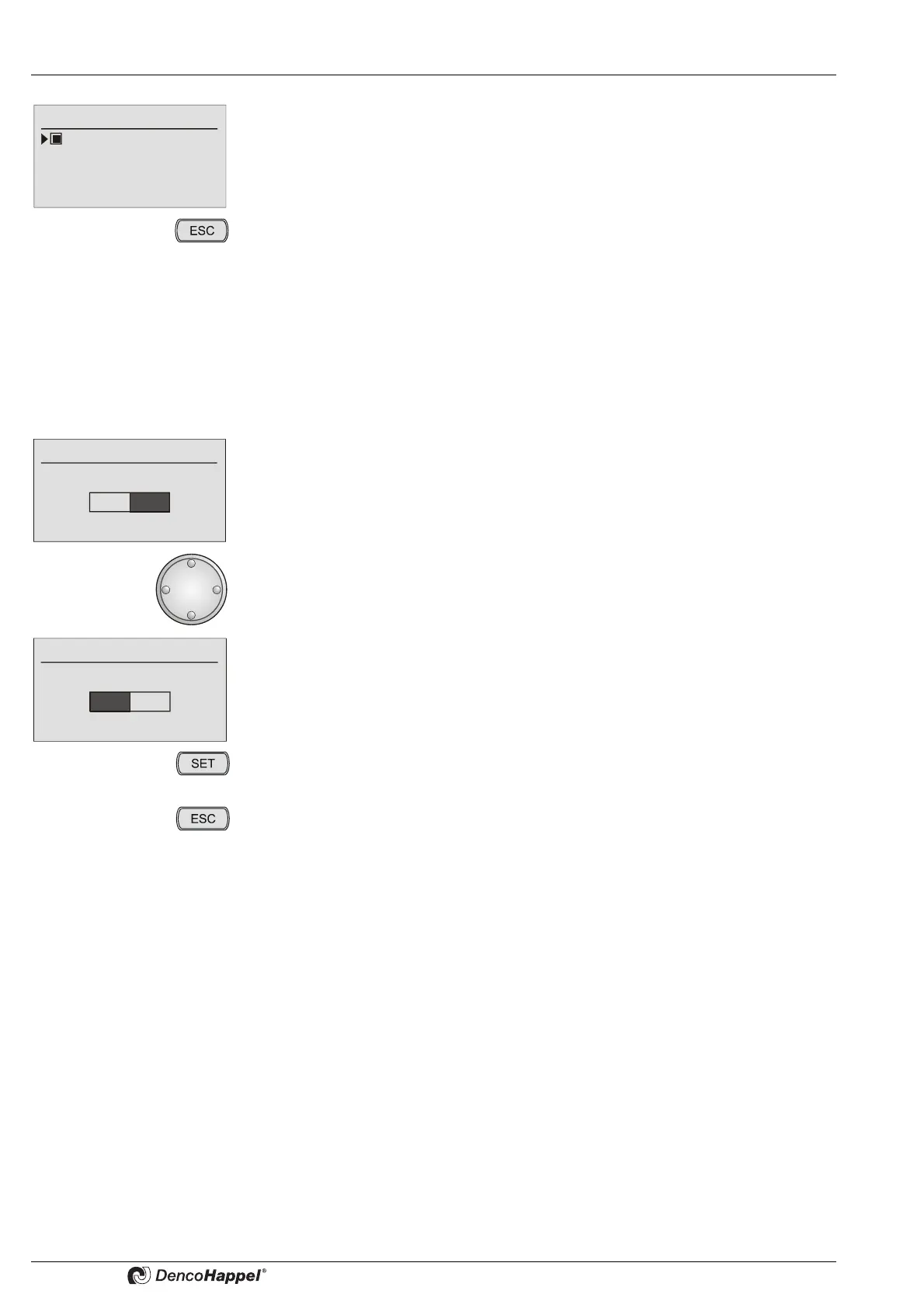
Example: Deleting “Week program”
• Select the "Week program" menu.
• Select the “delete program” menu option.
The confirmation prompt “Really delete?” appears.
• Turn the navigator one notch to the left.
The “YES” field is now highlighted in black.
• Press the “SET” button to delete the week program with all switching times.
• By pressing the "ESC" button you can always cancel the menu selection.
Delete program
Really delete?
YES
NO
Delete program
Really delete?
YES
NO



 To Next Page