MATRIX Control Panel OP71 Operating MATRIX control panel OP71
PR-2009-0021-GB • Subject to modifications • R5-04/2016 85
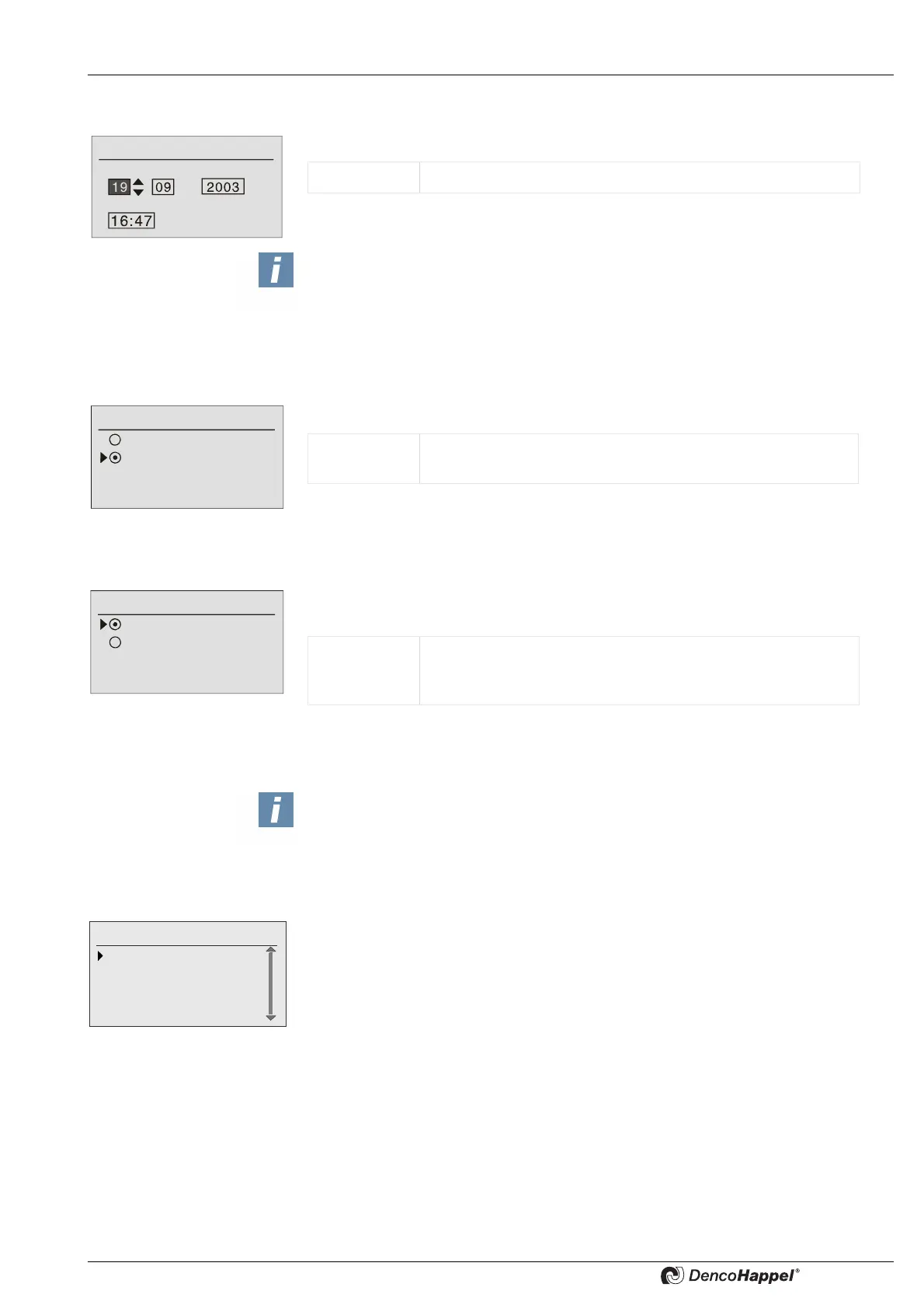
8.10.4 Date/time submenu
You can enter the current date and time in the “Date/Time” submenu.
8.10.5 Time format submenu
In the “time format” submenu you can set the time format to be displayed.
8.10.6 Submenu temperature unit
You can set the units for the temperature displays in degrees centigrade or Fahrenheit
in the submenu "Temperature unit".
8.10.7 Submenu Cluster-config
In the submenu "cluster config." you can change important data of the cluster configu-
ration. All 16 cluster are listed.
Date/time
Day / Month / Year
Time
Value range: Day, month, year and time
NOTICE!
Observe the national shift of daylight saving time and if necessary the time shift due
to enabling the “automatic summer time” (see „Automatic summer time submenu“ on
page 88).
Time format
12-hour display
24-hour display
Value range: Time display in 12-hour or 24-hour format
Factory setting: 24-hour
Temperature Unit
Temperature in °C
Temperature in °F
Value range: Temperature unit in degrees Celsius (°C)
or in degrees Fahrenheit (°F).
Factory setting: degrees Celsius (°C)
NOTICE!
The factory setting has no cluster configuration, i.e. no cluster assignment to a
group.
During the first start up, the whole network is checked in which groups controllers
are. These groups are assigned to a cluster of same number.
Cluster configura-
0: Cluster 0
1: Cluster 1
2: Cluster 2
3: Cluster 3



 To Next Page