Safety MATRIX Control Panel OP71
8 PR-2009-0021-GB • Subject to modifications • R5-04/2016
3 Safety
The MATRIX control panel OP71 is manufactured in accordance with the state-of-the-
art engineering standards and established technical safety codes and regulations.
The MATRIX OP71 control panel is for use intended by the manufacturer. Ensure pro-
per and reliable operation of the unit before use. Observe all relevant safety instruc-
tions and precautions in the operation manual. Use proper safety measures to prevent
hazardous situations which, if not avoided, could result in death or serious injury to the
user or property damage-only accidents!
Have all faults repaired by an authorized specialist without delay!
3.1 Identification of safety instructions
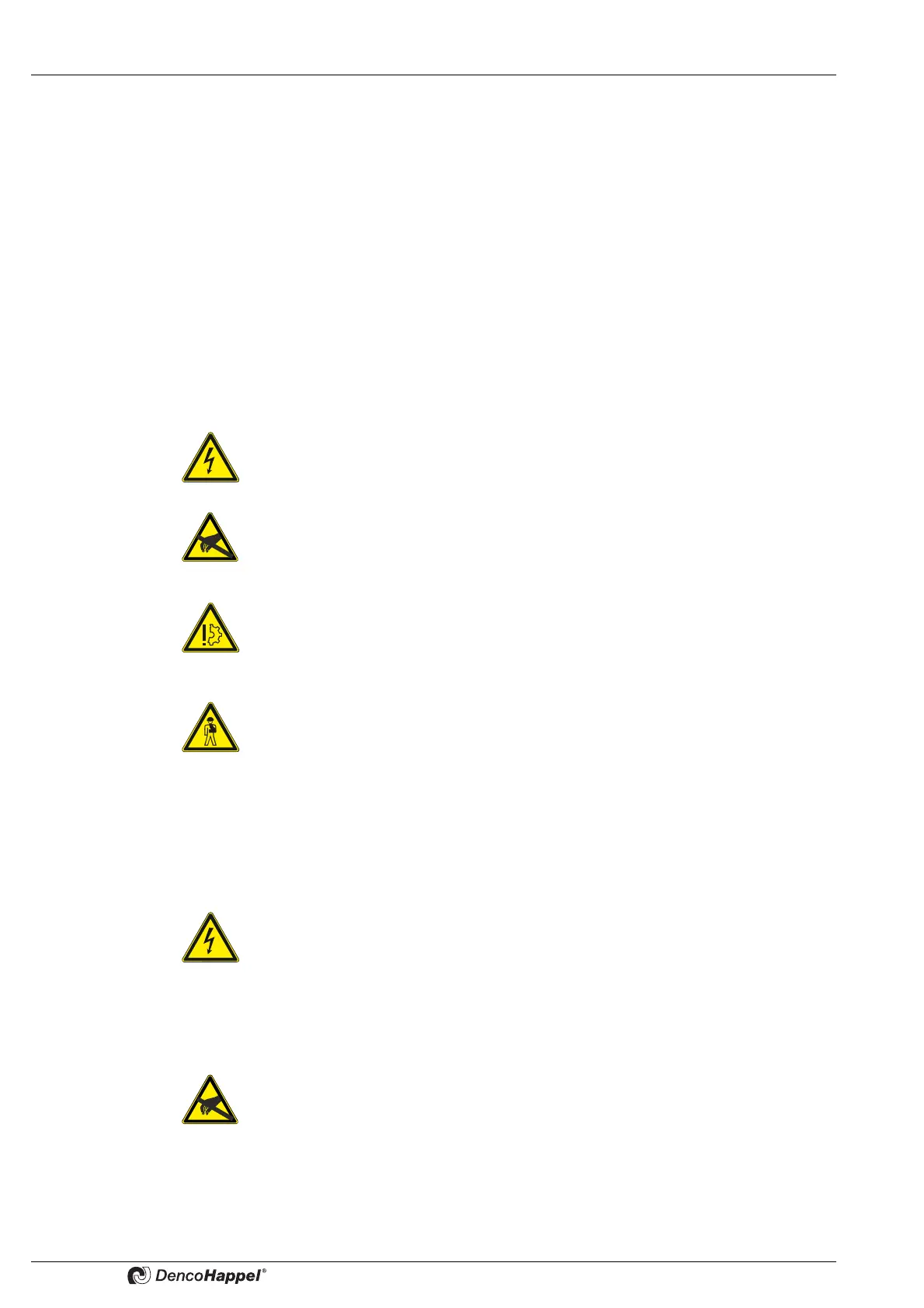
The following symbols and notices are provided in appropriate places throughout this
document to designate the safety instructions.
3.2 Safety-conscious work procedures
Observe the following instructions when carrying out installation, adjustment or repair
work:
When carrying out work near low-voltage networks
When carrying out adjustment work on the MATRIX control panel OP71
Electrical hazard!
This symbol indicates a risk of electric shock when working on the equipment.
Risk of electrostatic discharge!
This symbol precedes a warning on static-discharge damage to the MATRIX
control panel OP71.
DAMAGE TO THE UNIT!
This section specifies procedures and precautions to prevent damage to the
MATRIX control panel OP71.
Personal injury!
This section specifies procedures and precautions for preventing personal injury.
Electrical hazard!
Disconnect all electric power of the unit and ensure that the power cannot be
inadvertently switched on; earth, short-circuit, and block off all neighboring live
parts. Non-compliance can lead to death or serious injury.
Risk of electrostatic discharge!
While carrying out adjustment work on the MATRIX control panel OP71 make
sure that you discharge yourself statically before touching PC boards and
electrical components.



 To Next Page