Commissioning and testing MATRIX Control Panel OP71
24 PR-2009-0021-GB • Subject to modifications • R5-04/2016
6.4.1 Testing MATRIX control panel OP71
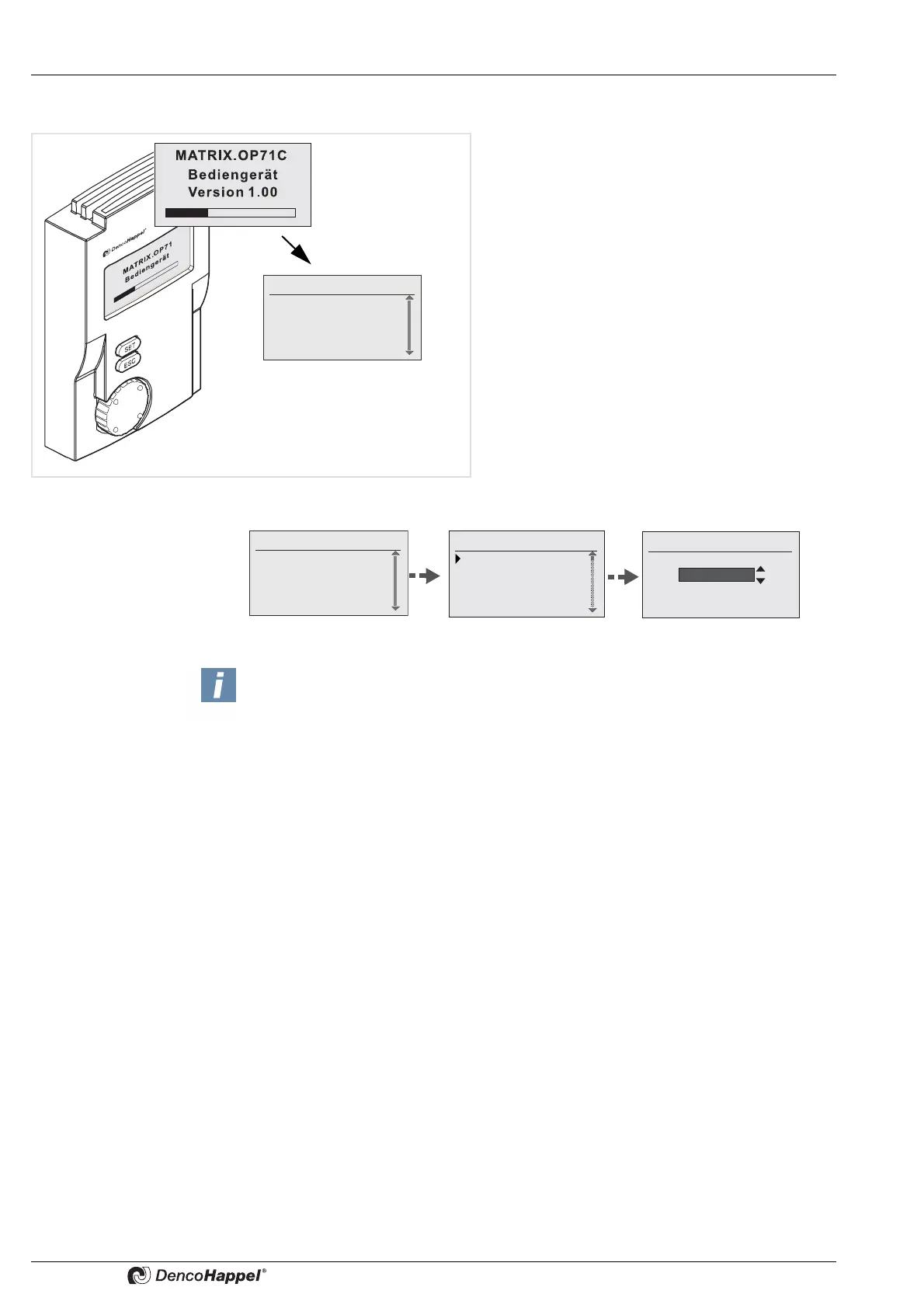
If correct connection has been carried out the
MATRIX control panel OP71 starts by checking
the network and briefly showing the “booting”
screen. It then changes to the basic display.
• Should there be no display, switch off immedia-
tely by powering down and check the wiring
first.
• If no change into basic display occurs within
around 80 seconds, isolate the unit and check
that the data cable is correctly connected and
the terminating resistors are set (See also „Er-
ror message/Troubleshooting“ on page 89).
Select your language in the following way:
0: Cluster 0
1: Cluster 1
2: Cluster 2
All Cluster
Fr. 14:10
System
Select language
Contrast
Backlight
Date/time
Select language
Dutch
0: Cluster 0
1: Cluster 1
2: Cluster 2
All Cluster
Fr. 14:10
Note!
Possible errors are displayed by letter “E” in the status display. Refer to
„Error message/Troubleshooting“ on page 89 for detailed information.



 To Next Page