MATRIX Control Panel OP71 Operating MATRIX control panel OP71
PR-2009-0021-GB • Subject to modifications • R5-04/2016 47
8.5 „Cluster selection“ menu
In the basic menu "cluster selection" you can select a cluster and change the setpoint.
Only those clusters are shown on the list, that have groups assigned to them. Cluster
that are assigned to unit groups. but that have no controller are displayed but they are
not selectable.
Clusters are factory pre-named as "Cluster x". You can rename the cluster and chose
own labels (see cluster config. Ü label on page 86).
The enumeration of clusters in the list can not be changed. It identifies the clusters in
the different menus.
8.6 "Cluster" menu
Basic menus in cluster level are used to adjust and change setpoints. The setpoints
refer to the preselected cluster in the basic menu "cluster selection".
The individual basic menus in the cluster level are displayed or hidden depending on
the configuration of the unit in the cluster.
After selecting and entering a cluster, the cluster type is displayed for 2 seconds on the
information display.
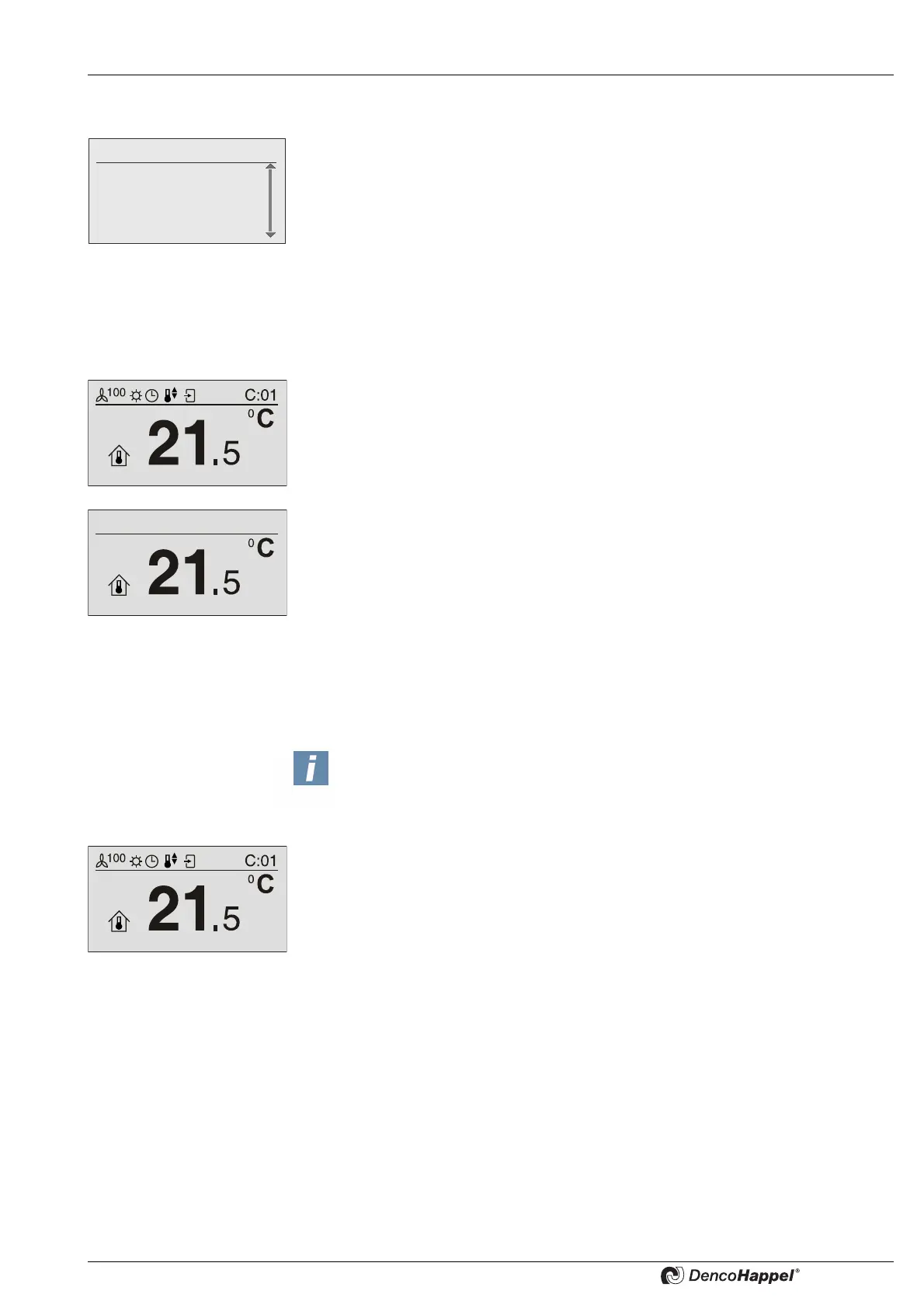
8.6.1 "Setpoint room temperature" submenu
The submenu for the room temperature setpoint is displayed only if the menu
<Name>Menu enabling for ... (see page 86) was activated and if a controller in the
selected cluster was configured for room temperature control.
You can change the setpoint setting for the room temperature in the “setpoint room
temperature” menu. The setpoint temperature is displayed depending on the set-
ting(See „Submenu temperature unit“ on page 85) in:
– degrees Celsius (°C) with an interval of 0.5 degrees or
– degrees Fahrenheit (°F) with an interval of 1 degree
Fr. 14:10
0: Cluster 0
1: Cluster 1
2: Cluster 2
3: Cluster 3
NOTICE!
The “setpoint room temperature” and “setpoint supply air temperature” subme-
nus are displayed depending on the configuration of the connected controller.
The selection is made automatically.



 To Next Page