Operating MATRIX control panel OP71 MATRIX Control Panel OP71
34 PR-2009-0021-GB • Subject to modifications • R5-04/2016
8.2 The menus in overview
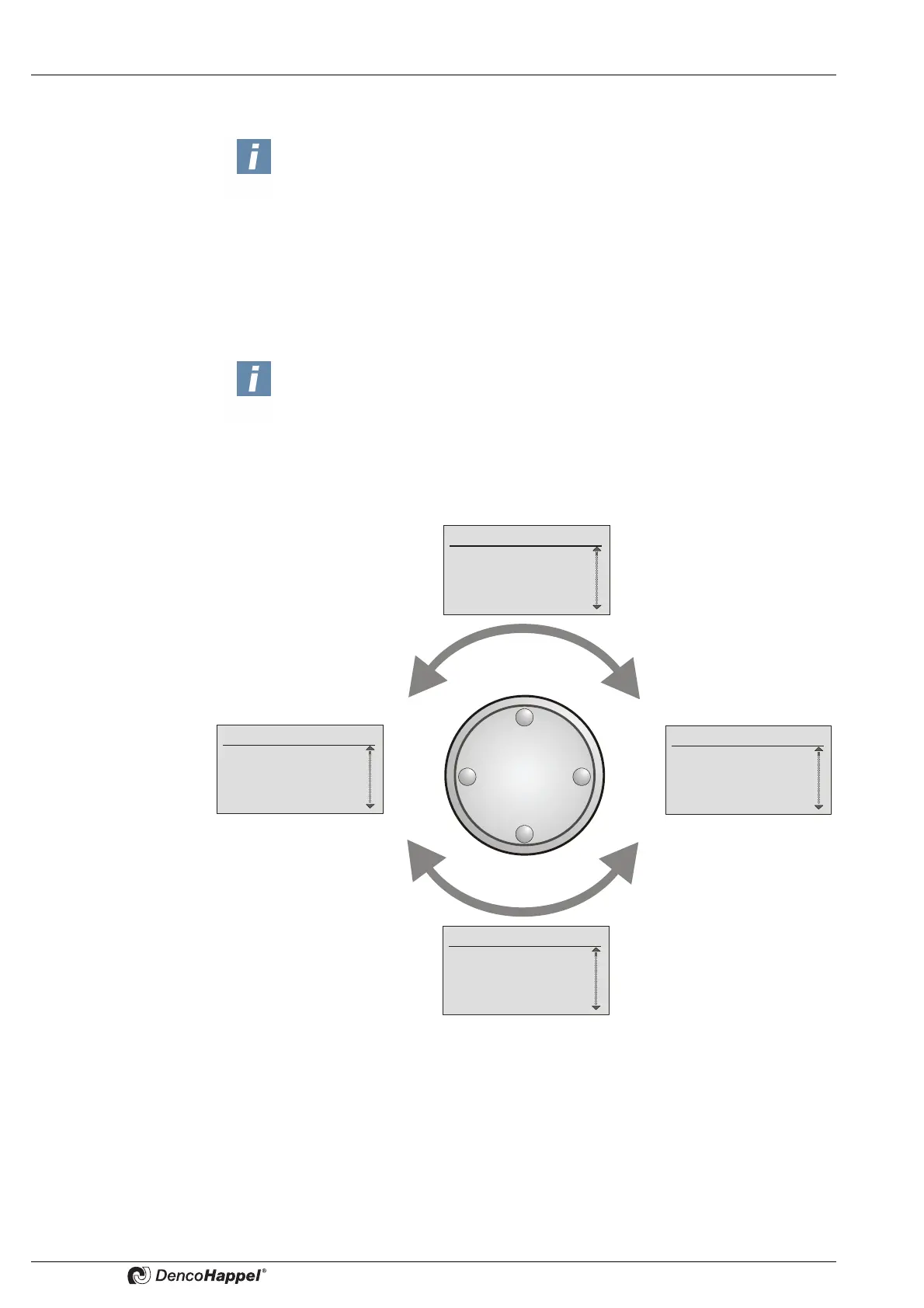
8.2.1 Select menu
You can “scroll” from basic menu or any other menu by turning the navigator step by
step and changing from one menu to the next.
You can rotate the navigator freely right and left.
NOTICE!
The selectable menus depend on the version. The menus and their structure
can differ depending on the configuration of HVAC equipment and possibly
other connected units.
NOTICE!
After 90 seconds of idle operation without pressing any buttons or turning the
navigator, the MATRIX control panel OP71 automatically switches back to
basic menu with "cluster selection".
After the next 90 seconds in the basic menu "cluster selection" the control panel
switches into <Name>Cluster status display (screen saver) (See page 33).
Basic menu
"cluster selection"
Fr. 14:10
0: Cluster 0
1: Cluster 1
2: Cluster 2
All Cluster
Clock Timer
Week programme 0
Week programme 1
Week programme 3
Week programme 4
System
Select language
Contrast
Backlight
Date/time
Operation messages
1. Operating error
2. Operating error
3. Operation info
3. Operation warning
The menu "operation
messages" is displayed only if
such messages have been regis-
tered.



 To Next Page