Operating MATRIX control panel OP71 MATRIX Control Panel OP71
84 PR-2009-0021-GB • Subject to modifications • R5-04/2016
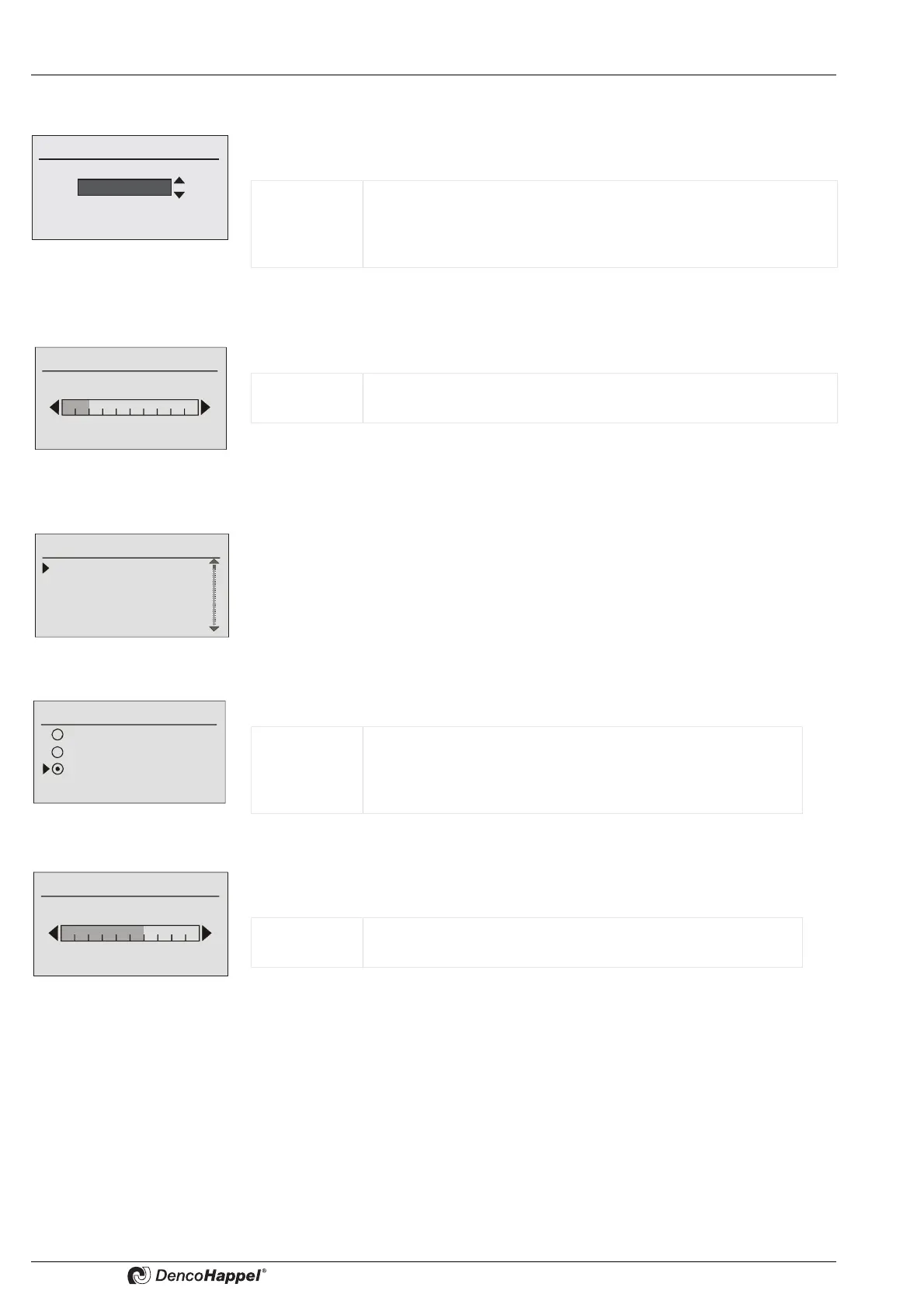
8.10.1 Select language submenu
You can enter the language of the interactive menus in the “Select language”
submenu.
8.10.2 Backlighting submenu
In the “Adjust contrast” submenu you can change the contrast of the LCD display.
8.10.3 Backlighting submenu
In the “Backlighting” submenu you can adjust
• whether the backlighting is permanently on, off, or time-controlled
• and set the desired brightness of the backlighting.
Configure ➜ Lighting
In the “Configure" menu item, you can change the LCD display backlighting as follows
Lighting ➜ Modify brightness
You can change the brightness of the backlighting of the LCD display in the menu item
"Modify brightness".
Value range: The MATRIX control panel OP71 can store up to 14 languages. The
following languages are always available: Deutsch, English (UK)
and Français.
Factory setting: Deutsch
Value range: Bar display: 0 ...10 interval divisions possible
Factory setting: 2 interval divisions are set
Lighting
Configure lighting
Modify brightness
Configure
Off
Permanent on
Time controlled
Value range: Backlighting “off”, “permanent on”or “time controlled”; with
“time controlled” the backlighting is switched off after the last
element is operated with a time delay (20 seconds).
Factory setting: “Time controlled”
Value range: Bar display: 0 ...10 scale range possible
Factory setting: scale range of 6 is set



 To Next Page