Operating MATRIX control panel OP71 MATRIX Control Panel OP71
86 PR-2009-0021-GB • Subject to modifications • R5-04/2016
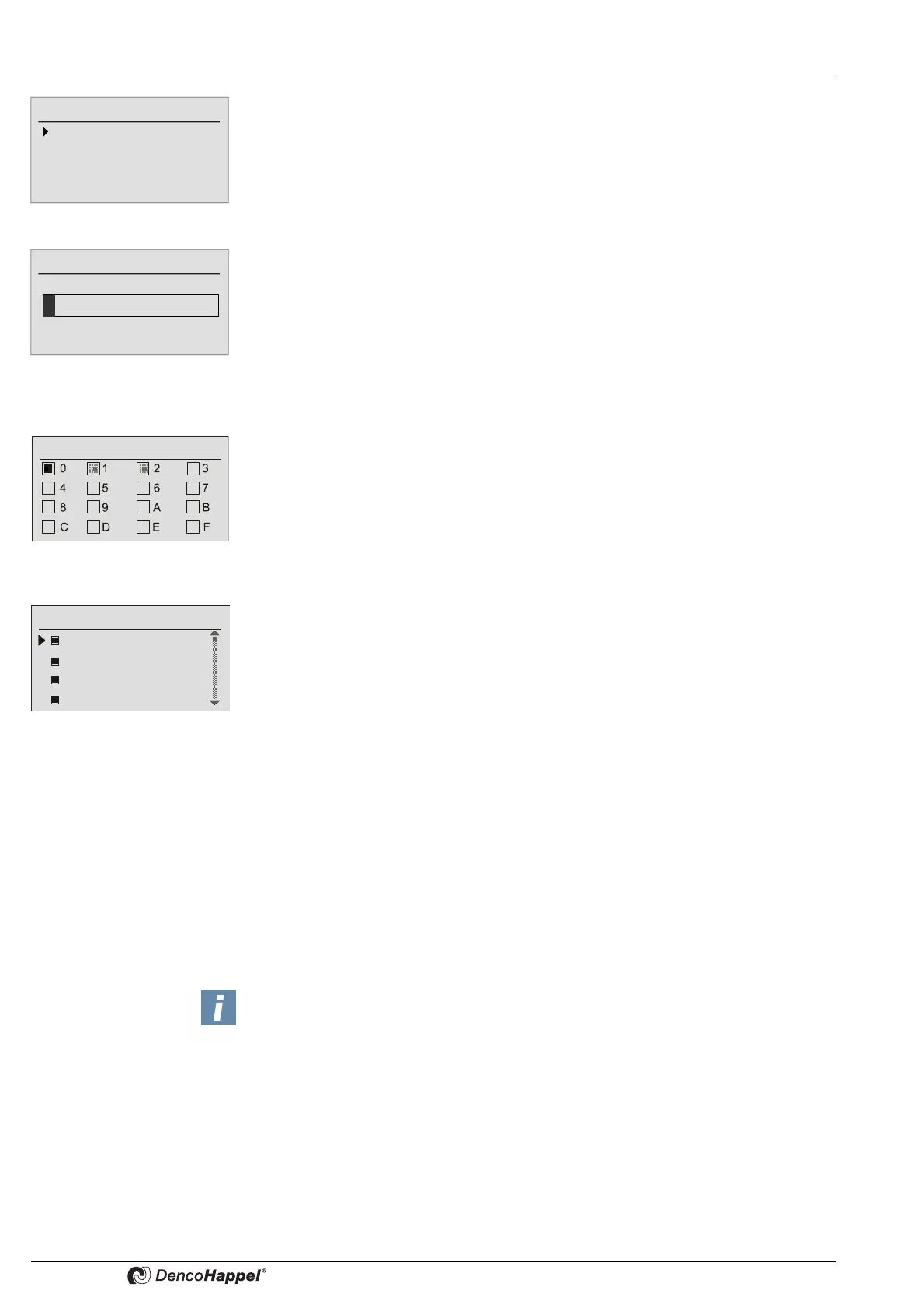
Each cluster can be configured by using the following functions:
– Designation (assign cluster designation)
– Group assignment (allocate unit groups to one cluster)
– Menu enabling (enable or disable menus on the cluster level)
Cluster configuration ➜ Designation
Individual clusters can be renamed by using freely selectable designations. The cluster
enumeration is retained at the same time.
Rename the clusters, as described in Kapitel 8.4.7 „Changing programme names“ on
page 46.
Cluster configuration ➜ Group assignment
In this submenu the unit groups can be assigned to the selected cluster. Those groups
that were already assigned to other clusters can not be selected once again (gray
boxes with points).
Assign the unit group to the selected cluster as described in Kapitel 8.4.6„Assigning
clusters to programmes“ on page 45.
Cluster configuration ➜ Menu enabling
This submenu allows to enable or disable menus in order to change setpoints for the
previously selected cluster:
– Operating mode
– Room air setpoint
– Supply air setpoint
–Fan
– Controller mode
– Mixed air
– Supply-air duct pressure
– Supply air volume flow
– Extract-air duct pressure
– Extract air volume flow
– Fast ventilation
In case of a disabled menu the relevant setpoint is not transmitted to the groups of the
assigned cluster. In such a way the control panel for all groups determines only a part
of setpoints, all other setpoints have to be set using the local control panel (urgently
necessary).
Factory setting: all menus are enabled.
0: Cluster 0
Label
Group assignment
Menu activation
Menu enabling for ...
Operating mode
Room setpoint
Supply-air setpoint
Fan
NOTICE!
If a menu is disabled, it is not displayed on the cluster level.



 To Next Page