EasyManua.ls Logo

DencoHappel MATRIX OP71 - User Manual

Default Icon
104 pages
Print Icon
To Next Page IconTo Next Page
Loading...
OPERATION MANUAL
System Controls
DencoHappel MATRIX
®
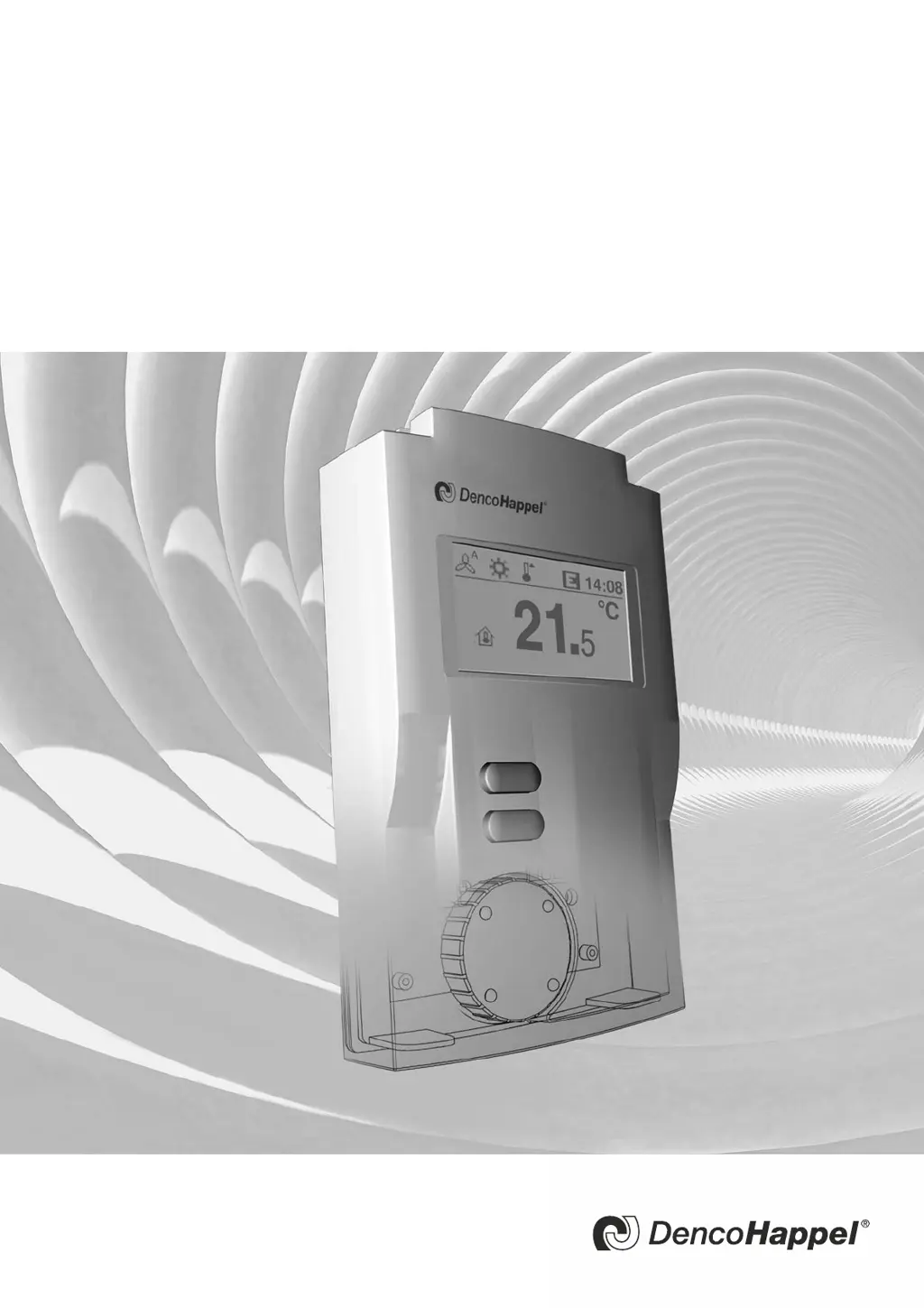
Control Panel OP71
Regulate efficiently, conserve resources

Table of Contents

Questions and Answers

  • S
    Steven LindseySep 9, 2025
    How to fix Internal sensor short-circuit in DencoHappel MATRIX OP71?
    • K
      Kimberly LawsonSep 9, 2025
      If there is an internal sensor short-circuit, it is due to an internal error in the control panel. Replace the control panel.
  • M
    Michelle RhodesSep 12, 2025
    How to fix RT sensor short-circuit in DencoHappel Control Panel?
    • K
      Kimberly JacobsonSep 12, 2025
      If the RT sensor has a short-circuit, it means that the sensor of the room temperature in the control panel is defective. Replace the control panel.
  • C
    Carl RogersSep 14, 2025
    What to do if RT sensor is missing in DencoHappel MATRIX OP71 Control Panel?
    • H
      Haley VazquezSep 14, 2025
      If the RT sensor is missing, it means that the sensor for the room temperature in the control panel is defective. Replace the control panel.
  • J
    Julie HunterSep 16, 2025
    What to do if I have a Bus problem (offline) with my DencoHappel Control Panel?
    • W
      William GonzalezSep 16, 2025
      Check the wire connection at the terminals A - B (control panel - air treatment unit). Ensure the terminal wires are connected the same way and that the data line is not short-circuited. Verify that the terminating resistances in the network are correctly set (see 'MATRIX.Net termination setting' on page 22). If the error persists, contact an authorized service center and describe the error message.

DencoHappel MATRIX OP71 Specifications

General IconGeneral
Resolution800 x 480 pixels
Power Supply24 V DC
ProcessorARM Cortex A8
Memory256 MB RAM
InterfacesEthernet, USB, RS-485
Protection RatingIP65
Display7" TFT LCD