EasyManua.ls Logo

DencoHappel MATRIX OP71 - Page 98

Default Icon
104 pages
Print Icon
To Next Page IconTo Next Page
To Previous Page IconTo Previous Page
Loading...
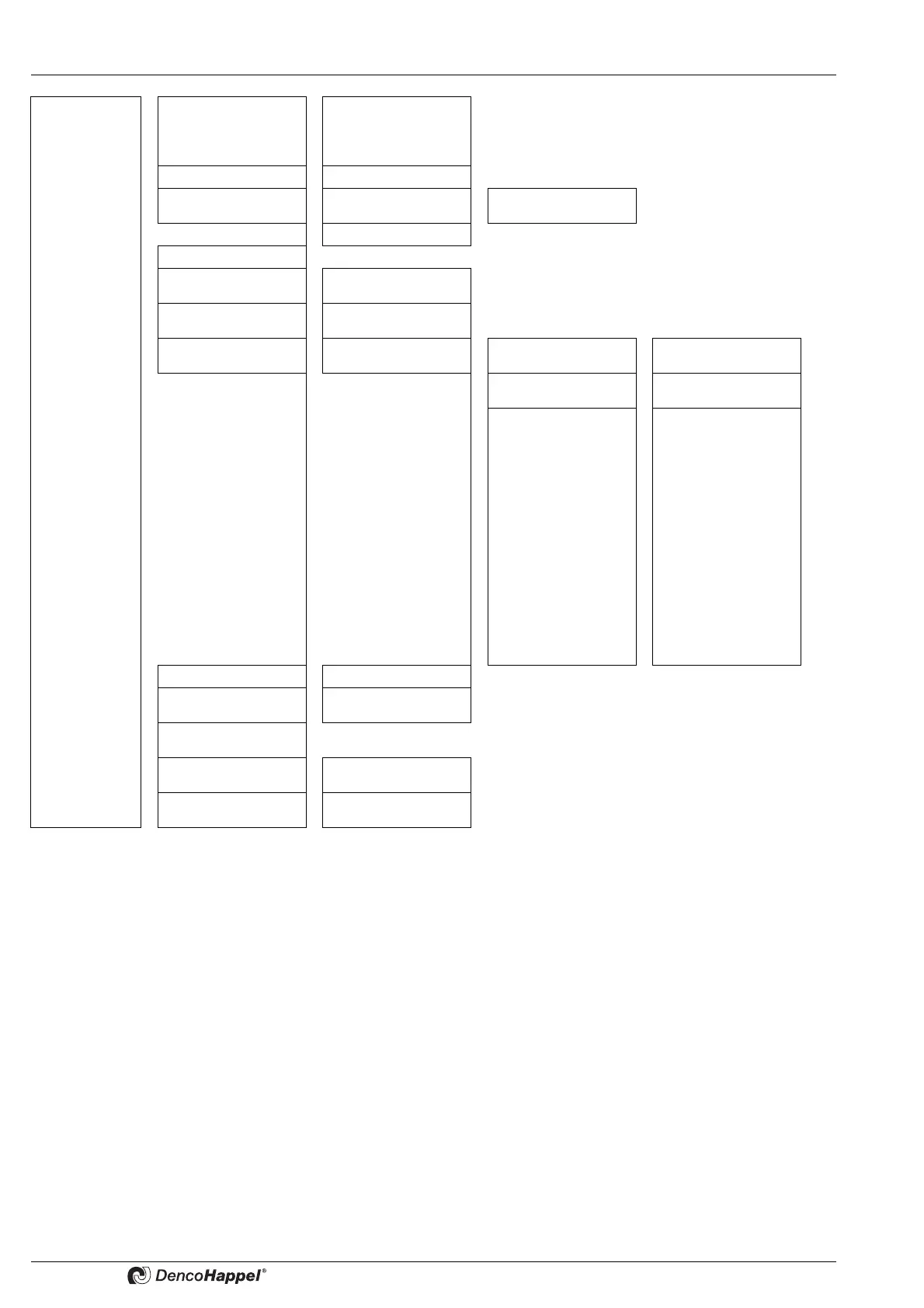
Menu Structure OP71 MATRIX Control Panel OP71
98 PR-2009-0021-GB • Subject to modifications • R5-04/2016
System
(✟↔ 83)
Select language
(✟↔ 84)
Deutsch
English (UK)
Français
[other languages ...]
Contrast (✟↔ 84)
Adjust contrast
Backlight (✟↔ 84)
Configure
OFF, permanent ON,
time controlled
Adjust brightness
Date/time (✟↔ 85)
Time format (✟↔ 85)
12-hour dispay
24-hour display
Temperature unit
(
✟↔ 85)
Temperature in °C/in
°F
Cluster configuration
Select Cluster 0 ...
Cluster F
Designation
Change Cluster Desi-
gnation
Group Assignment
Assigning groups to
cluster
Menu enabling
Enabling for*
- Operating mode
- Room setpoint
- Supply-air setpoint
- Fan
- Controller mode
- Mixed air
- Supply-air duct pres-
sure
- Supply air volume
flow
- Extract-air duct pres-
sure
- Extract air volume
flow
Full blocking (✟↔ 87)
Enter password
Partial blocking
(
✟↔ 87)
Enter password
Change password
(
✟↔ 87)
Automatic summer
time (✟↔ 88)
Enabled/disabled
Version info (✟↔ 88)
Serial, Firmware, Hard-
ware, Bus system

Table of Contents