ineo+ 353/253/203 1-102
Setup items by operation
1
1.35 Limiting users using this machine (Active Directory)
Specify settings for limiting users of this machine using Active Directory.
To perform authentication using Active Directory of Windows 2000 Server or Windows 2003 Server, use this
setting. This setting limits functions available on a user basis.
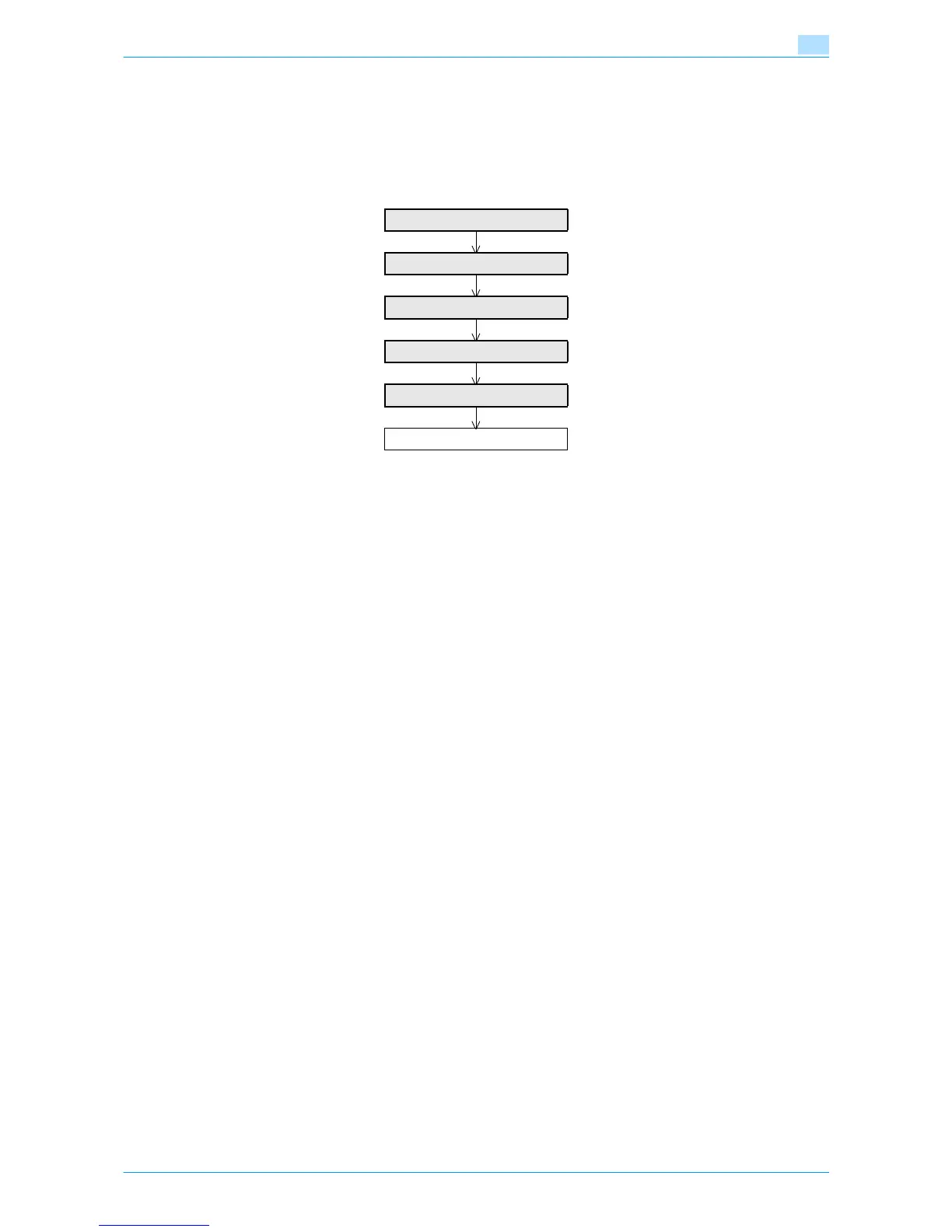
Specify the settings according to the following flowchart.
1.35.1 TCP/IP Settings
Specify settings to use this machine in a TCP/IP network environment.
When using Active Directory, specify a DNS server synchronized with Active Directory in the DNS Server
Settings of this machine.
For details, refer to "Specifying general settings for TCP/IP-based communication" on page 1-2.
TCP/IP Settings
External Server Registration
User Auth/Account Track
Default Function Permission
Date/Time Setting
Finish











 To Next Page