ineo+ 353/253/203 1-10
Setup items by operation
1
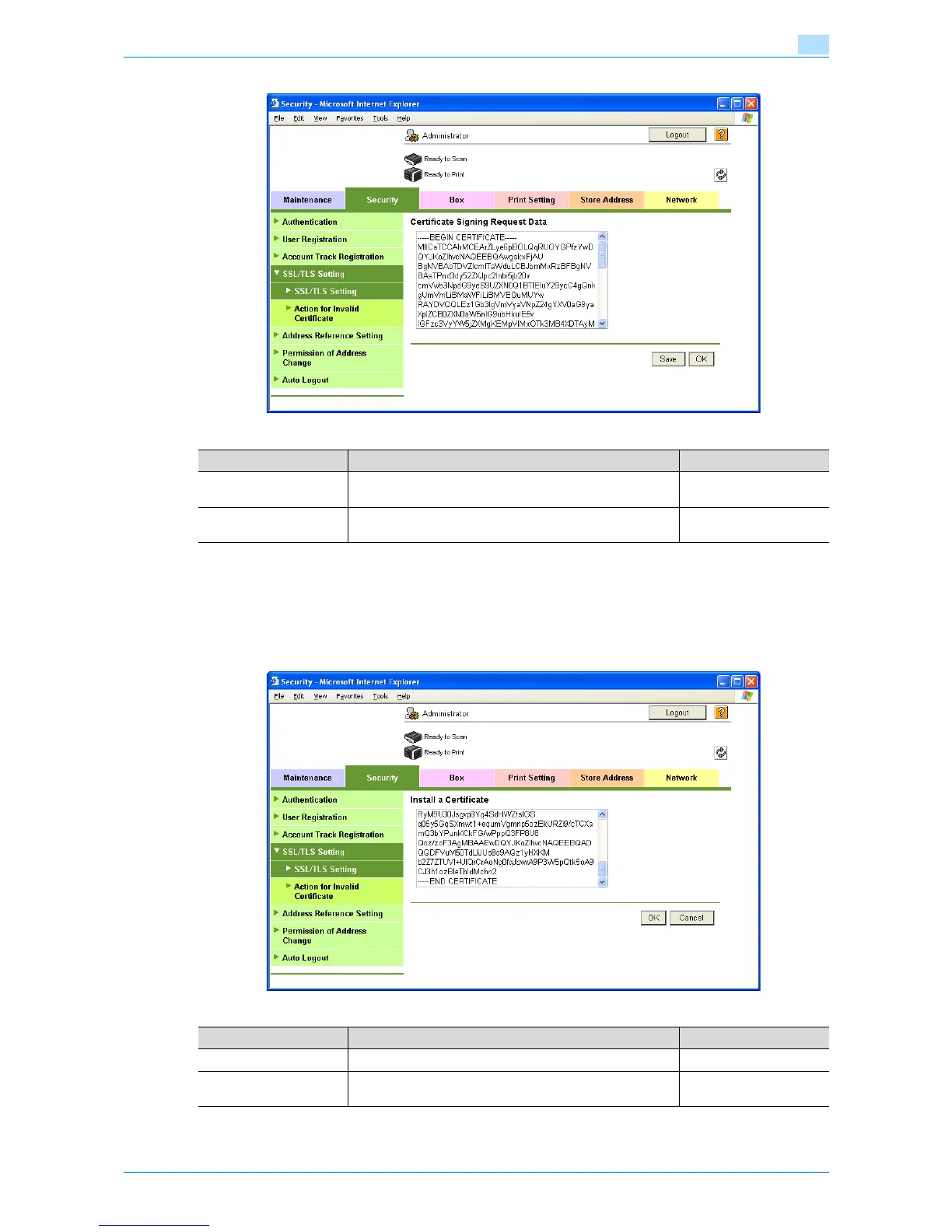
1.4.3 Install a Certificate
In Administrator mode of Web Connection, select the Security tab - "SSL/TLS Setting" - "SSL / TLS Setting"
- [Setup] - "Install a Certificate".
After requesting a certificate to the certification authority, install the certificate sent from the certification
authority on this machine.
Item Definition Prior confirmation
Certificate Signing Re-
quest Data
Displays certificate signing request data.
[Save] Saves certificate signing request data in the computer as a
file.
Item Definition Prior confirmation
Install a Certificate Paste text data sent from the certification authority.
[OK] Moves to the Set an Encryption Strength and Set Mode us-
ing SSL screen.











 To Next Page