ineo+ 353/253/203 1-134
Setup items by operation
1
1.44.3 Importing or exporting setting information
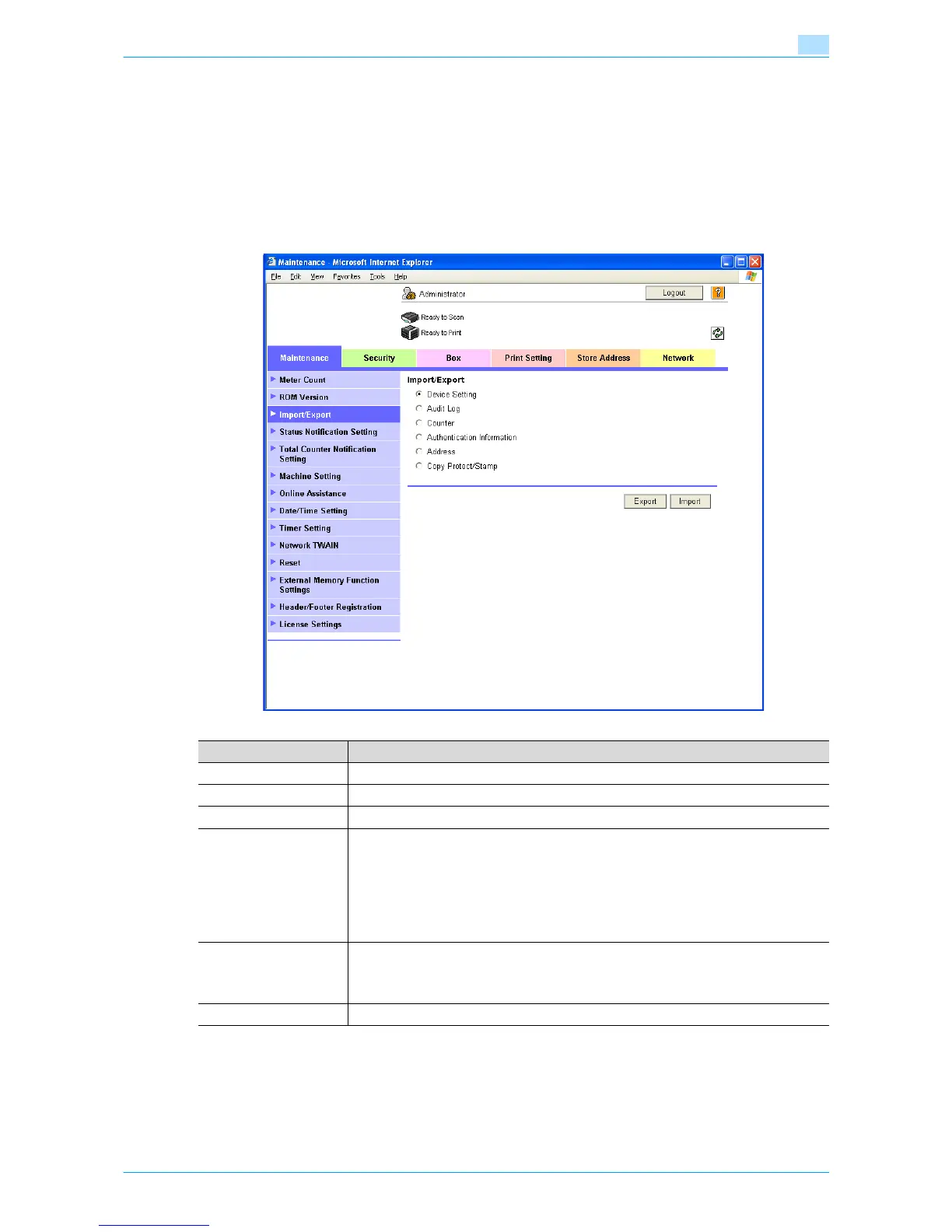
Import or export setting information of this machine.
Machine settings can be saved (exported) from this machine to the computer, or can be written from the
computer to the machine (imported).
Import/Export
In Administrator mode of Web Connection, select the Maintenance tab - "Import/Export".
Specify the following settings.
Item Definition
Device Setting Imports or exports device settings.
Audit Log Exports the audit log information.
Counter Exports the counter information.
Authentication Informa-
tion
Backs up and restores the entire authentication data.
Also, user registration information and authentication data can be imported or exported.
When using an optional authentication unit on this machine, authentication data can be
imported or exported.
When exporting authentication information, a password can be specified if necessary.
The specified password is required when importing the authentication information.
If authentication is perfomed with Authentication Manager, this menu item does not ap-
pear.
Address Backs up and restores the entire address data. Also, information on each address can be
imported or exported.
When exporting address information, a password can be specified if necessary. The
specified password is required when importing the address information.
Copy Protect/Stamp Copy protect /stamp data can be imported or exported.











 To Next Page