ineo+ 353/253/203 1-61
Setup items by operation
1
1.19 Printing (LPR/Port9100)
Specify settings for printing by using LPR or Port9100.
LPR printing is performed via the network using the LPR protocol. LPR printing is used in the UNIX-like OS.
Port9100 printing is performed via the network by directly specifying the RAW port (Port9100) of this machine
connected to the TCP/IP network as a printer of the print destination.
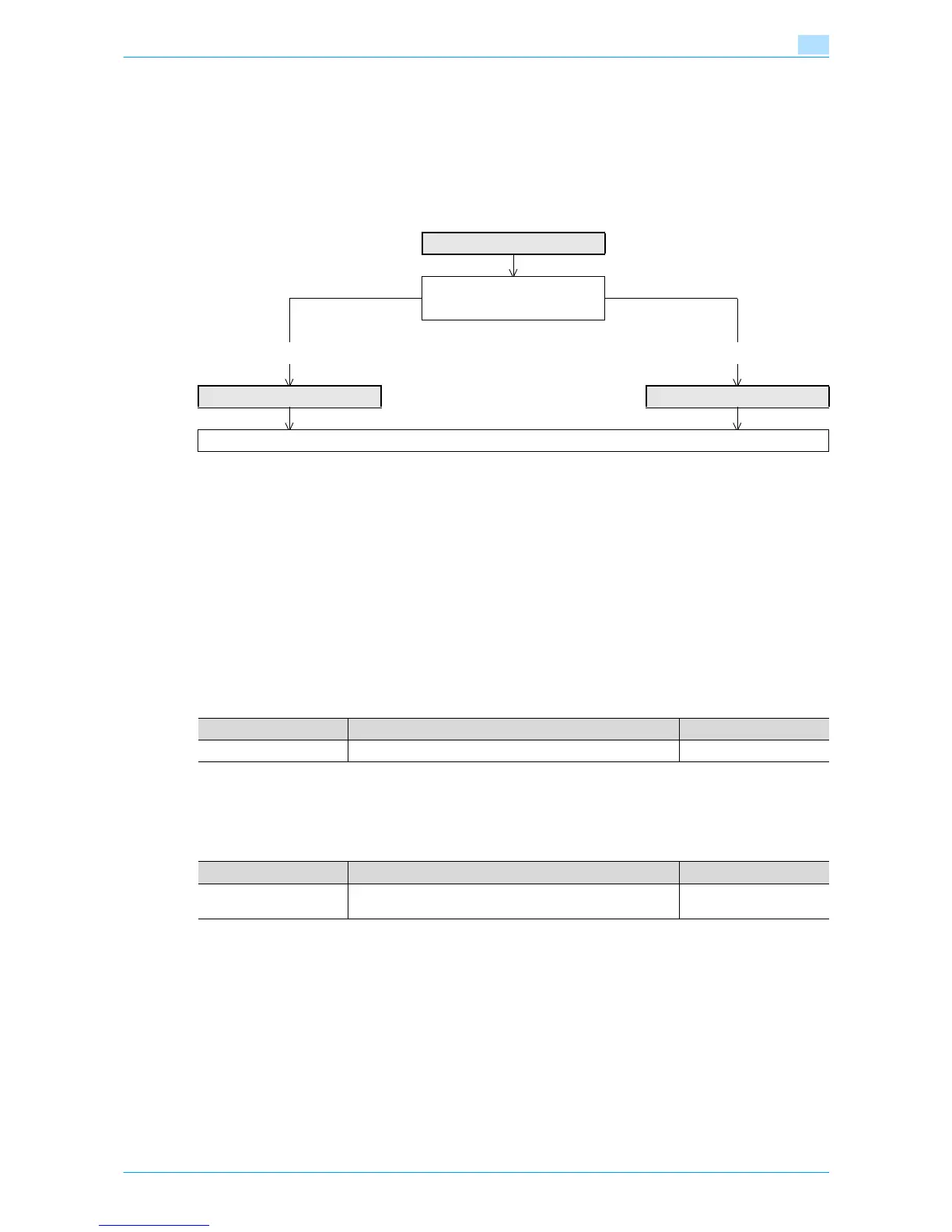
Specify the settings according to the following flowchart.
!
Detail
To print data using LPR or Port9100, settings for the printer driver must be specified after these
settings. For details, refer to the User’s Guide [Print Operations].
1.19.1 TCP/IP Settings
Specify settings to use this machine in a TCP/IP network environment.
For details, refer to "Specifying general settings for TCP/IP-based communication" on page 1-2.
1.19.2 LPD Setting
In Administrator mode of Web Connection, select the Network tab - "TCP/IP Setting" - "TCP/IP Setting".
Specify the following setting.
1.19.3 RAW Port Number
In Administrator mode of Web Connection, select the Network tab - "TCP/IP Setting" - "TCP/IP Setting".
Specify the following setting.
TCP/IP Settings
➀ LPR printing
➁ Port9100 printing
➀ ➁
LPD Setting RAW Port Number
Finish
Item Definition Prior confirmation
LPD Select "Enable".
Item Definition Prior confirmation
RAW Port Number Select the check box for the port to be used, and then spec-
ify the RAW port number.











 To Next Page