ineo+ 353/253/203 1-65
Setup items by operation
1
1.21.2 IPP Setting
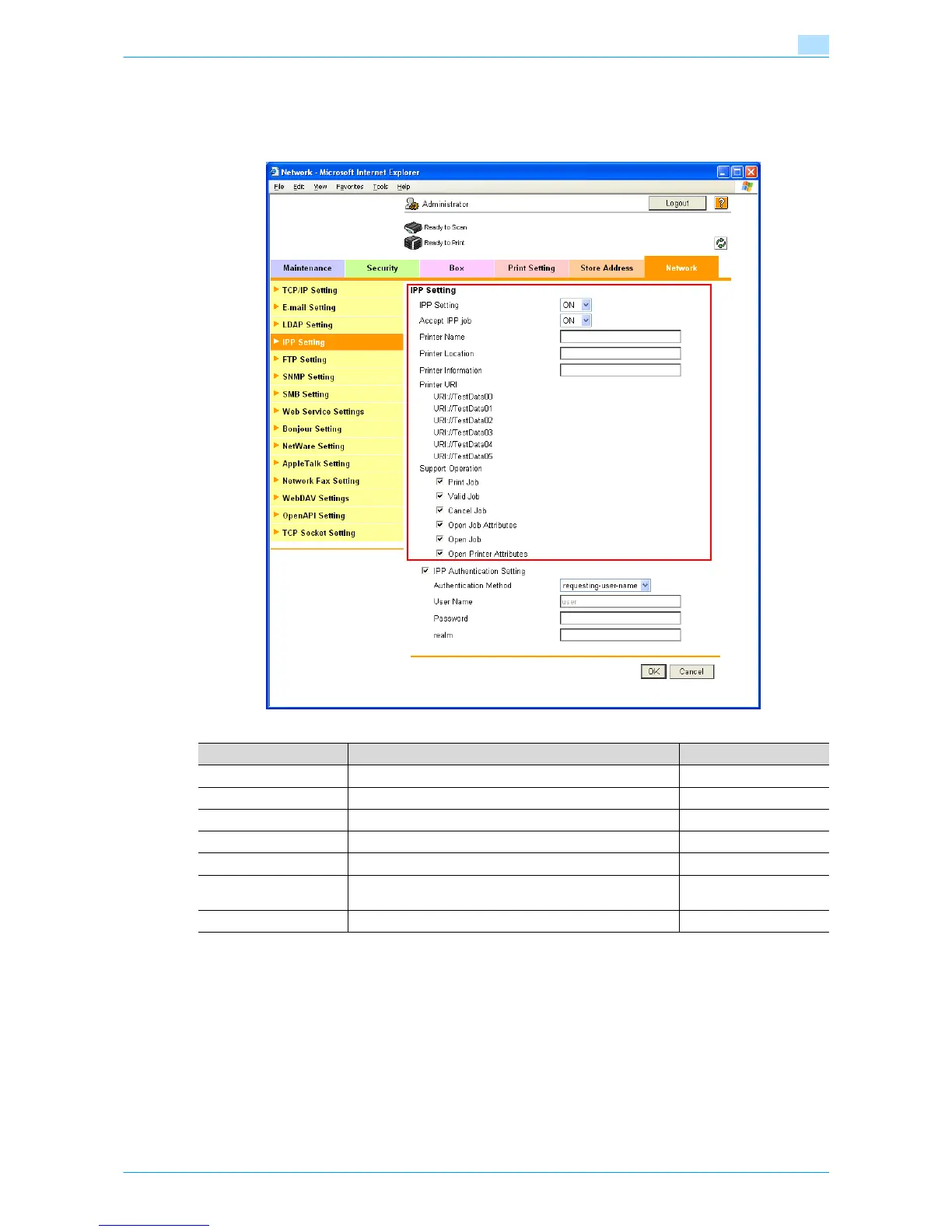
In Administrator mode of Web Connection, select the Network tab - "IPP Setting".
Specify the following settings.
Item Definition Prior confirmation
IPP Setting Select "ON".
Accept IPP job Select "ON".
Printer Name Specify the printer name (up to 127 characters).
Printer Location Specify the printer location (up to 127 characters).
Printer Information Specify the printer information (up to 127 characters).
Printer URI Displays the URI of the printer that can use IPP when print-
ing.
Support Operation Specify the print operations supported by IPP.











 To Next Page