ineo+ 353/253/203 1-108
Setup items by operation
1
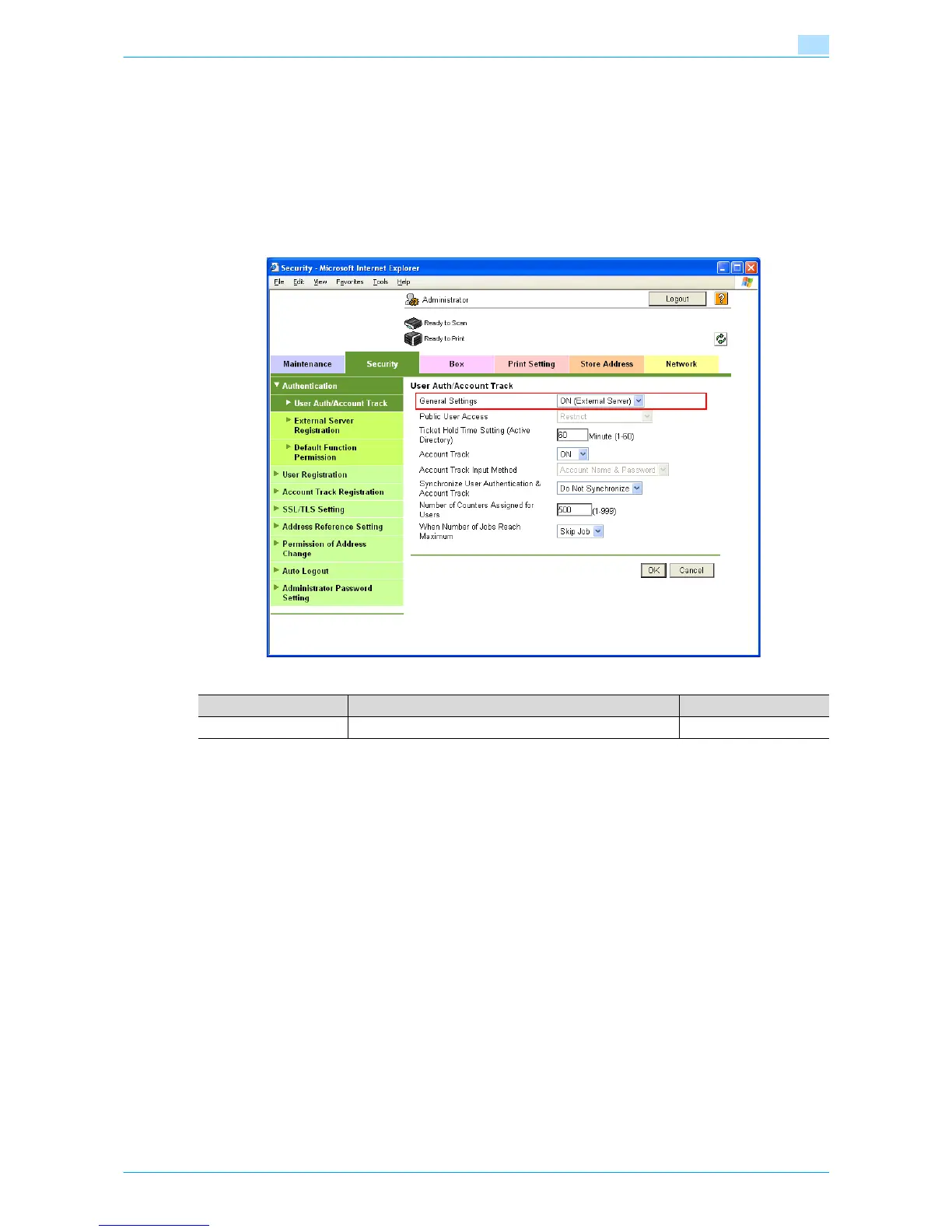
1.36.3 User Auth/Account Track
In Administrator mode of Web Connection, select the Security tab - "Authentication" - "User Auth/Account
Track".
Specify the following setting.
!
Detail
If authentication is performed with Authentication Manager, this menu item does not appear.
1.36.4 Default Function Permission
Limits functions available to authorized users on this machine.
For details, refer to "Default Function Permission" on page 1-105.
Item Definition Prior confirmation
General Settings Select "ON (External Server)".











 To Next Page