ineo+ 353/253/203 1-141
Setup items by operation
1
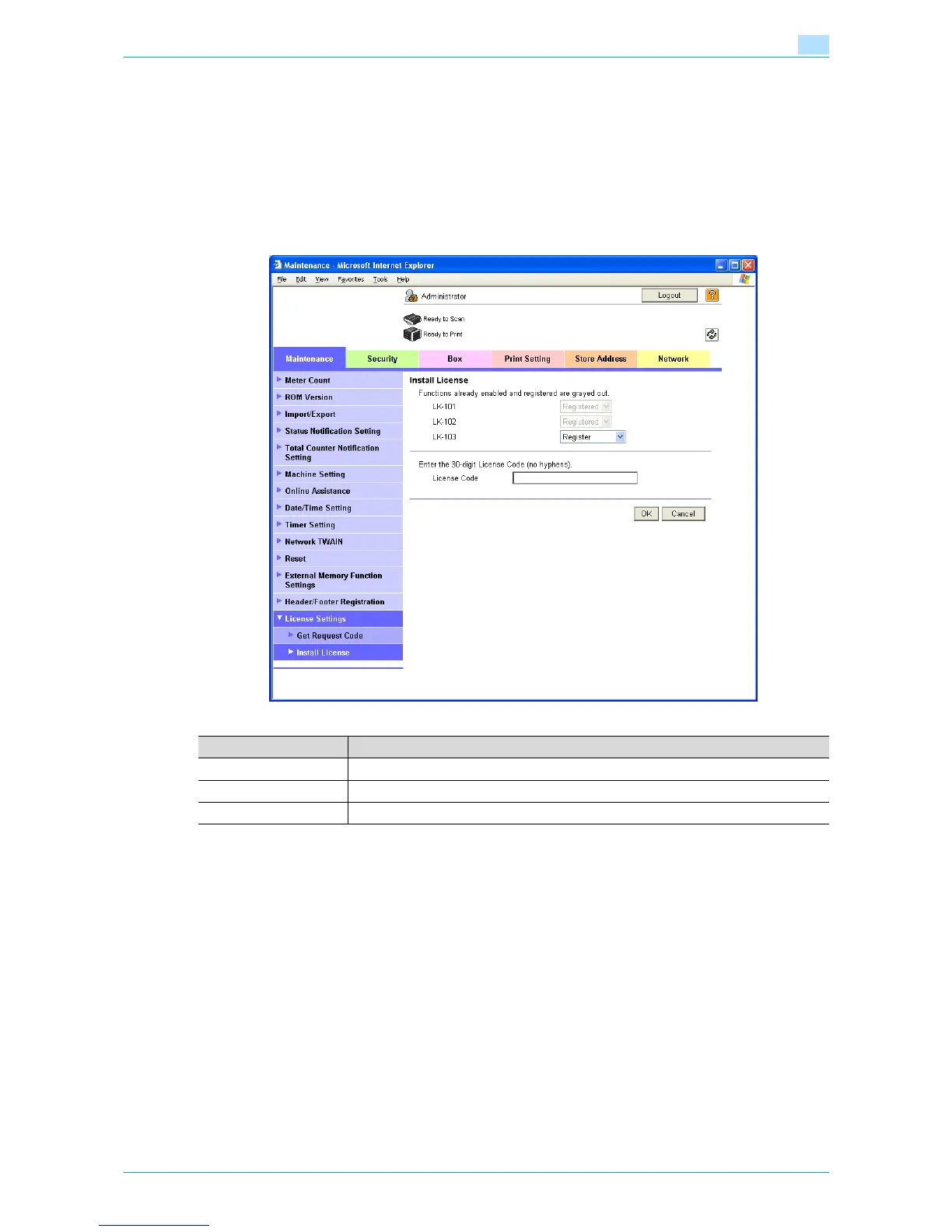
Install License
In Administrator mode of Web Connection, select the Maintenance tab - "License Settings" - "Install
License".
Specify the following settings.
!
Detail
If an additional memory included in optional upgrade kit is not installed, this menu item does not appear.
Item Description
LK-101/102/103 Select a function to be enabled, and then select "Registered".
License Code Enter the acquired license code without using hyphens.
[OK] Enables the function.











 To Next Page